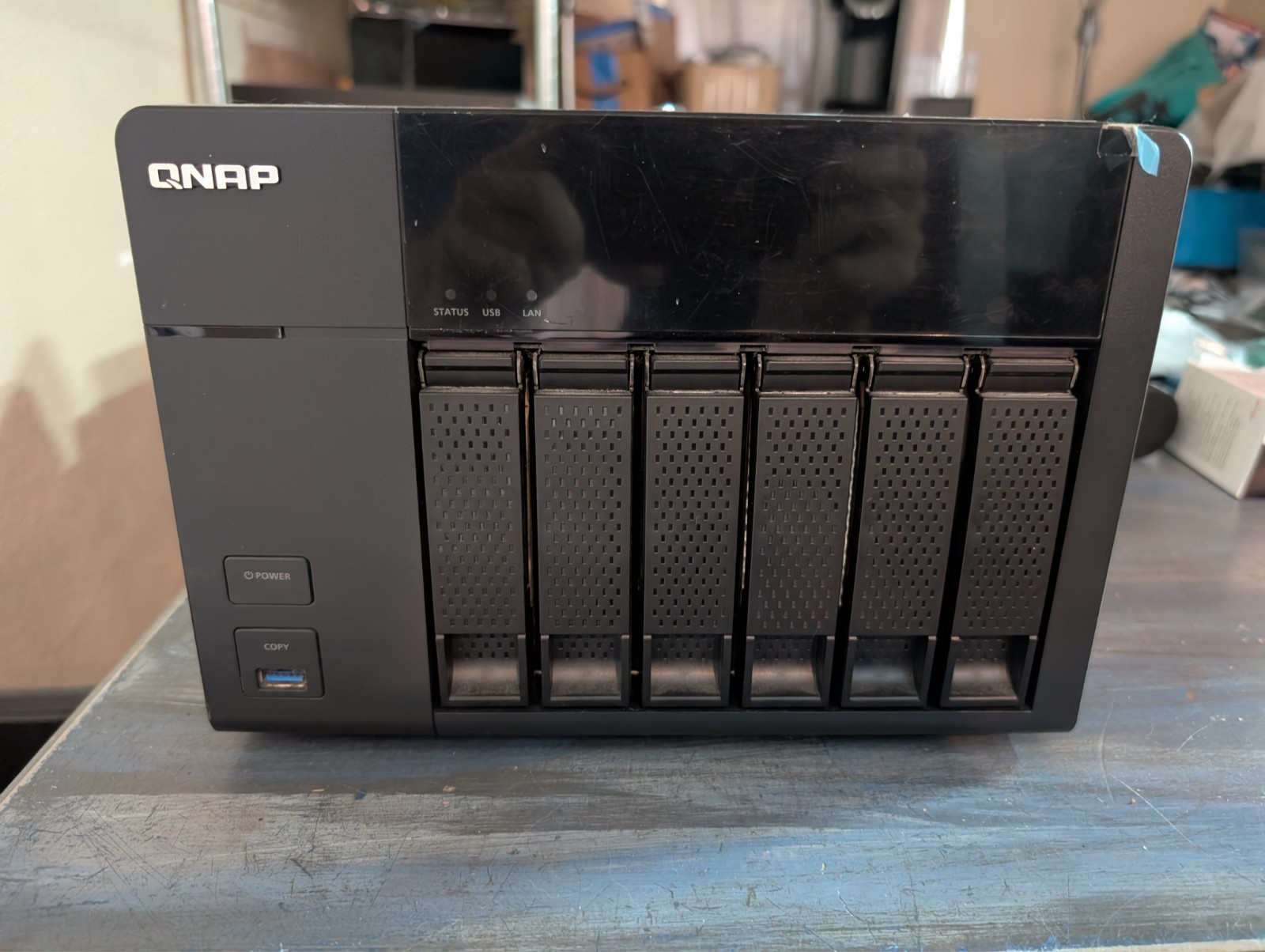
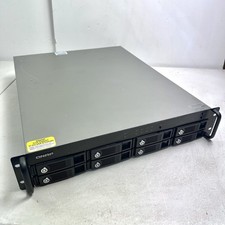
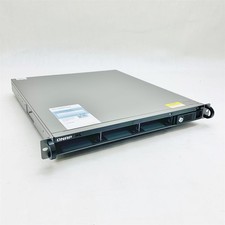
QNAP TS-651 Network Attached Storage - Used over 26TB.
We are so sad to see this go. We used this NAS for 5 years and it has been a set it and forget it and never ever had an issue period. This nas also includes 8TB + 6 drives that we used for years. We still have the orginial box and will ship the NAS with the new box that the nas was shipped in.
We are looking to have this go to a owner that loved it just as much as we did. This literally purchase this and config it and your off to the races.
QNAP TS-651 summary:The QNAP TS-651 is an older 6-bay tower NAS aimed at home, SOHO, and small-business storage. It is part of QNAP’s TS-x51 generation, built around an Intel Celeron J1800 dual-core processor running at 2.41 GHz with burst up to 2.58 GHz. It came in 1 GB RAM and 4 GB RAM versions, using DDR3L SODIMM memory, with 2 memory slots and official expansion up to 8 GB.Hardware highlights:• 6 hot-swappable drive bays
• Supports 3.5-inch or 2.5-inch SATA hard drives or SSDs
• SATA 6 Gb/s / 3 Gb/s drive support
• Intel Celeron 2.41 GHz dual-core CPU, burst up to 2.58 GHz
• 1 GB DDR3L base model or 4 GB TS-651-4G model
• Expandable RAM up to 8 GB
• 512 MB DOM flash memory
• 2 x Gigabit Ethernet ports
• 3 x USB 3.x ports: 1 front, 2 rear
• 2 x USB 2.0 ports on the rear
• 1 x HDMI port
• Front one-touch USB copy button
• IR receiver for media/remote use
• Kensington security slot
• Built-in 250W power supply
• Dual 9 cm cooling fans
• Size: about 6.89 x 10.12 x 9.25 inches
• Weight: about 13.6 lb empty
• QNAP lists operating power around 39.42W with six 1 TB drives installedMain features:• Central file storage for Windows, Mac, and Linux using SMB/CIFS, NFS, and AFP
• RAID storage management through QNAP QTS
• Personal cloud access through myQNAPcloud
• Qsync file sync, similar to a private Dropbox-style workflow
• Backup support including Windows backup tools, Apple Time Machine, USB one-touch copy, rsync, RTRR, and cloud backup targets
• Media serving through DLNA, AirPlay/Chromecast add-ons, Plex Media Server, Video Station, Music Station, and Photo Station
• HDMI output with QNAP HD Station/Kodi-era media playback support
• Real-time and offline Full HD video transcoding, including hardware-accelerated transcoding according to QNAP
• Virtualization Station support, but QNAP notes it needs at least 2 GB RAM, with the 4 GB model recommended
• QvPC mode, where you can connect keyboard/mouse/monitor and use some NAS apps locally through HDMI
• Surveillance Station support for IP camera recording and live monitoring
• App Center for QNAP and third-party packages
• Expansion support with QNAP UX-series expansion enclosures; QNAPWorks lists expansion up to 84 TB raw with a UX-800P, though that is based on older drive capacitiesPractical take:It is still a useful NAS for basic file storage, backups, media libraries, light Plex use, and camera recording if it is cheap and healthy. I would not treat it like a modern high-performance NAS. It only has 1 GbE networking, old DDR3L memory, an older dual-core Celeron, no built-in M.2/NVMe cache, no 2.5 GbE, and no PCIe expansion like newer QNAP models. For serious business use, virtualization, heavy Plex transcoding, or exposing services to the internet, I’d be cautious.If buying used, I’d check:• Confirm whether it is the 1 GB or 4 GB model
• Upgrade to 8 GB RAM if using apps, Plex, or virtualization
• Check QNAP’s current firmware/download page for the exact unit before putting it online
• Avoid direct internet exposure; use VPN/Tailscale-style access instead
• Verify all 6 bays detect drives properly
• Check fan noise, drive backplane health, power supply stability, and SMART status on any included drives
• Price it as old hardware, not as a modern 6-bay NAS