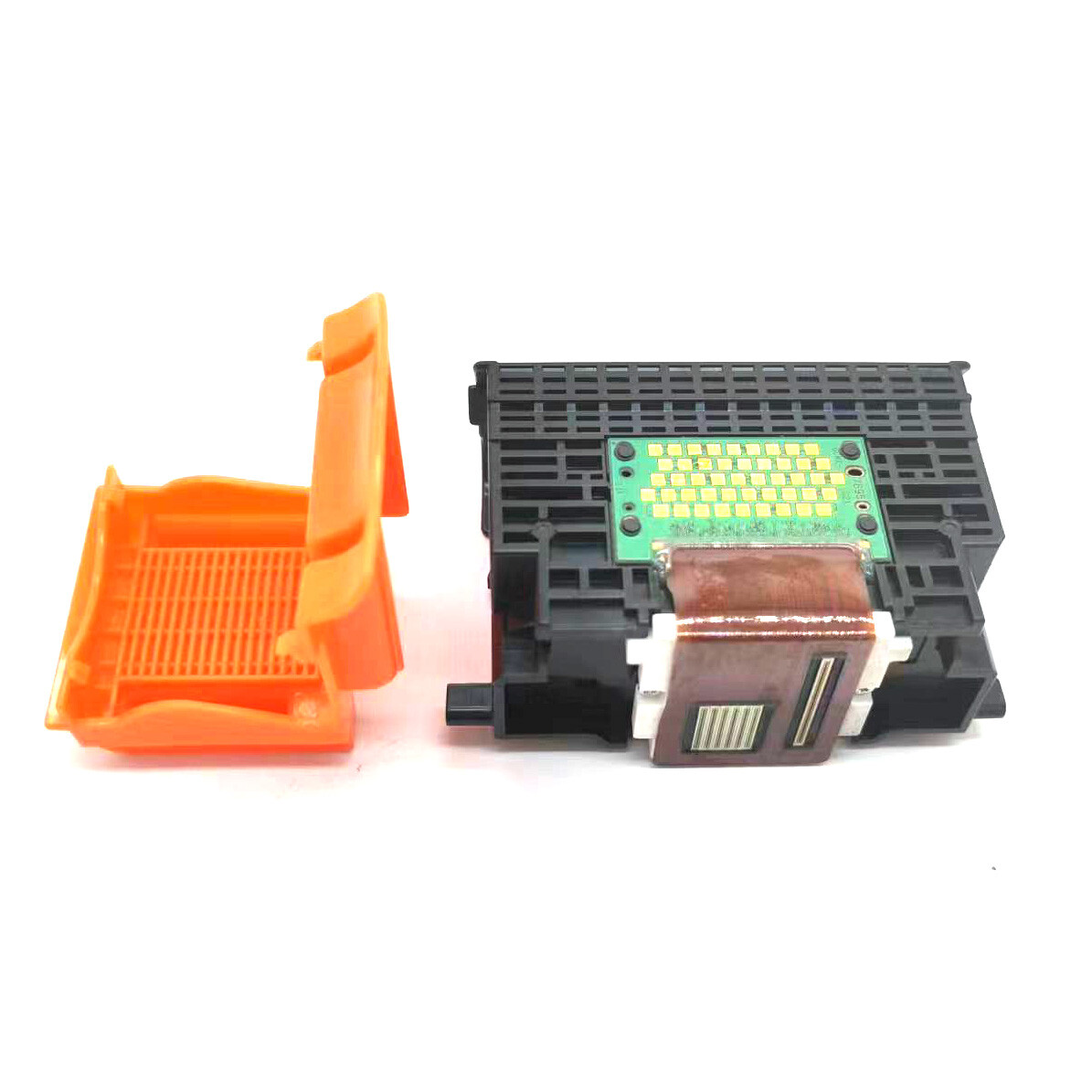
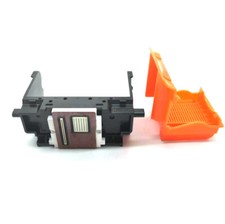
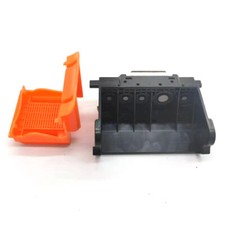
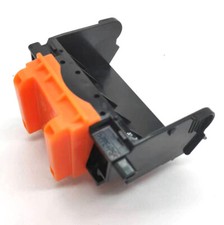
QY6-0067 Printhead Fits For Canon Pixma MP610 MP810 iP5300 iP 4500 iP4500
package included :1pcs
QY6-0067 Print Head Printhead Fits For Canon PixmaiP 4500MP610
SOLUTION FOR CANON ERROR
iSSCX, Making Printer Repairs Simpler!Error conditionError codePower lightSolution or Where the fault isAPP misalignment6A80Orange/green light flashes 12 times alternatelyReplace the cleaning unit or the main board or paper feed assemblyAPP sensor/feed cam sensor error6A90/6B10Orange light/green light flashes 14 times alternatelyReplace the cleaning unit or the main board or paper feed assemblyASF (cam) sensor error5700Orange light/green light flashes 5 times alternatelyCheck the Paper feeder assemblyAutomatic duplex printing cannot be performed1310Orange light flashes 10 timesPress the RFSUME button to cancel and exit this error, then
Replace the ink-absorbing spongeAutomatic print head calibration failed2500The orange light flashes 11 timesPress the FESUME buttonCarriage Unit wrong5100Orange light/green light flashes 2 times alternatelyreplace Carriage Unit or the encoder or Carriage Unit motor or main boardCleaning unit (cam) sensor error5C00Orange/green light flashes 4 times alternatelyReplace the cleaning unit or main boardCleaning unit (cam) sensor error5C20Orange light/green light alternately 16 times flashingcheck Cleaning unit drive systemCleaning unit valve sensor error6C10Orange light/green light flashes alternately 23 times alternately
Replace the cleaning unit or main boardDigital camera or camcorder does not support direct printing20C1Orange light flashes 9 timesUnplug the connection cable, press the RESUML button, and then reconnectDrive switch errorC000Orange light/green light flashes alternately 21 times alternately
Replace the cleaning unit or paper feederEEPROM error6800/6801The orange light/green light flashes 9 times alternatelyReplace the motherboardFront door error/CD/DVD printing light flashes 6 timesClose the front doorHigh temperature inside the printer5400Orange light/green light flashes 6 times alternatelyReplace the paper feeder or main boardInk cartridge chip error1410-1419Orange light flashes 15 timesReplace the good ink cartridgesInk cartridges cannot be recognized1684Orange light flashes 14 timesInstall a suitable ink cartridgesInk cartridges home position detection error6502Orange light/green light flashes alternately 19 times alternately
Reinstall the ink cartridges or replace the motherboardInk cartridges is incorrectly placed1681/1680Orange light flashes 7 timesReplace the correct ink cartridgesNo ink1688Orange light flashes 16 timesReplace the ink cartridges with inkNo ink or no ink cartridges installed1600/1660Orange light flashes 4 timesReplace the ink cartridges or press the RESUME buttonNo interface support
Orange light flashes 19 times
No Paper (ASF) / No DVD / No Paper in Tray1000/1001/1002/1003Orange light flashes 2 timesAfter putting paper in ASF, then press the Resume buttonOther errors6500Orange light/green light flashes alternately 20 times alternately
Replace the motherboardPaper feed encoder error6010Orange light/green light flashes 17 times alternatelycheck Paper feed encoder or main board or paper feed motorPaper jam: the paper is jammed on the tray/ the paper is jammed at the bottom/
Error closing the front door1300/1303/1304/1250Orange light flashes 3 timesRemove the paper and press the Resume buttonThe carriage unit raises the mechanical error5110Orange light/green light flashes 11 times alternatelyAdjust the Carriage Unit guide rails, frame and paper feeding components, etc.The ink cartridge hardware is malfunctioning. The ink cartridge cannot be recognized.1682
Reinstall the ink cartridge. If the error is not cleared, the ink cartridge may be malfunctioning, so replace it.The ink cartridge is not installed properly. The ink cartridge cannot be recognized.1485/1486/1487
Reinstall the ink cartridge. If the error is not cleared, the ink cartridge may be malfunctioning, so replace it.The ink cartridge is not installed properly/The ink cartridge cannot be recognized.1687
Reinstall the ink cartridge.the paper paper incorrectly6000Orange light/green light flashes 3 times alternatelyReplace the encoder or pickup roller or main board or paper feed motorThe print head is not installed / the print head is installed improperly / printing
Head EEPROM data error1401/1403/1405Orange light flashes 5 timesAfter installing the print head correctly or reinstalling the head, then shut down, then open the printer.The print head temperature is too high error5200Orange/green light flashes 8 times alternatelyReplace the print head or motherboardThe remaining ink level cannot be determined.1686
replace the ink cartridgeUnrecognized ink remaining1683Orange light flashes 13 timesReplace with new ink cartridgesUSB port error9000Orange light/green light flashes 15 times alternatelyReplace the motherboardVH monitoring error (print head voltage is abnormal)B200Orange light/green light flashes 10 times alternatelyReplace the print head or main board or power supplyWaste ink full errors5B00/5B10The orange light/green light flashes 7 times alternatelyReplace the ink-absorbing sponge or motherboardWaste ink is nearly full1700/1701Orange light flashes 8 timesPress the RESUME button to cancel and exit this error, then replace the ink-absorbing spongeMaintenance mode:
First enter the maintenance mode:
A. Press the RESUME button firstly, then press the POWER button to turn on the printer.
B. Pressing the POWER button, and release the RESUME button at the same time. Then double-click the RESUME button.
C. Release the POWER key and RESUME key at the same time, and when the power light turns green, it will enter the maintenance state.