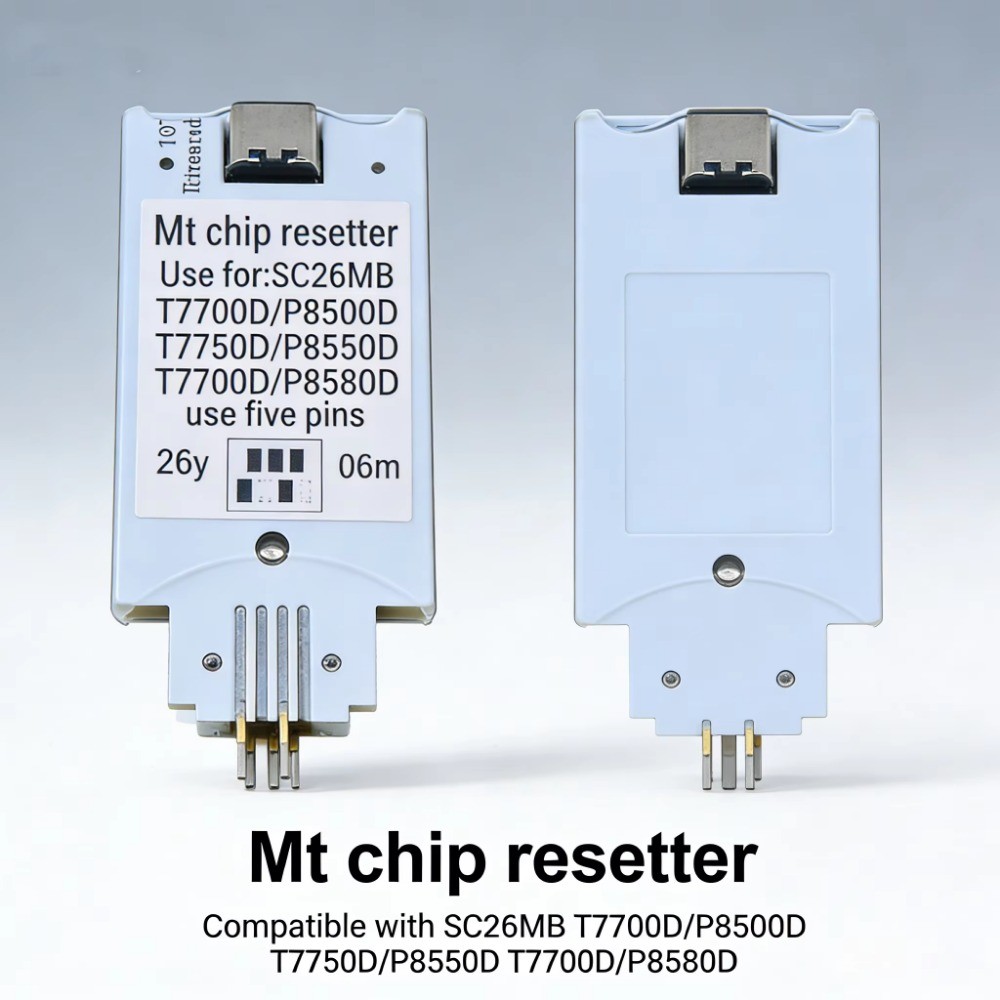
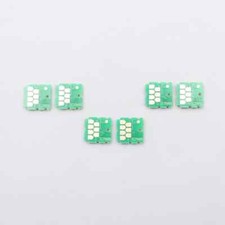
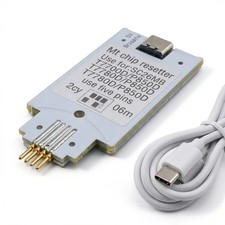
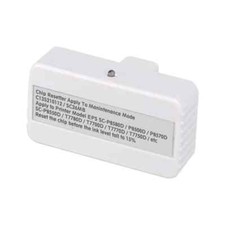
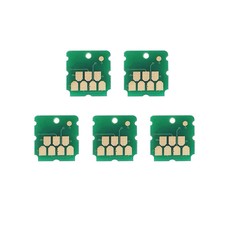
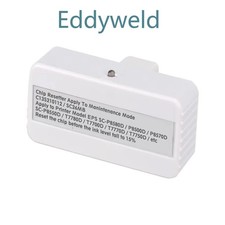
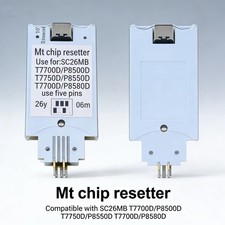
Highlights at a glanceCompatible Models Perfectly compatible with Epson series printers, including but not limited to:
T3740, T5740, T7740, T3730, T5730, T7730, T3790, T5790, T7790, T3750, T5750, T3760, T5760,
T7750, T7760, T3780, T5780, T7780, T3700, T3770, T5700, T5770, T7700, T7770, T5860DM,
P6560, P6570, P8560, P6550, P8550, P6590, P8590, P6530, P8530, P6540, P6580, P8580,
P11080D, P6500, P8500, P8570, SC-T7780, T5780D, T3780DR, P6580D,
P6580DE, P6580E, P8580DL, T3780DE, T3780E, T5780DR, T7780DL, P11080D Please confirm your printer model before purchasing to ensure perfect compatibility.
How to Use 1.
1.Take out the used maintenance box from your Epson printer.
2.Connect the chip resetter to the maintenance box chip using the included Type-C data cable.
3.The resetter will automatically complete the chip reset (no additional operation required).
4. After resetting successfully, install the maintenance box back into the printer, and the printer can work normally again.