PhomemoOfficial Free Shipping Worldwide One-Year Guaranty Customer Service
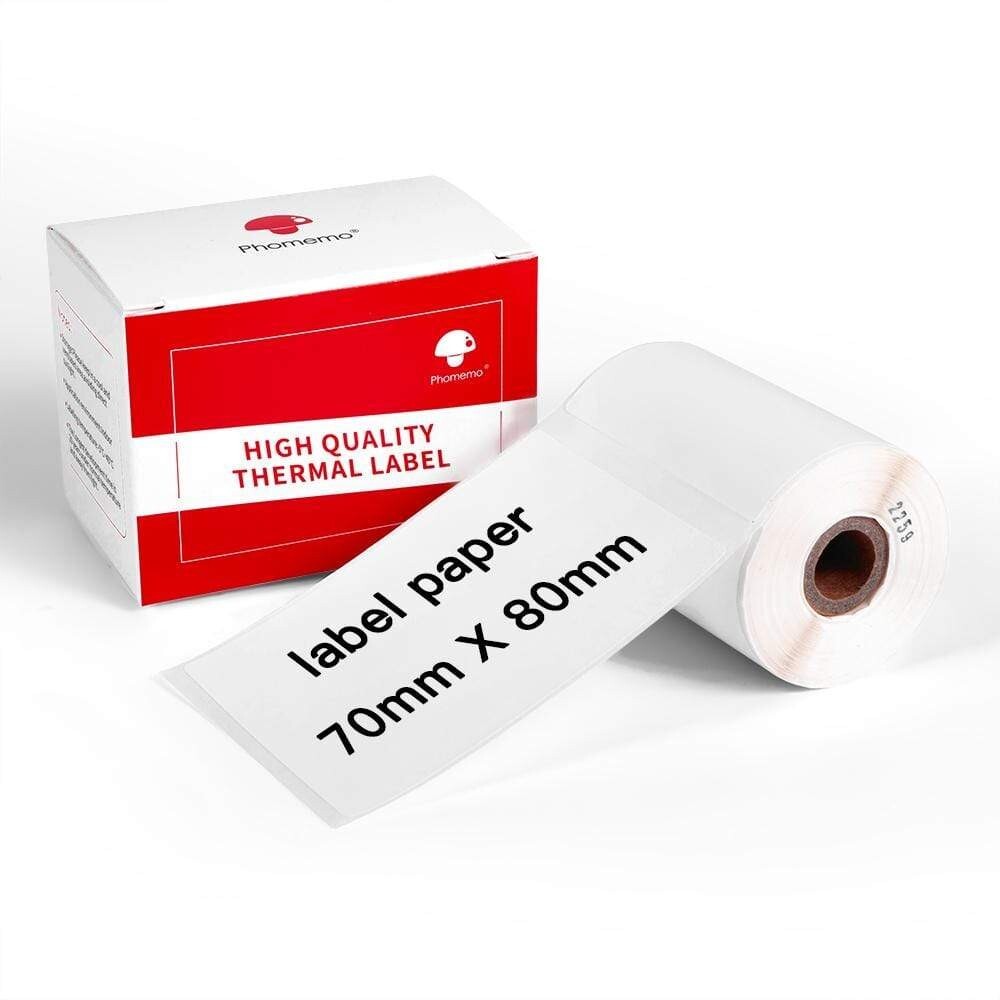
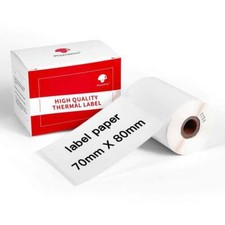
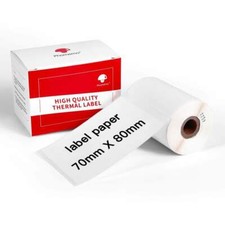
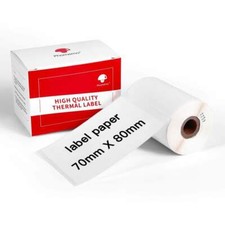
- White Square Sticker Thermal Label 70 x 80 mm (100 labels/roll)
Compatible with Phomemo M200/M220 Thermal Label Printer◆Regular whiterectanglethermal sticker printing label.
◆With adhesive on the backside of each roll of paper, you can easily stick it everywhere.
◆ECO friendly & Safety: no ink required, Bisphenol-A free.
◆Feature: waterproof, oil-proof, tearproof, great adhesive, and leave no trace.
◆It can be used as price labels. organization label, item label, etc, which helps you stay organized for your work and life.
Product:Multi-Purpose White Square Thermal Self-Adhesive LabelSpec:70mm × 80mm /2.75" × 3.15"Style:WhiteSquare Sticker,Black on WhiteQuantity:1 Roll (100 labels/per roll)Storage Time:1 Year (Under normal temperature and away from direct light)√ Multipurpose:
-A wide variety of label sizes are available for use in different applications.You can use this size label to make mailing address labels, price tag, shipping address labels and more.
√ Thermal Printing:
-Phomemo M200/M220 label maker are Bluetooth wireless connection and using thermal printing technology which are no ink or toner needed.
√ Easy to Use:
-One-click printing, saving time and effort. Smart app offers variety of fonts, filter effects and themes.
-Using App: Install "Print Master" app from Apple Store & Google Play->Turn on printer and open Bluetooth connection. Choosing printer model M200/M220 from app->Enjoy Printing.
√ Thermal Label Features:
-Directthermal print technology provides clear lettering without messy, ink or toner. one-click printing, saving time and effort.Smart app offers variety of fonts, filter effects and themes.
●Tips for keeping the best quality of thermal labels:
--Please keep the labels stay away from high-temperature and direct sunlight.
--Try not to let the labels resist physical friction (such as rubber friction) for a long time.
e.g. If you rub the labels for a long time, it'll be easy to damage the printing coat and cause it to fall off.
--Try not to let the labels approach chemical materials for a long time:
e.g. Touch the labels with your hands for a long time, because there may be sweat or lavender essential oil on your hands, and they will make the printings on the thermal labels fade quickened.
[Datacaciques code end]