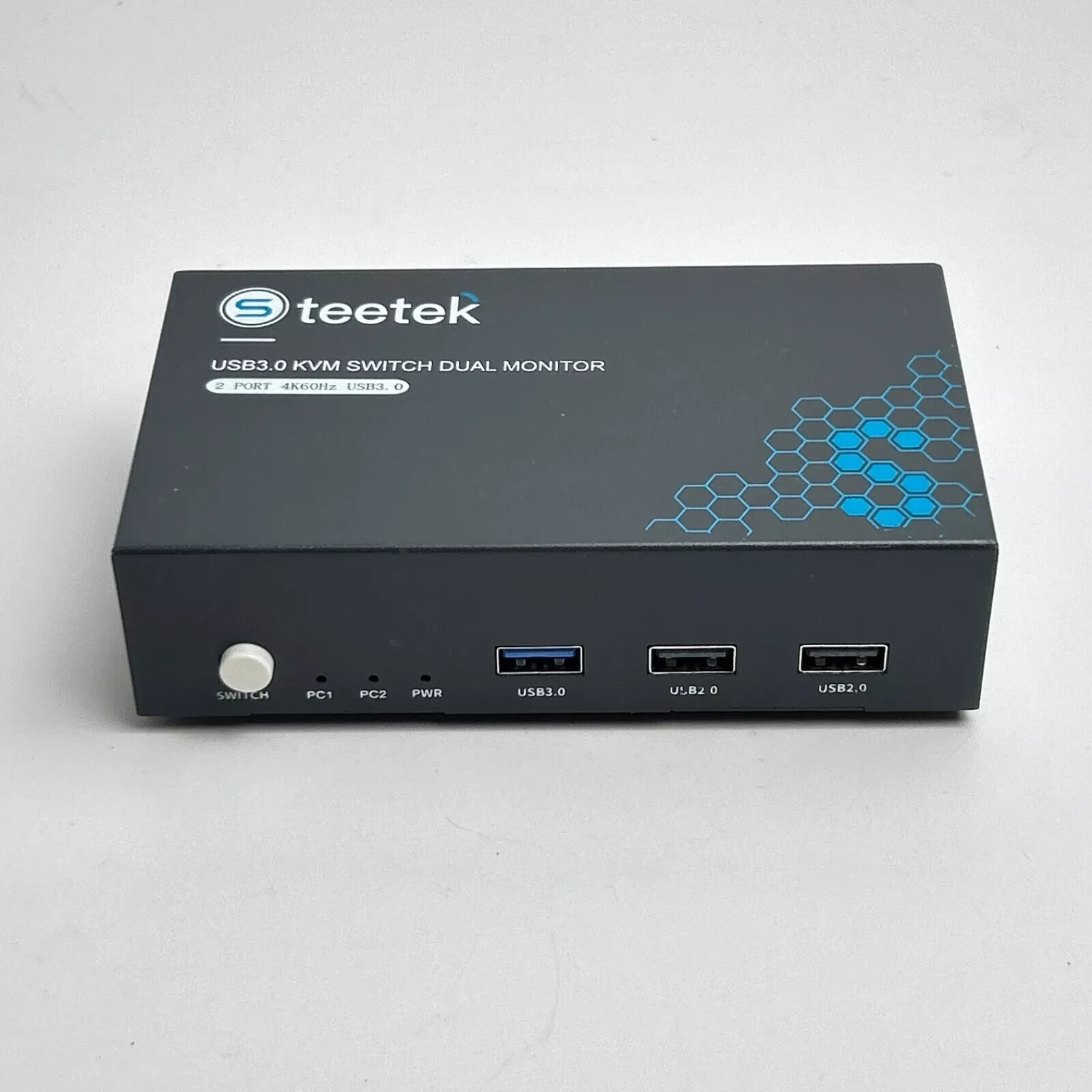
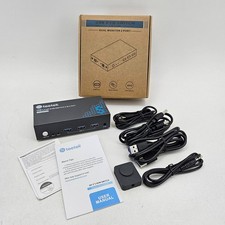
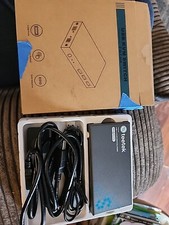
Like New, Used for a few months before switching set up. No box or manuals included but the device is plug and play and if needed, you can troubleshoot issues online.
Product Description2 Port USB 3.0 KVM Switch HDMI Dual Monitor
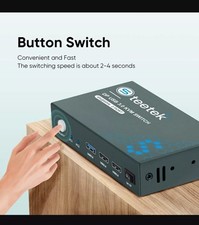
With this USB 3.0 HDMI KVM switch, you can easily control 2 devices at the same time, sharing 2 monitors and controlling them with the same set of keyboard and mouse. You can switch between the two devices at any time with a single button.
This USB 3.0 KVM Switch KVM Switch 2 Computer 2 Monitor supports two modes of switching (mirroring or expansion mode).
*Expansion mode can output two different screens, and mirror mode can output two identical screens.
*The requirement for this KVM to achieve dual screen display is that each computer you connect to has support for dual or multi-screen display. This has nothing to do with the KVM.
Test method: You can connect your computer directly to 2 monitors (not through KVM). If both monitors have a screen display, the computer supports multi-screen display.
KVM Switch With USB 3.0 and 2 USB 2.0 ports
This KVM switch comes with one USB 3.0 port and two USB 2.0 ports for sharing USB flash drives, printers, webcams and other USB 2.0 and USB 3.0 devices. the USB 3.0 ports transfer faster, theoretically 1.5 times faster than USB 2.0. It makes your work and life faster and more convenient.
How to connect?
Step 1: Connect the micro USB cable to the input device and the KVM to ensure power supply.
Step 2: Use 1 USB3.0 A-A cable and 2 HDMI2.0 cables to connect PC1 to “USB 3.0”, “HD IN 1 A” and “HD IN 1 B” ports of KVM Switch.
Step 3:Use 1 USB3.0 A-A cable and 2 HDMI2.0 cables to connect PC2 to “USB 3.0”, “HD IN 2 A” and “HD IN 2 B” ports of KVM Switch
Step 4: Use 2 HDMI2.0 cables to connect the 2 monitors to the "HD OUT A" and "HD OUT B" ports of the KVM switch.
Step 5: Plug the keyboard and mouse into the USB2.0 ports of the KVM switch.