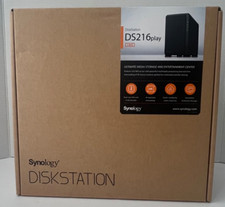
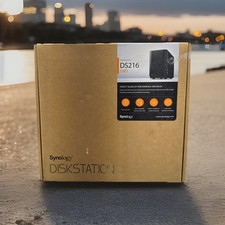
Synology DiskStation DS216se 2-Bay NAS – 2TB Storage – Tested & Fully FunctionalCondition
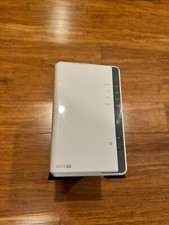
This Synology DiskStation DS216se NAS is in USED condition. The exterior casing shows some cosmetic scuffs and imperfections from normal use. The unit has been thoroughly tested and is fully functional.
Testing & Functionality
The unit has been tested through a complete setup using the Synology DiskStation Manager (DSM) local web interface.
Successfully powered on and completed initial setup.
Both installed hard drives were recognized.
Synology DiskStation Manager (DSM) operated properly.
All tested functions operated as expected.
Tested and confirmed fully functional.
Following testing, both hard drives were completely wiped, with all existing partitions removed.
Hard Drive Information
Includes 2x 1TB hard drives (Western Digital/Dell) for a total of 2TB raw storage capacity.
Both hard drives have been completely wiped, with all existing partitions removed. The drives are currently unpartitioned and show as unallocated space.
Please note: Since both drives have been wiped, the buyer will need to complete the initial Synology DiskStation Manager (DSM) setup and configure the storage volumes before use.
Initial Setup & Network Access
Connect the Synology NAS to your router or local network using an Ethernet cable.
From a computer connected to the same local network, open a web browser and navigate to [link removed by ] to locate the device and begin the initial setup.
Follow the on-screen instructions to install Synology DiskStation Manager (DSM), initialize the hard drives, and configure your storage.
Once configured, locate and make a note of the NAS's assigned local IP address for convenient future access.
Access the DiskStation Manager interface directly by entering the assigned IP address into your browser (for example, [link removed by ], substituting your actual assigned IP address).
Helpful Tip: After completing the initial setup, it is recommended to save or bookmark the NAS's assigned local IP address for convenient access to DiskStation Manager. This allows you to connect directly to the device without needing to use the Synology discovery website each time. The assigned IP address can also be located through your router's connected devices or DHCP client list. For consistent access, you may also reserve the assigned IP address through your router's DHCP settings.
What's Included
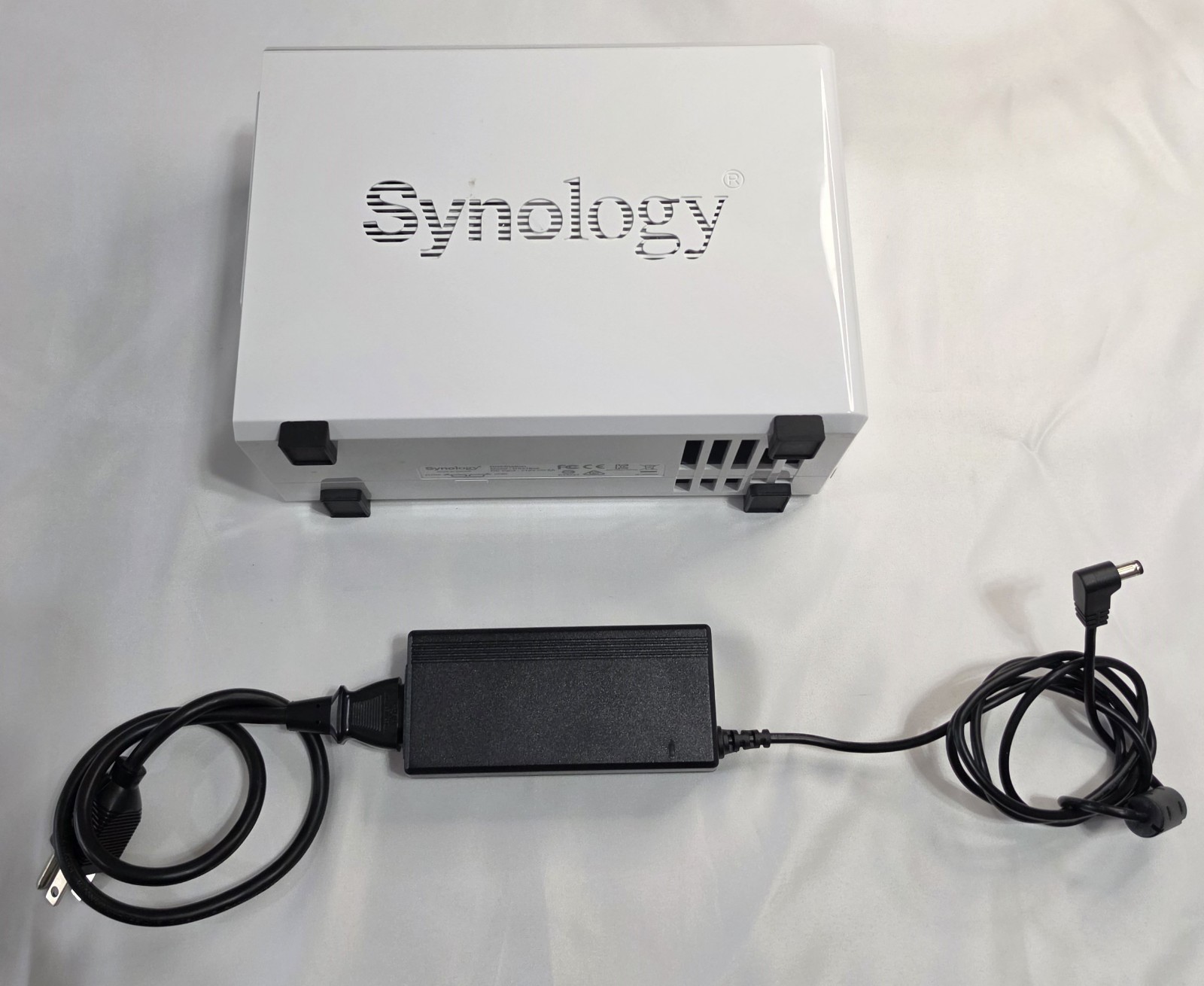
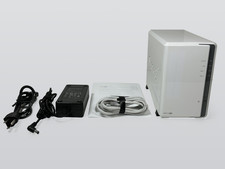
Synology DiskStation DS216se 2-Bay NAS
2x 1TB Hard Drives (Western Digital/Dell)
Power Supply
All Necessary Screws and Mounting Hardware
Additional Information
The Synology DS216se has been tested and confirmed fully functional through the DiskStation Manager interface. Both included hard drives have been completely wiped, with no existing partitions, storage volumes, or user data remaining. A fresh DSM installation and storage configuration will be required.