Product Description
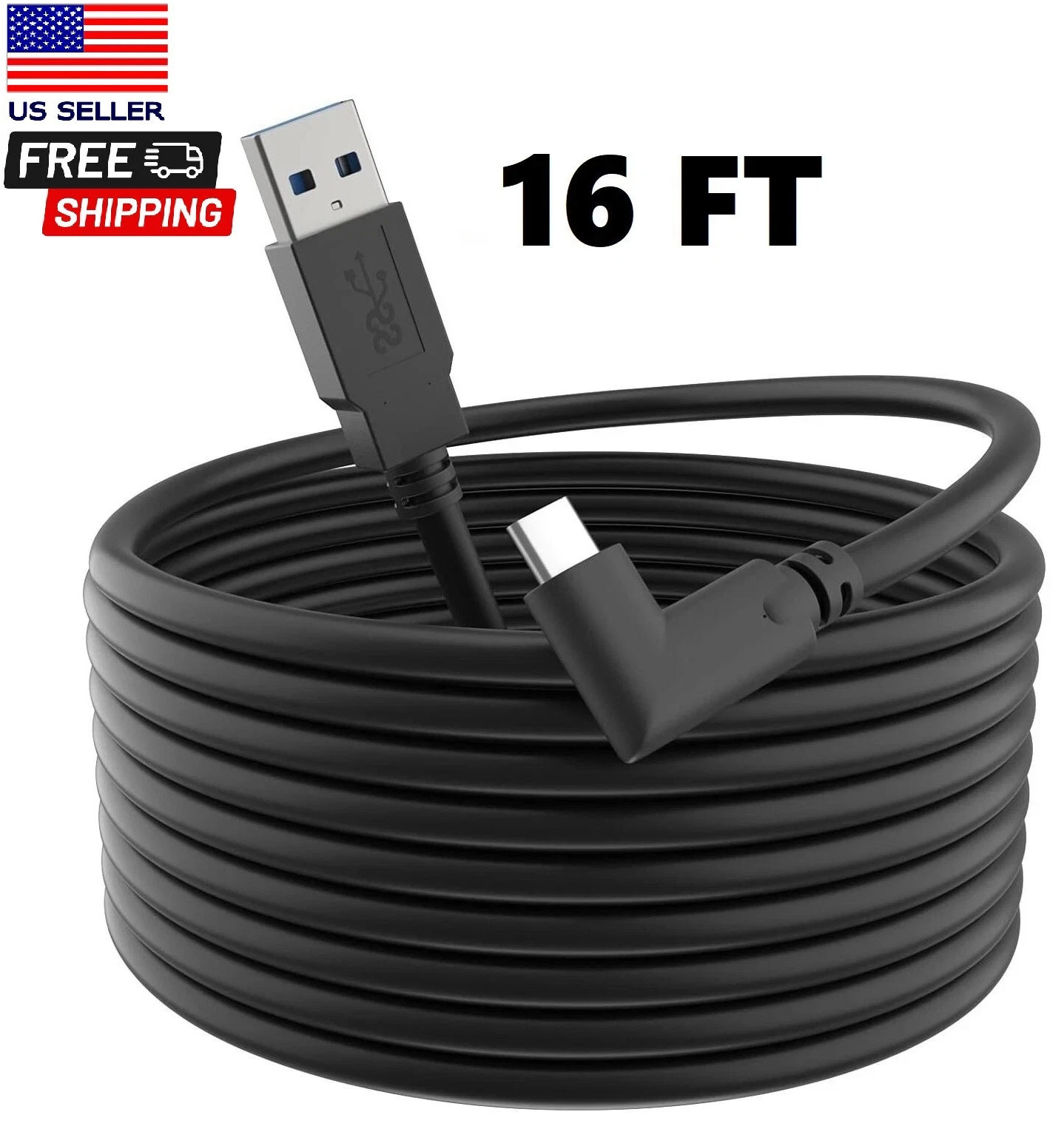
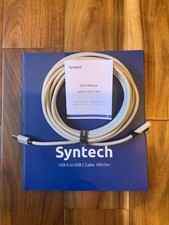
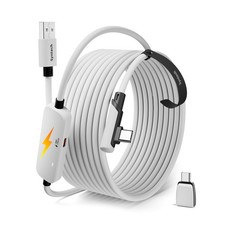
Lcueguk high-speed USB-C cable that connects your compatible gaming PC to our all-in-one Oculus Quest headset. Its lightweight, flexible design empowers you to take on a wide range of games from the action-packed Oculus Rift library.
Plug the USB C end of your Oculus Link Headset Cable into Quest headset, then make sure to plug the other end of the Cable into a USB3.0 or more advance specification behind the host on your computer.
NOTE:
1. If you plug the cable into USB2.0 interface which is obverse side of the host, Oculus Link cable will not work.
2. Make sure the PTC(Public Test Channel) is disabled/Opted out/turned off.
3.Make sure you have the latest Oculus Home App software.
Get Lcueguk VR Type c cable and Enjoy PC-VR Games
Why do you need ONE Lcueguk VR TYPE C CABLE
- Lcueguk VR Link Cable allows you to use the Oculus Quest almost the same way as the Oculus Rift, by connecting it to your PC and using its rendering capabilities.
- This allows you to enjoy full PC VR games and experiences available in the Oculus Rift library.
- the best features of the Oculus Quest 2 is it can be manually linked via USB to your gaming PC to play more demanding VR games you couldn't otherwise run natively on the headset
- it also suitable for photography studios,that is a great idea for Photographer.