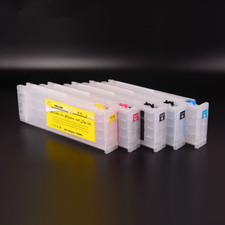
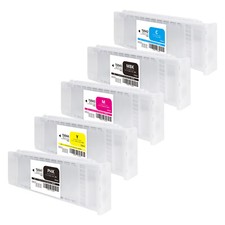
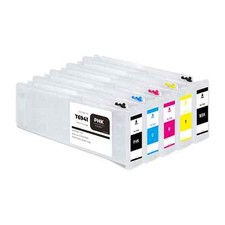
Product name
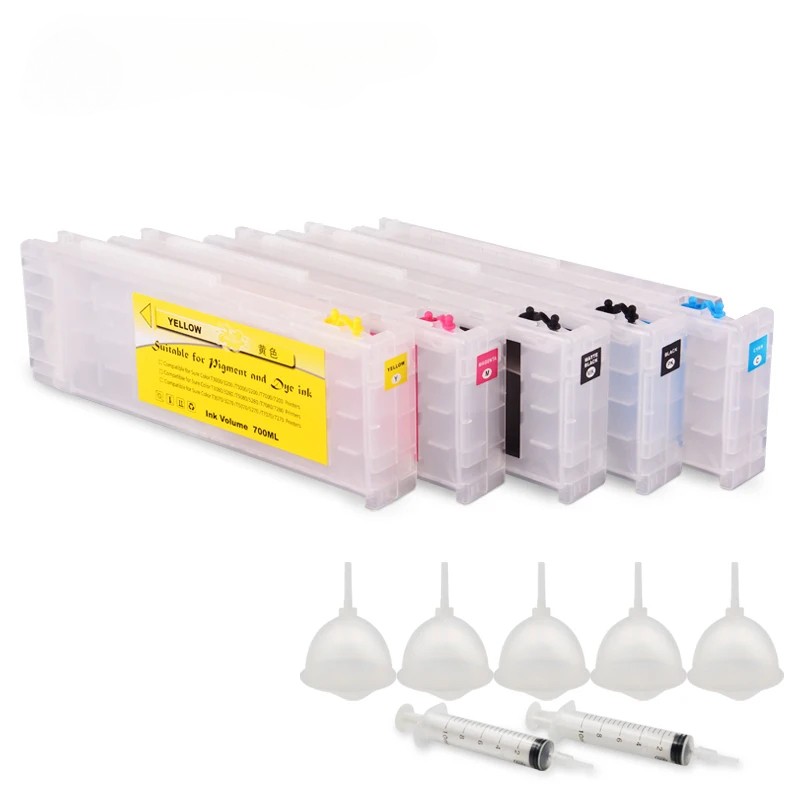
Ink cartridge / Refillable ink cartridge / Empty ink cartridge
Suitable printers
ForEpson SureColor T3000 printer
ForEpson SureColor T5000 printer
ForEpson SureColor T7000 printer
ForEpson SureColor T3070 printer
ForEpson SureColor T5070 printer
ForEpson SureColor T7070 printe
ForEpson SureColor T3200 printer
ForEpson SureColor T5200 printer
ForEpson SureColor T7200 printer
ForEpson SureColor T3270 printer
ForEpson SureColor T5270 printer
ForEpson SureColor T7270 printer
ForEpson SureColor T3270D printer
ForEpson SureColor T5270D printer
ForEpson SureColor T7270D printer
Cartridge number
T6941 T6942 T6943 T6944 T6945
Cartridge color
T6941 Photo Balck - PBK
T6942 Cyan - C
T6943 Magenta - M
T6944 Yellow - Y
T6945 Matte Black - MBK
Cartridge capacity
700ml/pc
Chip type
Installed with stable cartridge chip (one time use only)
Applicable ink type
Dye ink / Pigment ink / Sublimation ink / Eco-solvent ink
Warranty
1:1 replace any defective
What's in package
1 Piece× T6941 PhotoBlack ink cartridge
1 Piece× T6942Cyan ink cartridge
1 Piece× T6943Magenta ink cartridge
1 Piece× T6944Yellow ink cartridge
1 Piece× T6945Matte Black ink cartridge
5Pieces× Addink ink funnels
2 Pieces× 10ml injection syringe
How to refill ink to cartridge
Setp 1: Remove the ink plug,as shown in the figure.
Setp 2: Pour ink to cartridge bythe provided funnel from ink hole.
Setp 3: Don't overfill the ink,about 680ml ink is enough.After refilling ink,put the ink plug back into place.
Setp 4: Remover the air plug,as shown in the figure.
Step 5:Insert the included syring into the exitport and withdraw.This action will removeall air from the ink cartridge.
Notice at frist air comes out of thecartridge followed by a clean ink flow.
Step 6: Keep the air plug open,then install the cartridge to printer.close the cartridge cover.done.