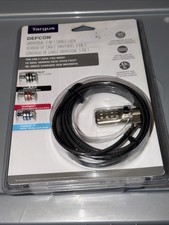
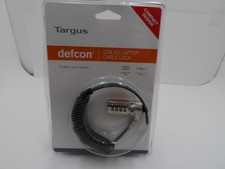
Targus DEFCON Combination Cable Lock Used
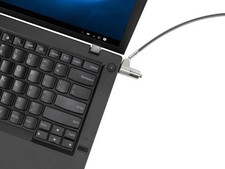
**PLEASE NOTE: YOUR LAPTOP COMPUTER MUST HAVE A LOCK SLOT TO
USE THIS CABLE.**
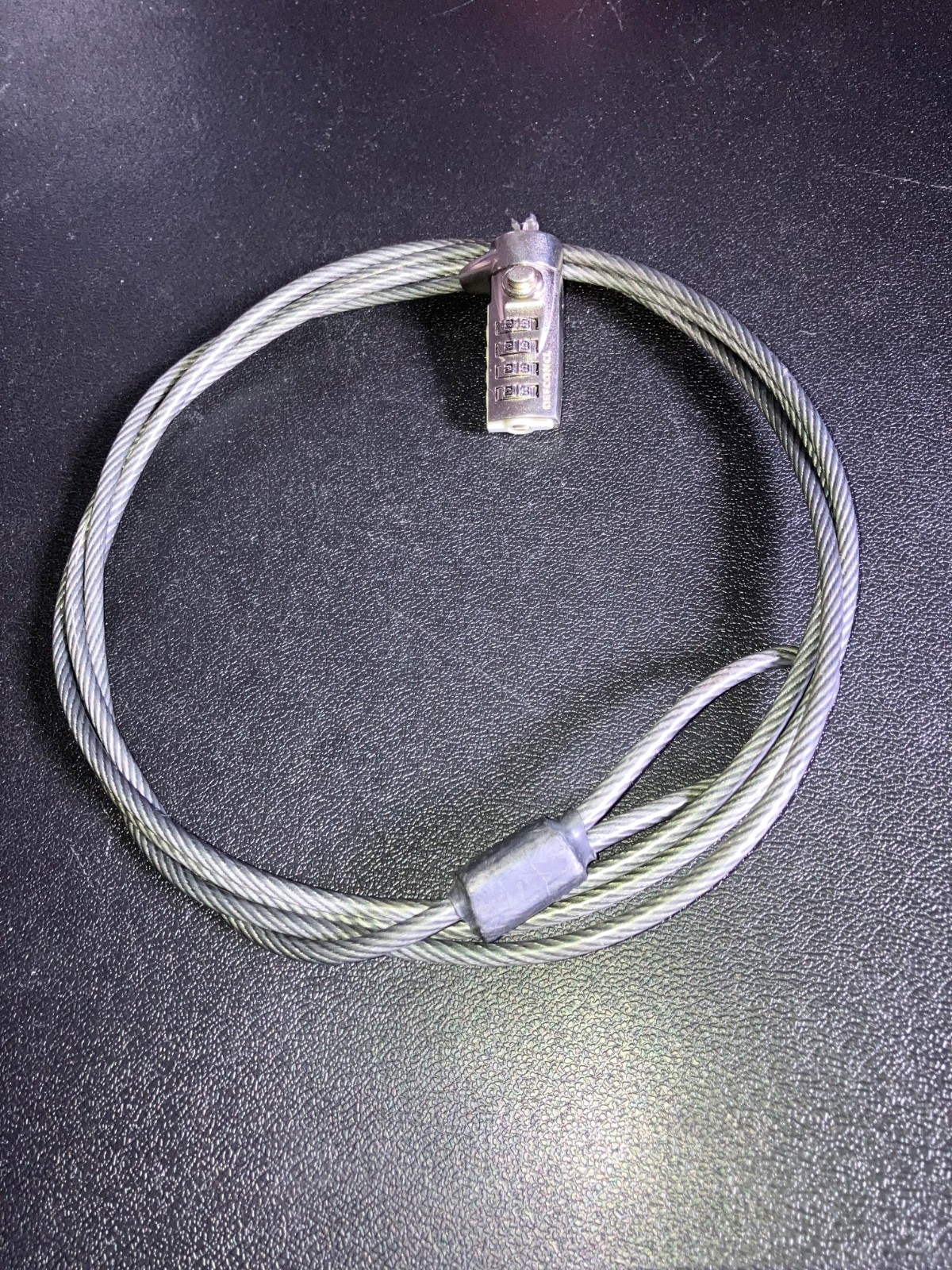
This Targus Defcon cable is 6.5 feet long.
One end of this cut-resistant galvanized steel cable includes a loop that allows you to secure the cable around any secure object, while the other end inserts into your laptop's security slot.
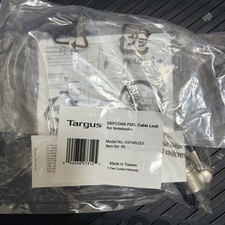
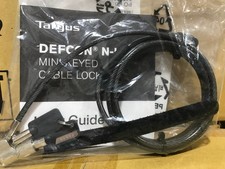
These directions for setting your combination are included.
Four of the lock’s numbers are all currently set at “0”. I have included instructions how to set your own combination.
Defcon Cable Lock: Setting the Combination: Turn each number wheel to your own desired number (in the gray circles. Make sure to write down your combination and keep it in a safe place.) With a small standard screwdriver,push in the reset screw and turn it 90°clockwiseto a horizontal position. (To find this set screw, look down along the gray plastic circles and on the end of the lock you’ll see this set screw.) Enter the new combination. Turn the reset screwcounterclockwisetill it reaches avertical position.Push the metal button near the insertion clips to make sure they open and close. Now your combination is set. Turn the buttons in different numbers to make sure the lock doesn't open until you select your combination. Now push the metal button again to make sure itdoesn’t open.Again, turn the number wheels to your combination, then push in the metal button to make sure your lock opens with your combination. Check it to make sure it opens and locks.
Zoom in on the photos if you need help with the directions.