|
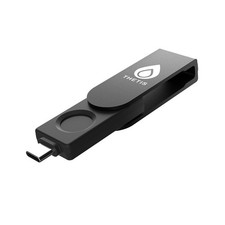
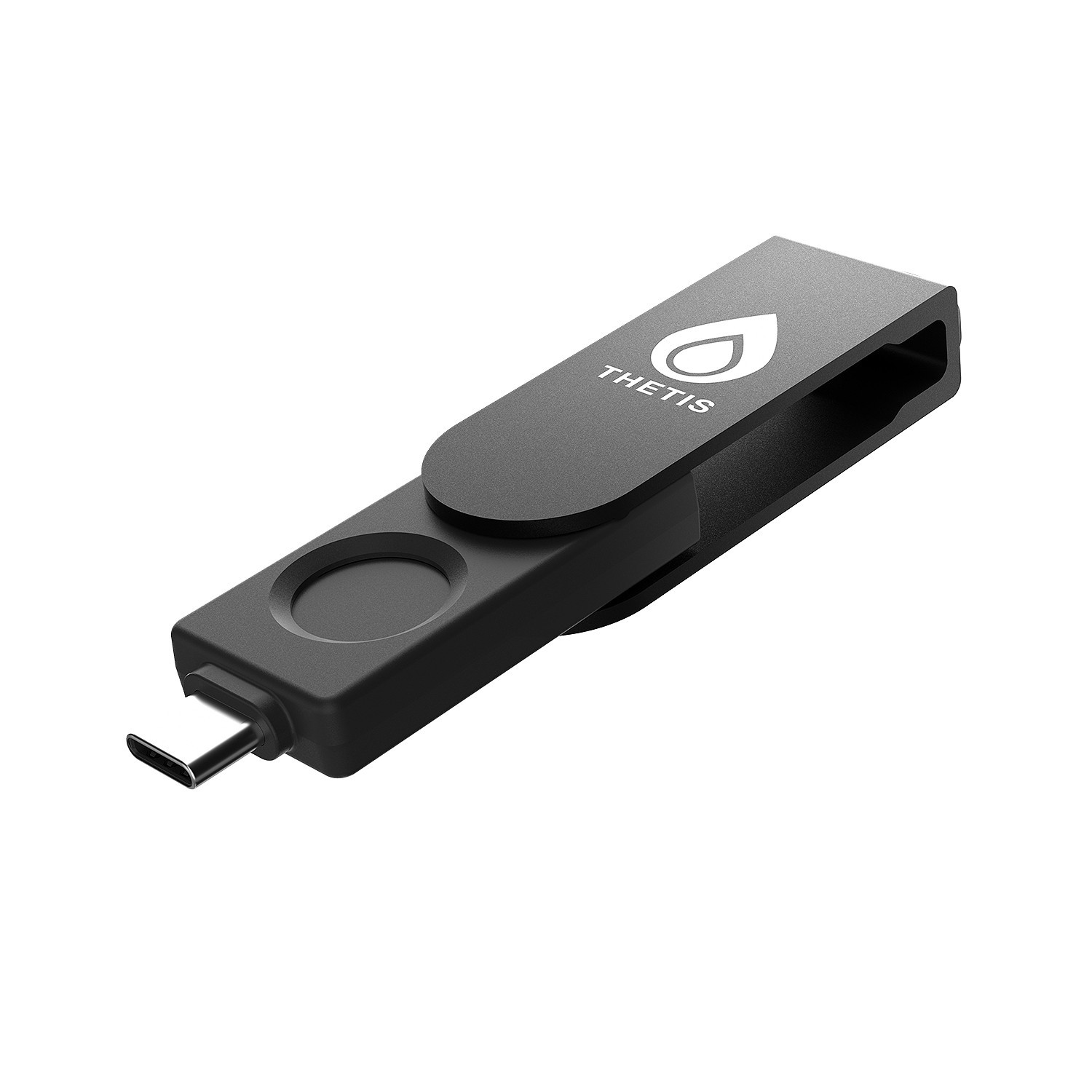
Thetis BIOFP Plus FIDO2 Fingerprint Security Key Passkey, via Connect USB Type C For Sale
|
 When you click on links to various merchants on this site and make a purchase, this can result in this site earning a commission. Affiliate programs and affiliations include, but are not limited to, the eBay Partner Network. When you click on links to various merchants on this site and make a purchase, this can result in this site earning a commission. Affiliate programs and affiliations include, but are not limited to, the eBay Partner Network.
- FIDO2 Certified Passkey Authentication: Officially FIDO2 certified for secure, passwordless login on supported platforms. Use modern passkeys with hardware-backed protection. Please verify your intended service supports FIDO2 hardware keys before purchase.
- Precision Fingerprint Sensor: Built-in high-accuracy biometric fingerprint sensor ensures fast, convenient authentication while preventing unauthorized access. No PIN reuse, no shared secrets—only your fingerprint unlocks the key.
- Strong Hardware 2FA/MFA Security: Enhances account protection with physical-presence and biometric verification, helping defend against phishing, credential theft, and account takeovers.
- USB-C Wired Compatibility (No NFC): Designed for stable USB-C authentication on desktops and laptops, including Windows, macOS, and Linux systems. Ideal for users and enterprises that prefer wired-only security keys.
- Durable Aluminum Shield, Portable Design: Features the same precision aluminum protective shield for long-term durability. Compact, lightweight, battery-free, and network-free-built for everyday carry and professional environments.
- FIDO2 Level 1 (L1) certification
AAGUID: these 3 steps to activate your Thetis FIDO2 Key and pair it with any compatible online service: 1.Set your PIN:Plug the key into your computer and use the Thetis Manager app or your browser settings to create a hardware PIN. 2.Register the key:Go to the security settings of your online account (like Google or GitHub), select "Add Security Key," and enter your PIN when prompted. 3.Authenticate:Tap the flashing sensor on the key to finalize the pairing and secure your account.
 |
|
|
|