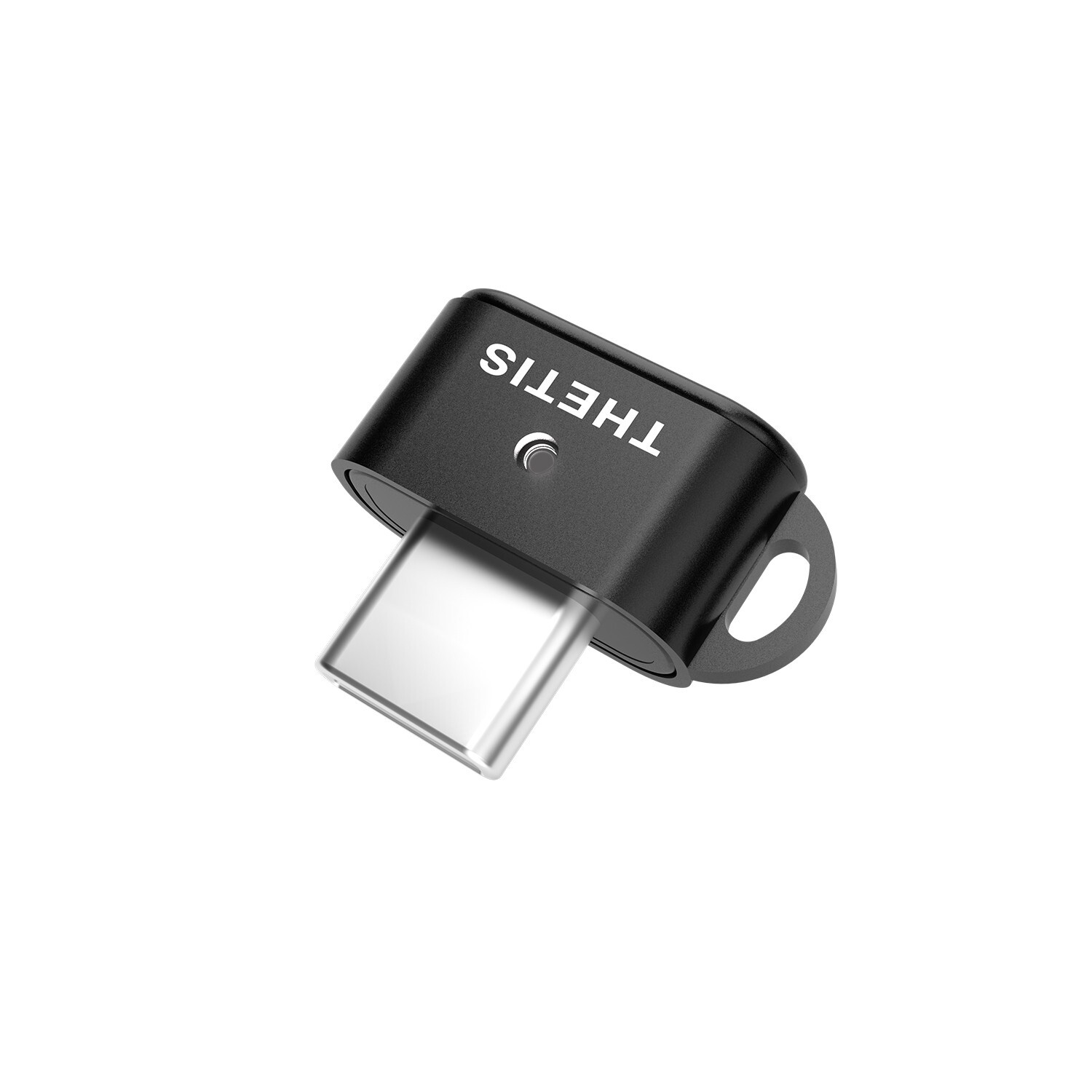
Ultra-Compact FIDO2 Security Key– Plug-and-stay or carry on a keychain. This USB-C hardware security key offers portable, always-on protection for desktop and mobile use.
USB-C Hardware Key for All Devices– Works with USB-C ports on PC, Mac, Android, and USB-C iPhones. Enables secure, cross-platform login with FIDO2.0 passkey support.
FIDO Certified Security Key– Meets FIDO and FIDO2 standards. Works with Google, Microsoft, GitHub, Dropbox, and more. Please check service compatibility before purchase.
Passwordless Login with Passkey– Supports passkey login via WebAuthn and CTAP2. Enjoy password-free sign-ins where supported. Not all websites or services currently support passkeys.
Advanced Multi-Factor Authentication– Offers 200 FIDO2 passkey slots and 50 OATH-TOTP slots. Strong, flexible 2FA/MFA support across various apps and authentication platforms.
Known Limitations–Account login via Chrome browser is supported on all Windows versions.Windows Hello login requires Enterprise edition with Entra ID. ID Austria not supported (requires FIDO2 L2).
Follow these 3 steps to activate your Thetis FIDO2 Key and pair it with any compatible online service:
1.Set your PIN:Plug the key into your computer and use the Thetis Manager app or your browser settings to create a hardware PIN.
2.Register the key:Go to the security settings of your online account (like Google or GitHub), select "Add Security Key," and enter your PIN when prompted.
3.Authenticate:Tap the flashing sensor on the key to finalize the pairing and secure your account.