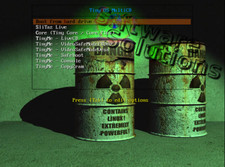
🔥 SAVE BIG ON LINUX MEGA PACKS 🔥
🛒 VISIT MY store LINK HERE 🛒
🚚 Ships Worldwide in Tamper Proof PackagingTINYCORE LINUXOS
LATEST BUILDS CHECK DROPDOWN
PERFECT FOR OLD & NEW DEVICES!
64-Bit(Live Boot, Full Installation)Brand New Bootable USB & DVD Drive
🙂 GIVE A NEW LIFE TO YOUR DEVICE!
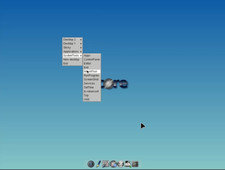
What is TinyCore LinuxOS?The Core Project is a highly modular based system with community build extensions.
BUILD VERSIONCORE-X86_64, TINYCORE-X86_64, COREPLUS-X86_64MEDIA TYPEBOOTABLE DVD, BOOTABLE USB, USB + DVD COMBOGive it a try. You’ll Love it!⭐️ How to Boot Linux OS from USB?✅ Steps for Windows PC & Chromebooks
Follow these easy steps:
- Turn-off your computer
- Insert the USB into any available USB port
- Switch on your computer
- Press the key that allows your computer to boot to an alternate device (ESC on many HPs, F12 on many Dells, F8 on many custom builds, yours may vary, see your computer's documentation)
- At the Book-up screen, select Boot from USB Interface option, press enter.
- Follow on-screen links for initiate OS.
- Wait for system to boot into LinuxOS.
- That's it! Enjoy!
✅Step for Apple Macs Devices
Follow these easy steps:
- Turn-off your computer
- Insert the USB into any available USB port
- Switch on your computer
- Press the Option keyon your keyboard to go the boot menu
- Select EFI Book
- Follow on-screen links for initiate OS.
- Wait for system to boot into Linux OS.
- That's it! Enjoy!
⭐️LOOK AT MY AWESOME response, BUY WITH 100% CONFIDENCE!