 When you click on links to various merchants on this site and make a purchase, this can result in this site earning a commission. Affiliate programs and affiliations include, but are not limited to, the eBay Partner Network. When you click on links to various merchants on this site and make a purchase, this can result in this site earning a commission. Affiliate programs and affiliations include, but are not limited to, the eBay Partner Network.
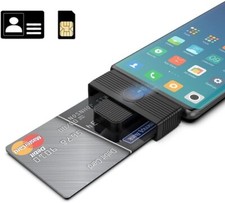
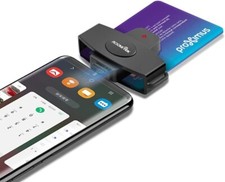
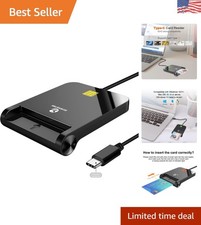
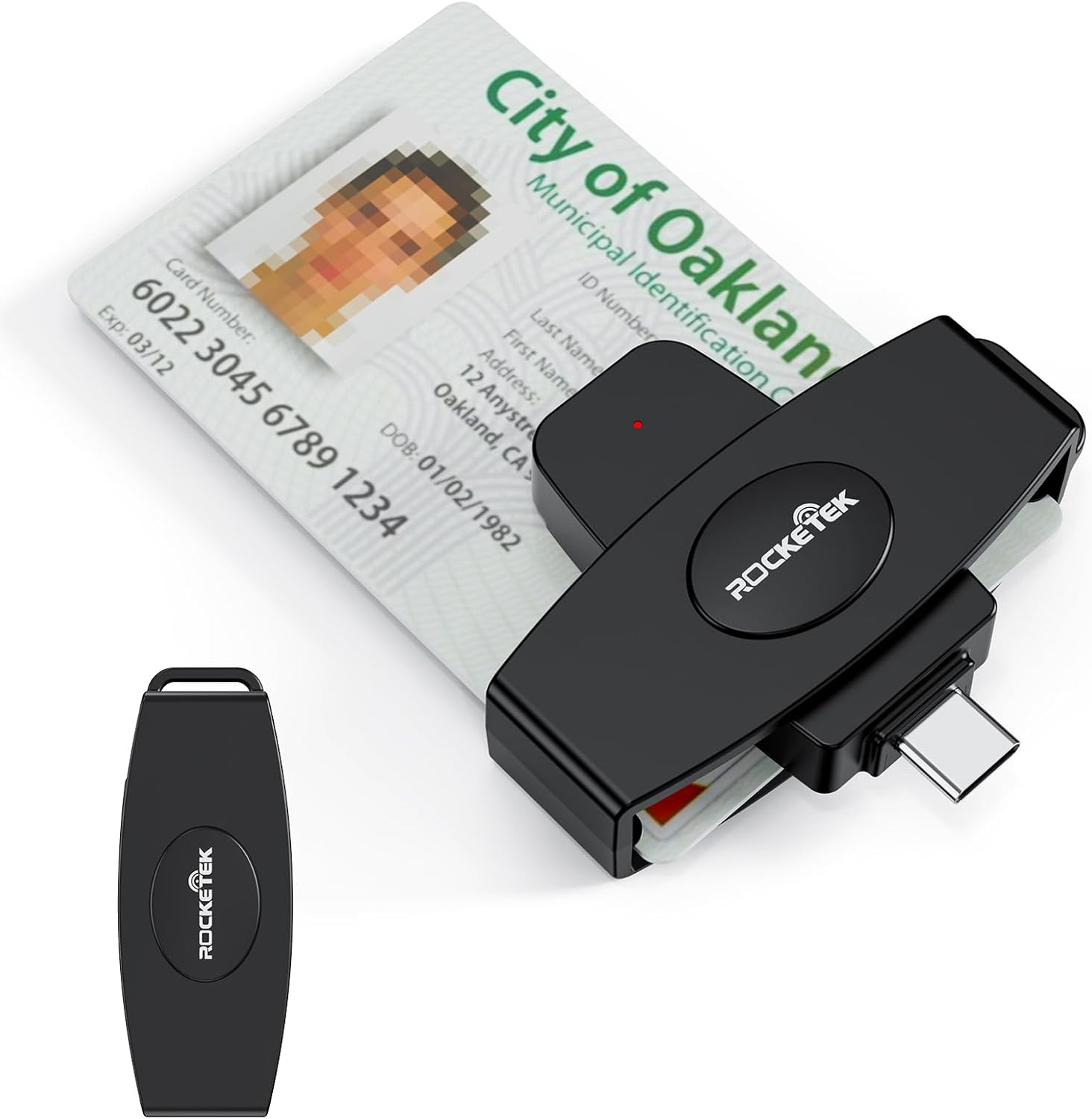
Product description Rocketek USB C Multi-function Smart Card Reader is an easy-to-install USB device, compliant with virtually any contact smart card, operating system and a variety of applications including online-banking and digital signatures. Which is easily install and operate for type C computers. Card compatibility: - - Support banks, post office, chip cards issued all over the country.
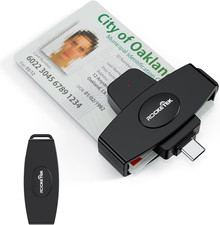
- - Can be used for CAC (Common Access Card), Government ID, National ID
- - For all contact smart card operations like online-banking or digital signature applications: ActivClient, AKO, OWA, DKO, JKO, NKO, BOL, GKO, Marinenet, AF Portal, Pure Edge Viewer, ApproveIt, DCO, DTS, LPS, Disa Enterprise Email etc.
- - Compatible with a wide variety of smart card operations for digital authentication and security, Network ATM transfer, payment, balance inquiries, Tax, water, electricity payment, Credit card bill payment, cash card payment.
- - SIM Card
System Compatibility: - Mac OS X(Insert a disk, close 'autorun' window firstly, then open file 'MAC installer' to install)
- Windows (32/64bit) XP/Vista/7/8/10
- Android OS
Specification: -Card types: 5V, 3V and 1.8V Smart Cards, ISO 7816 Class A, B and C -Certifications Standards: ISO-7816 & EMV2 2000 Level 1, CE, FCC, VCCI, CCID, Microsoft WHQL. FAQ Q: Why is the SIM Card not recognized? A: SIM Card is only compatible with window system, if you are using Mac OS system, it will not be able to read SIM Card. secondly, check if SIM Card is damaged. Q: How to set MAC? A:1. Find the System Settings, Find the Syetem Preferences 2. Click to enter, Find the Security and privacy 3. Click to enter, Unit will appear on this page, Also has a Lock Icon 4. Click the Lock Icon to enter, Appear:System Preferences is trying to unlock Preferences(Security and Privacy), Enter your password to allow the project. Q: Why can't I use this smart card reader on my MacBook? A: Mac users need to install Java first, and then go to our official website to download the driver to work properly. Q: Why can't I use the card reader after upgrading my computer system? A: Upgrading the computer system may cause incompatibility, and reinstalling the driver will solve it. - 【Plug & Play】Mini Fold DOD Military CAC USB smart chip card reader, Driver FREE on Windows 7 & Mac OS 10.11.1 or later. DOD and USG users: need a third-party CAC Enabler program. MAC user: Java is necessary for MAC user. Please install Java firstly on Java's official website. Android devices need to support OTG.
- 【CAC Card Reader Military】Type C DOD Military Common Access Card Reader for CAC Cards, Government ID, National ID, ActivClient, AKO, OWA, DKO, JKO, NKO, BOL, GKO, Marinenet, AF Portal, Pure Edge Viewer, ApproveIt, DCO, DTS, LPS, Disa Enterprise Email and other CAC cards.
- 【Certifications Standards】Credit Card Reader support ISO7816 Class A, B and C (5V/3V/1.8V) Smart Cards; CAC military reader compatible with US Military and Government DOD ID cards for secure login and RECOMMENDED by militarycac.com Movement detection with auto power-off Automatic Detection of smart card type Short circuit and thermal protection.
- 【Superior Design and Strong Security】DOD military cac reader ideally suited for use in high-security federal government applications, online banking and credit card payment apps, Windows authentication and Single Sign-On (SSO), Network login, and much more. High transfer speed for efficient transmission and saving time greatly.
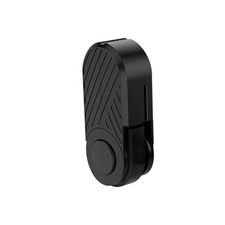
- 【360°Rotatable CAC Card Reader】With 360°rotatable design, making the card reader only the size of your thumb, this Type C DOD Military Common Access Card Reader can be easily hanged on your key ring, more convenient to carry. Buy our Type C CAC card reader, get 18-month Manufacturer's Warranty, Hassle Free Replacement and Free lifetime technical support.
 |
|