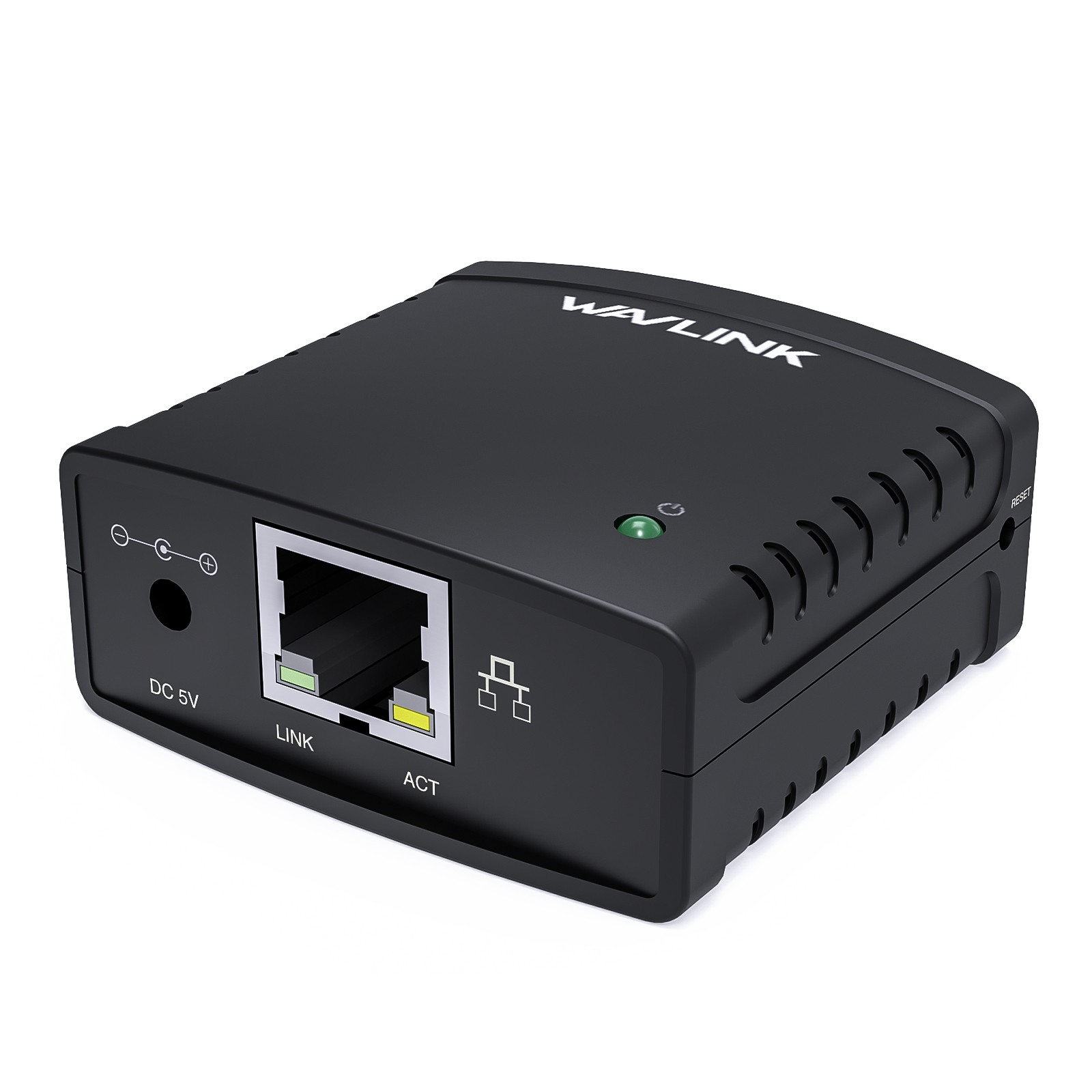
Network USB LPR Print Server Wavlink USB2.0 Network Print Server, LAN Print Share Server for USB Printers,
LPR Print Protocol 10/100Mbps Computer Print Server Adapter for Windows,
MacOS 10.7 or above, No Driver Required
Note Before Purchase: This print server does not require driver installation, but you need to download and
install the printer's driver from its official website and follow the manual to install the usb server.
Read "Printer Compatibility List" in "Product Document" before purchase. GUI(Graphical User Interface)-
based management, DHCP and auto IP supported.
Share A Printer: Tired of maintaining the printer's host PC? Wavlink print server converts an old USB printer
into a network printer, sharing a USB printer with multiple users over an Ethernet.
No additional printers are needed and save money, space and less cable mess.
Print From Anywhere: Print from any computer connected to the LAN. This print server doesn’t require
a wired connection to the computer, however you must connect the server to your network device
(eg. router/switch) with the included RJ45 network cable.
Extensive Compatibility: This print server is USB2.0 compliant, it works with
Windows 2003/2008/2012/XP/Vista/7/8/8.1/10/11, Mac 10.7 or later. Compatible with almost all
the USB printers such as ink-jet printer, laser printer, needle printer, multi-function printer, etc..
Perfect Solution: This USB printer network adapter allows any computer in the same LAN to access
the USB printer connected with this print server device. It is suitable for home or business applications, a
nd government or educational institutions that require shared printing capabilities.
Warm Tips
☺This print server does not require driver installation, but you need to download and install
the printer's driver from the printer official website and follow the manual to install the usb server.
☺Read "Printer Compatibility List" in “Product Document” before purchase.
☺Make sure your computers and the print server are in the same local network (subnet, LAN).
☺This product can only be connected to a router or switch via a network cable. Do not support broadcasting wifi.
However, you should connect the device to the wireless router and share the printer via wifi of the WL-NU72P11
Color: Black
Material Type: ABS
Item Weight: 37g/ 1.3oz
Network Cable Length: 100cm/3.3ft/39.4in
Power Adapter Cable Length: 120cm/3.9ft/47in
Product Dimensions: 54*54*25mm / 2.1*2.1*1inches
System Requirement: Windows 2003/2008/2012/XP/7/8/8.1/10/11, Mac 10.7 or later.
Package List:
1x Networking USB LPR Print Server
1x RJ45 Ethernet Cable
1x Power Adapter
1x Instruction Manual
Wireless Print Server
WAVLINK USB Wireless Print Server, WiFi Print Server with 10/100Mbps LAN/Bridge,
480Mbps USB2.0, Support Wired/Wireless/Standalone Modes,
Compatible with Windows/Mac and All RAW-supported Printers
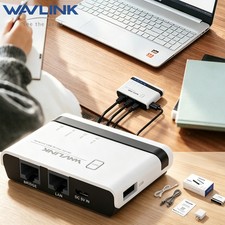
Share Up to 4 Printers - The print server transforms your USB printer into a wireless printer,
so as long as it is on the same network, no matter where the computer is, you can easily access and
use the printer. In addition, with the help of a USB-A hub, this USB print server supports connecting
four printers, which greatly improves the efficiency of printing files and is suitable for multiple people.
Various Operation Modes - This printer wireless adapter supports wired mode, 2.4G wireless network
mode and standalone mode, converts your ordinary USB printers to wifi printers in different ways to
meet your needs for using wireless printers on varied occasions. Note: In stand-alone mode,
you don’t need to connect the superior router, but there’s no access to the Network at the same time.
Web Management - Get rid of hassled driver installation and complicated setting steps,
enjoy one-stop printer and print server configuration on the web interface (usblogin com) with
WAVLINK usb wireless print server. Please Note: This print server does not require an external driver,
but you need to download and install the printer's driver from its official website and follow the Q
uick Start Guide to connect the printer to the computer.
Broad Compatibility - Widely compatible with Windows 7/8/10/11/XP, Mac OS. Equipped with a usb2.0 port,
the wifi print server is perfect for almost all usb printers, including ink-jet printers, laser printers,
receipt printers, stylus printers, barcode printers and other RAW-protocol-supported printers.
If you are not sure whether your printer supports the RAW protocol, it's recommended to consult
our customer service to confirm.Note:Scanning is not supported.
Compact Size, Powerful Use - Featuring a pocket-size of 7.5x5.4x1.8cm and a light weight of 43g,
you can place it anywhere. The high-speed 480Mbps usb2.0 port and 100Mbps bridge/lan ports on the
wireless print server allow you to print out in seconds, also support automatic queue printing,
which is ideal for applications at home, small office, supermarket, educational institutions etc. that require shared printers.
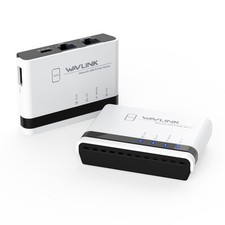
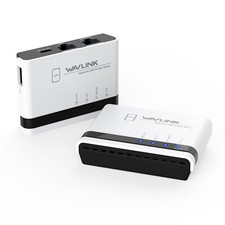
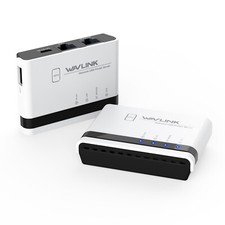
Description of LED Indicators
WLAN LED is on/off —— The WiFi is activated/deactivated
LAN LED is on/off —— The LAN port is connected/disconnected
BRIDGE LED is on/off —— The BRIDGE port is connected/disconnected
SYS LED is on/slow blinking —— The printer server has/hasn't connected to the router.
SYS LED is fast blinking —— The WPS is ON
Specification
Model: WL-NU516U1
Color: White
Material Type: PC+ABS
Item Weight: 43g/1.5oz
Network Cable Length: 1.1m/3.61ft
Power Adapter Cable Length: 1m/3.28ft
Product Dimensions: Requirement: Windows 7/8/10/11/XP, Mac OS
Operation Modes: Wire Mode, Wireless Mode, Standalone Mode
In the Box
1 x Wireless USB Print Server
1 x 5V/1A Power Adapter
1 x Ethernet Cable
1 x Micro USB Cable
1 x Quick Start Guide
Warm Notes
- Please make sure that the print server is connected to a power supply before use.
- This print server does not require an external driver, but you need to download and install the printer's
driver from its official website and follow the Quick Start Guide to connect the printer to the computer.
- This print server is compatible with printers that support RAW protocol. If you are not sure whether
your printer supports the RAW protocol, please contact our customer service to confirm.
- It is recommended that your computer and the print server be under the same local network.
- In stand-alone mode, you don’t need to connect the superior router, but there’s no access to the
Network at the same time.
- Supports connecting multi-function printers, but does not support the scanning function of it
- This product does not support printing from phones and tablets.