 When you click on links to various merchants on this site and make a purchase, this can result in this site earning a commission. Affiliate programs and affiliations include, but are not limited to, the eBay Partner Network. When you click on links to various merchants on this site and make a purchase, this can result in this site earning a commission. Affiliate programs and affiliations include, but are not limited to, the eBay Partner Network.
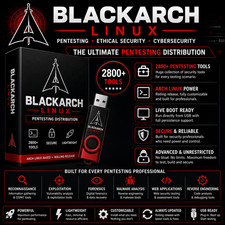
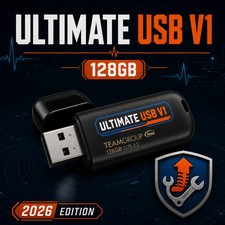
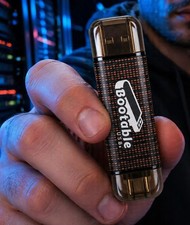
All-in-one, high-capacity multi-boot toolkit on a fast 128 GB USB 3.0 drive with dual USB-A/USB-C.Boot multiple Linux environments, Windows recovery/installer tools, and a curated set of lawful forensic/cybersecurity and system-rescue utilities — ideal for IT pros, refurbishers, students, and homelabbers. 128 GB USB 3.0Dual USB-A / USB-CMulti-Boot MenuLinux & Windows ToolsSystem RecoveryForensics / Cybersecurity*What You Can Do - Repair & recover:fix boot issues, rescue files, run disk checks & imaging.
- Install or reinstall OS:launch common Linux installers and Windows installer/recovery (license required).
- Diagnostics:memory, disk, and hardware tests to troubleshoot problem PCs.
- Training labs:practice lawful forensic workflows and security basics in offline labs.
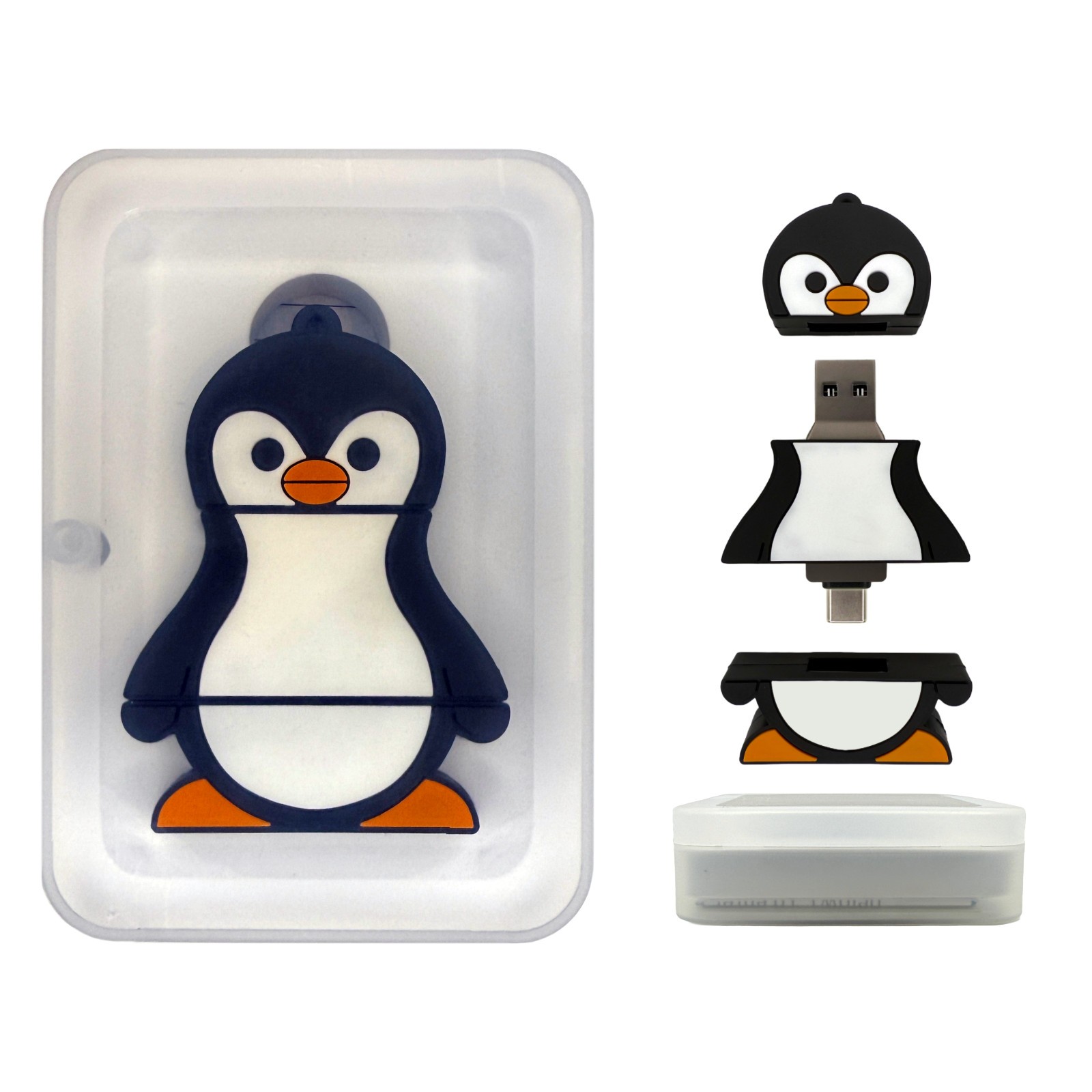
📦 Package / What’s Included - 128 GB USB 3.0 drive withdual USB-A/USB-Cconnector.
- Pre-configured multi-boot menu with Linux live environments & Windows recovery/installer entries.
- Curated toolkit: disk/partition utilities, imaging/clone tools, file recovery, hardware tests, lawful account recovery utilities, and basic forensic triage apps.
- Quick-start card: boot keys & menu map.
Boot Modes:UEFI & Legacy BIOSConnector:USB-A & USB-C (on one stick)Speed:USB 3.0 (backward compatible)Capacity:128 GB (pre-partitioned for multi-boot) Tool selection may vary slightly by batch to maintain stability and compatibility. 🧰 Typical Menu Categories (Examples) - Linux Live Desktops:user-friendly distro for browsing, file copy/backup, and optional install.
- Windows Repair / Install:access Windows installer & recovery options (Startup Repair, SFC/DISM, restore points).
- Disk & Imaging:partition managers, SMART checks, clone & image tools.
- Forensics / Cybersecurity (Lawful Use):read-only triage, hashing, and analysis basics for training labs.
- Networking & Utilities:testers, drivers, and firmware helpers where supported.
Note:Some items require Internet for updates or drivers once the OS is installed. 💻 Compatibility & Requirements - Systems:x86_64 (64-bit) PCs that can boot from USB (UEFI or Legacy BIOS).
- RAM:4 GB+ recommended (8 GB+ for heavy tools).
- Secure Boot:some PCs may require disabling Secure Boot to start external media.
- Licensing:Windows installation/activation requires a valid license (not included).
⚙️ Quick Start - Insert the USB and power on the PC.
- Press the boot-menu key (F12,Esc,F10,F2, etc.) and choose the USB device.
- Select the desired entry from the menu (e.g., Linux Live, Windows Installer, Disk Tools) and follow on-screen steps.
- Back up important files before making changes; image drives prior to risky operations.
For fastest performance, use a USB 3.0 port. USB-C works great on modern laptops and desktops. 🧭 Common Scenarios - PC won’t boot:run Startup Repair, check disks, copy files to an external drive, then reinstall if needed.
- Slow/corrupt OS:verify disk health, run OS repair utilities, or do a clean install after backup.
- New build/refurb:install OS, update drivers, image “gold” setups for repeat deployment.
- Training lab:practice lawful forensic triage and security basics in isolated test environments.
⚠️ Important Notes & Legal / Ethical Use - Use only on systems you own or are authorized to service. Obtaining permission is your responsibility.
- Full-disk encryption (BitLocker/LUKS) requires recovery keys to access data.
- This product provides tools and installers;software licenses are not included.
- Forensic/security tools are intended for education, training, and authorized assessments only.
 |
|