DevPurple - Ultimate HomeBank Pack DEVPURPLE
Premium Software Collections
ULTIMATE HOMEBANK PACK
HomeBank is an open source personal finance manager for Windows and Linux. This pack carries every release line the project publishes, the complete source code, the developer's own offline user manual, and sample files ready to open.
HomeBank keeps your accounts, your budget and your reports in one place, on your own computer. This pack holds the current release, 5.10.3, the release before it, 5.10.2, and version 5.6.1, which is the last release the HomeBank project lists for Windows 7 and Windows 8. The complete source archive for 5.10.3 is included for Linux, together with the project's own user manual as a set of pages you can read offline, and the example account files the project publishes.
The releases in this pack cover every Windows version the project supports. Releases 5.6.2 and later are listed by the project for Windows 10 and Windows 11, and 5.6.1 is the last one listed for Windows 7, 8 and 10, so a machine that a single current installer would refuse is served by the older build on this disc.
Nothing here asks for technical knowledge. You run one installer, and the program opens on its own. The manual explains every window of the program, and an example account file is on the disc if you would like to look around before you enter your own figures.
What You Can Do With It
- Track every account: bank, cash, asset, credit card and liability accounts are grouped on one summary.
- Import what your bank gives you: QIF, OFX, QFX and CSV files are read, and HomeBank reports the duplicates it finds so you decide what to keep.
- Schedule the bills that repeat: rent, utilities, insurance and income post themselves, and HomeBank can forecast the cash flow that follows.
- Set a budget per category: monthly or yearly amounts, compared against what actually happened, with the budget held as a CSV file you can keep.
- Read reports instead of lists: repartition and time reports with bar, line and donut charts, filtered by any field, with drill down into subcategories.
- Track a vehicle: fuel consumption and running costs are reported separately for each car.
- Let HomeBank do the typing: assignment rules fill in the payee and the category, and auto-completion finds a payee among thousands.
- Split and tag transactions: one payment can carry several categories, and tags give you a second way to sort and report.
- Keep it in one file: the whole book is a single XML file, so backing it up means copying one file.
Every Windows Version Covered, Back To Windows 7
- Current release: HomeBank 5.10.3, the version the project publishes today for Windows 10 and Windows 11.
- The release before it: HomeBank 5.10.2, the previous official release, on the same media.
- Older Windows: HomeBank 5.6.1, the last release the project download page lists for Windows 7, 8 and 10.
- Each one is complete: any of the three installs the full program on its own, and installing one has no effect on the others.
The Developer's Own Manual, Offline
The manual is written by the HomeBank project and ships with the source archive. It is included here as finished pages, so it opens on the disc with no internet connection at all.
- 43 pages of the manual, covering the account window, the ledger, scheduled transactions, budgets, reports, categories, currencies, preferences and the CSV import format.
- From the official source archive: this is the manual the project itself ships in the 5.10.3 release, not a guide written by a reseller.
- A version note, stated plainly: the manual's own title page reads version 5.10.4 with the compilation date of the 5.10.3 release, which is how it comes out of the official 5.10.3 source archive.
- Nothing to fetch afterwards: the pages and their screenshots are all on the media.
What Your Computer Needs
- HomeBank 5.10.3 and 5.10.2: Windows 10 or Windows 11, as the project states on its download page.
- HomeBank 5.6.1: Windows 7, 8 or 10, as the project stated for that release.
- Disk space: about 83 MB installed for the current release.
- Administrator rights: needed to run the Windows installer. The installer also offers a portable edition you can choose while it runs.
- No internet connection: the program and the manual work fully offline, with no account and no registration.
The Windows build is a 32-bit application, which runs on both 32-bit and 64-bit Windows.
About Mac And Linux
- Linux: the official 5.10.3 source archive is on the disc, and compiling it is the route the project recommends for the newest version.
- The source is present for every release on the media, which the GNU General Public License requires and which lets you build the program yourself.
Where Your Data Is Kept
- One file, on your computer: HomeBank stores everything in a single XML file with the .xhb extension, in the folder you choose.
- No account and no cloud: nothing is uploaded, and no registration is required.
- Forward compatible by design: a file written by an older release opens in a newer one, and the project warns that a file written by a newer release does not open in an older one. That is why several releases are on this disc, so a machine can be set up to match the file it has to open.
- Sample data included: the developer's own example account file is on the disc, so you can open a working book and try the reports before entering anything of your own.
What's Included
- One Physical Media: Your choice of a Premium USB Drive or DVD, pre-loaded with the complete pack
- HomeBank 5.10.3: the official installer for the current release, for Windows 10 and Windows 11
- HomeBank 5.10.2: the official installer for the release before it
- HomeBank 5.6.1: the official installer for the last release the project lists for Windows 7, 8 and 10
- The source archive: the official homebank-5.10.3.tar.gz, for Linux
- The user manual: 43 pages of the project's own manual, with its screenshots, readable offline
- Sample files: the example account file and the example import files the project publishes
- Setup Notes: a Read Me covering which build to pick for your Windows version, and what to expect on the first run
Shipping & Delivery
- Fast Processing: Orders typically ship within 1-2 business days
- Tracked Shipping: Delivery confirmation included on all orders
- Secure Packaging: Your disc or drive arrives protected and ready to use
- Worldwide Shipping Available: Check listing for rates and estimated delivery times
Satisfaction Guarantee
If there is an issue with your order, contact us and we will make it right (including replacements for defective media).
Why Buy From Dev Purple? Both Windows Lines
The current release and the older build that serves Windows 7 and Windows 8, on one disc. A single current installer covers only the newest Windows versions.
The Complete Manual, On The Media
The developer's own manual, 43 pages with its screenshots, readable on the disc with no internet connection.
Official Releases
Every installer and the source archive are the official releases from the HomeBank project, taken from the project's own download page and its SourceForge archive folder.
The Source Code Is On The Media
HomeBank is open source under the GNU General Public License version 2 or later, and the source archive for the current release is included.
No Subscription
No product key, no activation, no account and no expiry date. Use it on as many of your own computers as you like.
Fair Pricing For A Complete Set
One purchase, no subscription, and no expiry date.
Compliance
This listing complies with 's software policy. This is a lawful compilation of redistributable software. No paid, commercial, or copyrighted software is included. Every file fits these categories:
- GPL licensed: HomeBank is released under the GNU General Public License, version 2 or later, and that license explicitly grants anyone the right to copy, distribute, and redistribute the software in any medium, provided the license terms are preserved. This is a core feature of copyleft licensing. The HomeBank project also publishes the source code for every release, and that source code is included on the media.
- Official releases, unmodified: Every file on the media is the official release as published by the HomeBank project, unchanged. Nothing has been patched, cracked, or rebuilt.
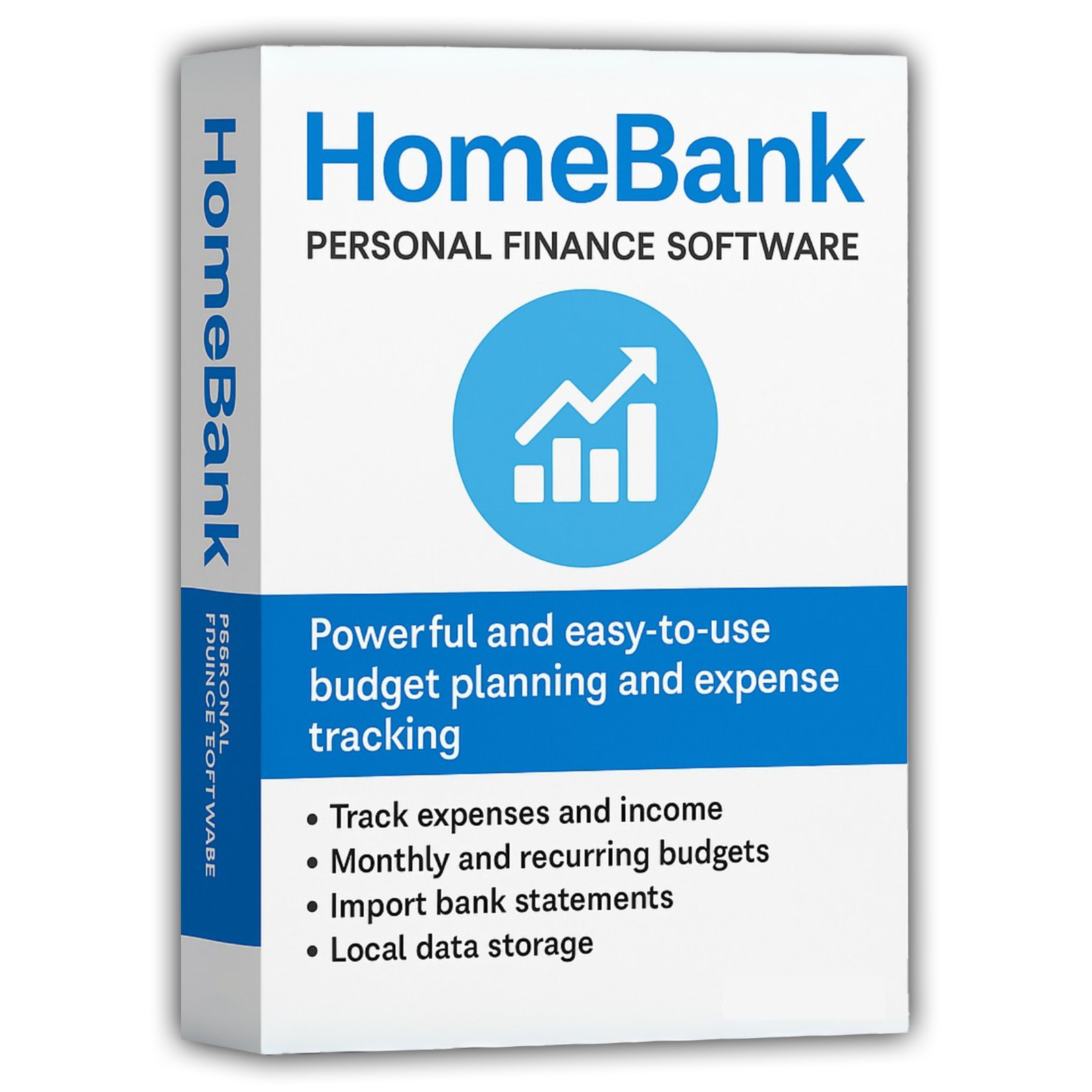
The HomeBank name is used here to refer to HomeBank itself. This pack is an independent compilation and is not endorsed by or affiliated with the HomeBank project. The software box shown in any product images is a display image only and is not included. You receive the media only.
's Verified Rights Owner (VeRO) program targets listings that infringe intellectual property. This listing does not fall into that category because HomeBank's license already authorizes the copying and redistribution being done here. Buyers receive only the rights the original license grants.
Frequently Asked Questions
How is this item delivered?
This is a physical item (USB drive or DVD) that will be shipped to you. Choose your format when you order.
Which version should I install?
On Windows 10 or Windows 11, install 5.10.3, the current release. On Windows 7 or Windows 8, install 5.6.1, which is the last release the HomeBank project lists for those systems. 5.10.2 is on the disc for anyone who needs to match a specific release, and it installs and behaves the same way as 5.10.3.
Does this work on a Mac?
HomeBank itself is a Windows and Linux program. The developer's own download page directs Mac users to install through Homebrew or MacPorts, and describes those as third party ports that it does not provide support for. The source archive is included, and a Mac user who works with Homebrew or MacPorts installs the same program that way.
Is the manual included?
Yes. The developer's own manual comes with the source archive, and it is on the disc as 43 finished pages with their screenshots, so it opens offline in any browser. Everything it needs is on the media, and no page depends on an internet connection.
Can I move my records from another finance program?
HomeBank reads QIF, OFX, QFX and CSV files, which covers the exports that Quicken, Microsoft Money and most banks produce. It reports duplicate transactions as it imports them and lets you decide what to keep. The manual has a section on the CSV layout HomeBank expects, and the project publishes an example QIF import file, which is on the disc.
Where is my data kept?
In one XML file with the .xhb extension, in a folder you choose. Nothing is uploaded anywhere, and no account is created. The developer notes that a file written by a newer release does not open in an older release, which is why several releases are on this disc.
Does this software need a product key or activation?
No. HomeBank is released under the GNU General Public License version 2 or later, so there is no product key, no activation step, no registration, and no account.
Is this a portable program?
The HomeBank installer offers a portable edition while it runs. Choose that option during setup and the program keeps its files in its own folder, which suits a USB drive. The developer words it as a portable edition you can choose at install time.
Do I need to copy the pack to my computer first?
For DVD orders, copy the pack folder to your computer (for example, your Desktop) first, then run the installer from there. DVDs have much slower read speeds than USB drives, and a DVD install run directly from the disc will be slow.
Important Notes
- This is a PHYSICAL ITEM (USB DRIVE OR DVD) that will be shipped to you. Choose your format when you order.
- Windows and Linux are covered, and the source archive travels with them for anyone who builds HomeBank on another system.
- Every file is the official release, unmodified, taken from the HomeBank project's own download page and its SourceForge archive folder.
- The current Windows build is a 32-bit application inside a 32-bit installer, which is what the project publishes. It runs on 64-bit Windows as well.
- Contact us with any questions before or after your purchase.
Thanks for Shopping with DevPurple!
Your premium software collection is here.
© 2026 DevPurple. All rights reserved.