DevPurple - Ultimate Libre Office Pack DEVPURPLE
Premium Software Collections
ULTIMATE LIBRE OFFICE PACK
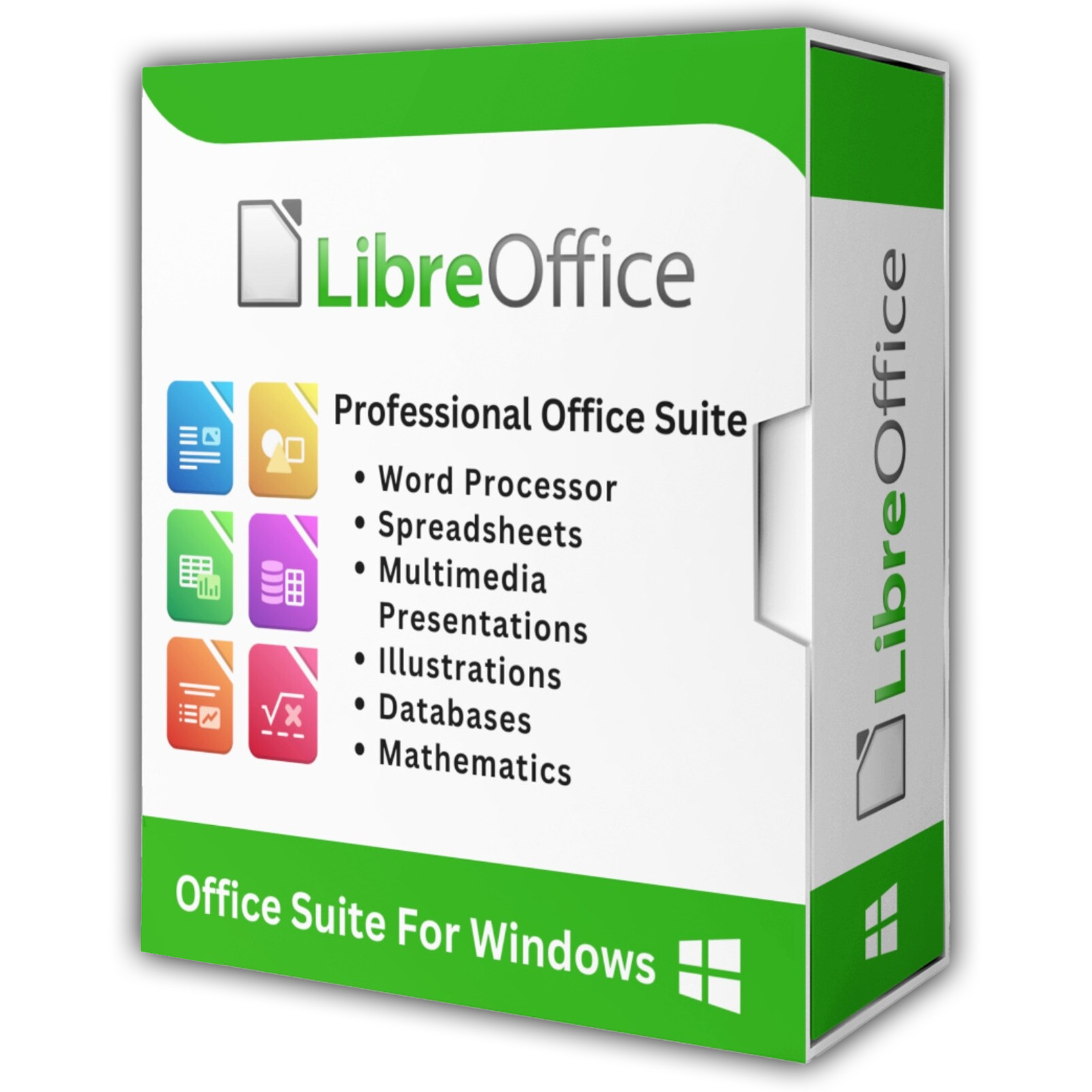
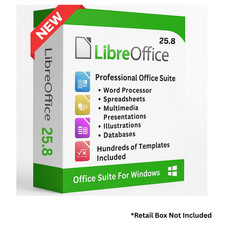
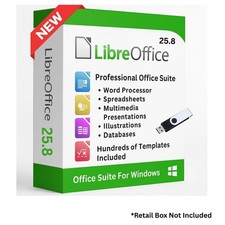
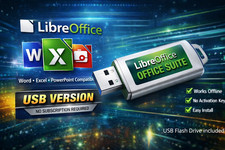
Complete Office Suite in two versions, the full Windows installation and a portable build, supplied on USB Drive or DVD
Turn any Windows computer into a full document, spreadsheet, and presentation workstation with the Ultimate Libre Office Pack. The complete LibreOffice suite is supplied two ways on one piece of media: the full Windows installation, so you can set it up normally, and a portable build that runs from the drive itself with nothing installed on the machine. No product key, no activation, no subscription, and no expiry date.
LibreOffice is the leading open source office suite, built by The Document Foundation and used by millions of people, schools, and businesses worldwide. It opens and saves Microsoft Office files, so the documents you already have keep working and the files you send out stay in the format everyone else uses.
The Seven Applications
- Writer: Build letters, reports, newsletters, and long documents. Paragraph and character styles, page layout, tables, images, charts, headers, footers, bookmarks, comments, and mail merge are all included.
- Calc: Work with spreadsheets, advanced functions, pivot tables, filters, charts, and what if analysis. Includes formula error tracking and a built in pivot table wizard.
- Impress: Create slide shows with animations, multimedia, presenter notes, and slide transitions. Export to PDF or PowerPoint format when you need to share.
- Draw: Produce diagrams, flowcharts, organization charts, sketches, and posters with vector drawing tools and connector lines that stay attached to the shapes you link.
- Base: Manage databases, design forms and reports, and run queries against your own data or an existing database.
- Math: Write mathematical equations and formulas, then place them into any other LibreOffice document.
- Start Center: One launch window that opens any application, any recent file, or a template.
File Compatibility
- Microsoft Office files: Opens and saves DOC, DOCX, XLS, XLSX, PPT, and PPTX, plus the macro and template variants.
- OpenDocument formats: Works natively with ODT, ODS, ODP, ODM, OTT, OTS, and OTP.
- PDF export: Sends any document to PDF for sharing and printing.
- Other formats: Opens RTF, TXT, CSV, HTML, and dozens more.
- Legacy formats: Saves in older Microsoft formats when you need to match an older system.
Installer and Portable Build
- Official Windows Installer: The genuine Microsoft Installer package from The Document Foundation. Run it once and LibreOffice appears in your Start menu and file associations, exactly like any other installed program.
- Portable Build: A self contained version that runs from the media itself. Nothing is written to the registry, nothing is left behind on the machine, and your settings travel with the drive. Ideal for a work computer you do not administer, a shared PC, or keeping your whole office suite on a keyring drive.
- 32 Bit and 64 Bit: Both installer builds are supplied, so the pack runs on older 32 bit Windows systems as well as modern 64 bit machines.
- Current and Stable Lines: Both the current release and the stable business release are included, so you can run the newest features or the release chosen for long term stability.
- Offline Help: The official Help Pack installs the full built in help system, so pressing F1 works with no internet connection at all.
- Developer SDK: The official software development kit is included for anyone writing macros, extensions, or scripts against the suite.
Everyday Features
- Password protection and encryption: Protects documents that need to stay private.
- Templates and document styles: Ready made layouts for letters, invoices, budgets, schedules, presentations, and reports.
- Extensions: Add extra tools such as grammar checking, extra export formats, and language packs.
- Track changes and comments: Review shared documents, compare versions, and merge edits.
- Mail merge: Pull names and addresses from a spreadsheet into letters, labels, and envelopes.
- Writing tools: Spell check, thesaurus, hyphenation, and autocorrect.
- PDF export options: Bookmarks, password protection, and embedded fonts.
What's Included
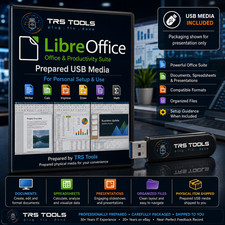
- One Physical Media: Your choice of a Premium USB Drive or DVD, pre-loaded with the complete pack
- Full Software Collection: The current release and the stable release, both 64 bit, plus the 32 bit installer for older machines
- Portable Build: The genuine LibreOffice Portable build with launchers for the whole suite
- Offline Help and SDK: The official Help Pack for offline help, and the developer SDK
- Step By Step Setup Notes: A Read Me file covering both the installer and the portable build
Shipping & Delivery
- Fast Processing: Orders typically ship within 1-2 business days
- Tracked Shipping: Delivery confirmation included on all orders
- Secure Packaging: Your disc or drive arrives protected and ready to use
- Worldwide Shipping Available: Check listing for rates and estimated delivery times
Satisfaction Guarantee
If there is an issue with your order, contact us and we will make it right (including replacements for defective media).
Why Buy From Dev Purple? Install or Carry
Run the official installer for a normal setup, or use the portable build on any machine without administrator rights.
Fully Portable Option
The portable build runs directly from the media. No installation, no registry changes, no bloat.
Every Application
Writer, Calc, Impress, Draw, Base, and Math are all included, covering documents, spreadsheets, slides, diagrams, databases, and equations.
Offline Ready
The Help Pack installs the full help system on your computer, so pressing F1 works with no internet connection at all.
Dedicated Support
Contact us with any questions before or after your purchase. We are here to help.
Worldwide Shipping
No matter where you are, we can get your pack to you. Check the listing for shipping details.
Compliance
This listing complies with 's software policy. This is a lawful compilation of redistributable software. No paid, commercial, or copyrighted software is included. Every program fits one of these categories:
- GPL / LGPL / MPL licensed: These open-source licenses explicitly grant anyone the right to copy, distribute, and redistribute the software in any medium, provided the license terms are preserved. This is a core feature of copyleft licensing.
- MIT / Apache 2.0 / BSD licensed: These permissive open-source licenses grant unlimited reproduction and distribution rights, with minimal attribution requirements which are met here.
LibreOffice is published by The Document Foundation under the Mozilla Public License 2.0 and the GNU Lesser General Public License. LibreOffice and The Document Foundation are trademarks of their respective owners. This pack is an independent compilation and is not endorsed by or affiliated with The Document Foundation.
's Verified Rights Owner (VeRO) program targets listings that infringe intellectual property. This listing does not fall into that category because every program's license already authorizes the copying and redistribution being done here. Buyers receive only the rights each program's original license grants.
Frequently Asked Questions
How is this item delivered?
This is a physical item (USB drive or DVD) that will be shipped to you. Choose your format when you order.
Do I have to install anything?
You have both choices on the same media. Run the installer to set LibreOffice up normally, or use the portable build to run the suite directly from the drive with nothing installed. Full setup notes are included on the media.
Does this software need a product key or activation?
No. LibreOffice is open source software, so there is no product key, no activation step, and no registration. Install and start using it right away.
Can I open my Microsoft Word and Excel files?
Yes. LibreOffice opens and saves DOC, DOCX, XLS, XLSX, PPT, and PPTX files directly, and it exports any document to PDF.
Which version of Windows is supported?
LibreOffice 26.x runs on Windows 11 and Windows 10, 32 bit or 64 bit. Choose the 32 bit installer if you are on a 32 bit version of Windows.
Do I need to copy the pack to my computer first?
The USB version runs the portable build directly from the drive. For DVD orders, copy the pack folder to your computer (e.g., your Desktop) first for best performance, then run the portable launchers or the installer from there.
Is Java required?
Java is optional. It is needed for some database features in Base. Writer, Calc, Impress, Draw, and Math run without it.
Important Notes
- This is a PHYSICAL ITEM (USB DRIVE OR DVD) that will be shipped to you. Choose your format when you order.
- Both options on one media: Use the official installer for a normal setup, or run the portable build directly from the drive. DVD users should copy the pack to their computer first (instructions included on the disc).
- Contact us with any questions before or after your purchase.
Thanks for Shopping with DevPurple!
Your premium software collection is here.
© 2026 DevPurple. All rights reserved.