DevPurple - Ultimate OBS Studio Pack DEVPURPLE
Premium Software Collections
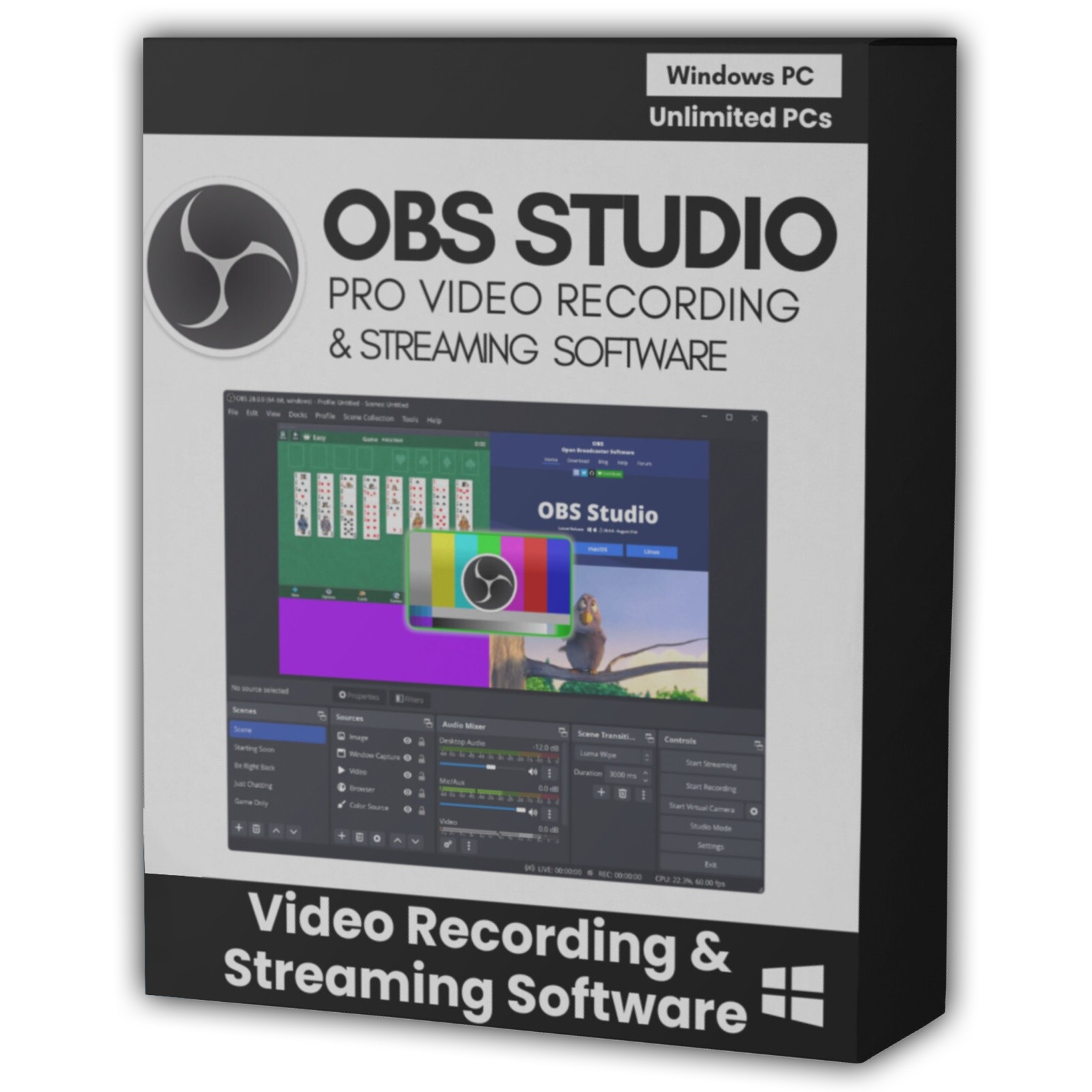
ULTIMATE OBS STUDIO PACK
Complete screen recording and live streaming suite with no watermarks, including a genuine Windows 7 and 8 release, supplied on USB Drive or DVD
Turn any Windows computer into a complete recording and streaming studio with the Ultimate OBS Studio Pack. The complete OBS Studio application is supplied two ways on one piece of media: the full Windows installation, so you can set it up normally, and portable builds that run from the drive itself with nothing installed on the machine. No product key, no activation, no subscription, no watermark, and no device limit.
OBS Studio is the open source application for video recording and live streaming from the OBS Project. It is the tool most streamers, teachers, and content creators reach for first, because it does what commercial capture software charges a subscription for, and it does it without overlaying anything on your output.
What You Can Do With It
- Build scenes instead of one flat capture: Arrange sources into named scenes and switch between them instantly, so you can move from a full screen view to a webcam view to a title card without touching your settings.
- Capture almost anything: Record the whole screen, a single window, a specific application, or a game. Add a webcam, images, video files, browser sources, and text as extra sources on top.
- Mix your audio properly: A dedicated mixer puts every source on its own channel, so your microphone, system audio, game sound, and music each get their own level. Per-source filters handle noise suppression, gain, and compression.
- Stream to any platform: Stream directly to YouTube, Twitch, Facebook Live, and any other service that accepts a standard stream key.
- Record without limits: Record to your own drive in the quality you choose, with no time limit baked in and no watermark on the result.
- Use Studio Mode when it matters: Preview the next scene before it goes live, then transition to it on cue. Essential for anything you cannot afford to get wrong.
- Watch everything at once: Multiview shows all your scenes on a single screen, which is what you want when you are switching live.
- Replay and share your screen live: The Replay Buffer keeps recent footage ready to save the moment something worth keeping happens, and Virtual Camera lets any other application treat OBS as a webcam.
- Drive it by keyboard: Hotkeys let you start and stop recording, mute a microphone, or switch scenes without leaving whatever you are doing.
- Arrange the workspace your way: Panels dock, undock, and can be moved to a second monitor.
- Encode on your graphics card: Hardware encoding is supported where your graphics card offers it, which takes the load off your processor.
- Extend it: OBS has a large plugin ecosystem, and the application itself is scriptable.
- Keep your output clean: No watermarks, no branding, and no overlay of any kind on your recordings or streams.
Key Features
- open source: Released under the GNU General Public License version 2. No account, no sign-in, no subscription, and no expiry.
- No watermark: Recordings and streams are completely clean.
- Scene based workflow: Scenes, sources, groups, and configurable transitions.
- Studio Mode and Multiview: Preview before you go live, and see every scene at once.
- Full audio mixer: Per-source levels, mute, monitor, and filters.
- Screen, window, game and device capture: Including webcam and multiple audio inputs.
- Recording, Replay Buffer, and Virtual Camera: All three are built in.
- Plugin support: Extend OBS with community plugins.
- 64 bit: The current release is a 64 bit application, with a separate build for Windows on ARM.
New In The Current Release
- A proper Add Source dialog, replacing the old dropdown.
- A new filter to compose SDR into HDR, for mixed source workflows.
- Dynamic bitrate support for multitrack video.
- A reworked Audio Mixer where mute and monitor are handled independently.
- Improved FPS selector, and .webp files now work in the Image Slide Show source.
- Better performance on low-end machines, with OpenGL improvements.
- Windows hardening: process mitigation policies and improved DLL loading behaviour.
12 Plugins Already Installed
The OBS Studio Portable build in this pack arrives with twelve plugins already installed. They are ready to use the moment you open it, with nothing to download, nothing to compile, and nothing to configure.
- Advanced Scene Switcher: Switches scenes automatically based on window focus, audio levels, elapsed time, and other triggers.
- atkAudio: Loads VST3 audio plugins, adds submixes and a master audio bus, and provides ASIO tools for low latency input.
- Audio Monitor: Sends the audio of any source to a separate audio device, so you can hear a source without it reaching the stream.
- Background Removal: Replaces the background behind you without a green screen, and corrects poor lighting while it does.
- Input Overlay: Draws your keyboard, mouse, and gamepad on top of the video, showing the keys you press.
- Move Transition: Moves and animates a source on screen when you change scenes, instead of cutting straight to it.
- Multiple RTMP Outputs: Streams to several RTMP servers at the same time, for going out to more than one platform at once.
- Scene Collection Manager: Filters, backs up, and restores scene collections, so a full setup can be moved between machines.
- Shader Filter: Applies custom GLSL and HLSL shaders to any source for visual effects OBS does not include.
- Source Record: Records a single source on its own, separately from the main recording or stream.
- Waveform: An audio visualizer, giving a live frequency graph of any source as a dock or on screen.
- Win-Capture Audio: Captures audio from one chosen application rather than all system audio, without extra cables or drivers.
These plugins are part of the portable build. The official installers in the pack install OBS Studio on its own, exactly as the OBS Project publishes it.
A Version For Windows 7 And Windows 8
- Please read this carefully, because it is easy to get wrong. OBS Studio removed Windows 7 and Windows 8 support at version 28.0, in September 2022. The OBS 28.0 release notes state it directly: Qt 6 has dropped support for Windows 7 and 8, and "as such, OBS will no longer be supported on these platforms."
- The last release that ran on Windows 7 or 8 is version 27.2.4, and it is included here, in both 64 bit and 32 bit. It is also the last release with 32 bit builds.
- Note that 27.2.4 is an old build, from March 2022. It does the job it always did, but it does not have the newer features described above.
- Be careful about listings that offer a much newer version as a Windows 7 release. Anything numbered 28.0 or above cannot support Windows 7, because OBS removed that support before those versions existed.
What's Included
- One Physical Media: Your choice of a Premium USB Drive or DVD, pre-loaded with the complete pack
- Current Release: The official installer and the official portable archive for 64 bit Windows
- Windows On ARM: The official ARM portable archive
- Previous Release: The official installer and portable archive, kept as a fallback
- Windows 7 And 8 Release: OBS Studio 27.2.4, the last release for those systems, in 64 bit and 32 bit
- Portable Build: OBS Studio Portable with its launcher, for running it with nothing installed, with twelve plugins already set up
- Published Checksums: The SHA256 values the OBS Project published for each release, so every file can be verified
- Step By Step Setup Notes: A Read Me file covering which build to pick for your version of Windows
Shipping & Delivery
- Fast Processing: Orders typically ship within 1-2 business days
- Tracked Shipping: Delivery confirmation included on all orders
- Secure Packaging: Your disc or drive arrives protected and ready to use
- Worldwide Shipping Available: Check listing for rates and estimated delivery times
Satisfaction Guarantee
If there is an issue with your order, contact us and we will make it right (including replacements for defective media).
Why Buy From Dev Purple? The Right Windows 7 Version
Not a build that claims to work there but cannot. The 27.2.4 release that genuinely predates the support cutoff, in both 64 bit and 32 bit.
Install or Carry
Run the official installer for a normal setup, or use the portable archive on any machine without administrator rights.
No Watermark
Recordings and streams are completely clean, with no branding overlaid on your output.
Windows On ARM Included
The official ARM build is part of the pack as well.
No Subscription
A complete recording and streaming setup with no monthly fee, no product key, and no expiry.
Dedicated Support
Contact us with any questions before or after your purchase. We are here to help.
Compliance
This listing complies with 's software policy. This is a lawful compilation of redistributable software. No paid, commercial, or copyrighted software is included. Every program fits one of these categories:
- GPL / LGPL / MPL licensed: These open-source licenses explicitly grant anyone the right to copy, distribute, and redistribute the software in any medium, provided the license terms are preserved. This is a core feature of copyleft licensing. OBS Studio is released under the GNU General Public License version 2.
- Apache / MIT / BSD licensed: These permissive open-source licenses grant unlimited reproduction and distribution rights, with minimal attribution requirements which are met here.
OBS, OBS Studio, and the OBS logo are trademarks of the OBS Project. This pack is an independent compilation and is not endorsed by or affiliated with the OBS Project or with PortableApps.com. The software box shown in any product images is a display image only and is not included. You receive the media only.
's Verified Rights Owner (VeRO) program targets listings that infringe intellectual property. This listing does not fall into that category because every program's license already authorizes the copying and redistribution being done here. Buyers receive only the rights each program's original license grants.
Frequently Asked Questions
How is this item delivered?
This is a physical item (USB drive or DVD) that will be shipped to you. Choose your format when you order.
Do I have to install anything?
You have the choice on the same media. Run an installer to set OBS Studio up normally, or use the portable archive or the OBS Studio Portable folder to run it directly from the drive with nothing installed.
Does this software need a product key or activation?
No. OBS Studio is open source software released under the GNU General Public License, so there is no product key, no activation step, no registration, and no account. Install and start recording right away.
Which version should I install?
Windows 10 or 11: the current release. Windows on ARM: the ARM build. Windows 7 or 8: the included 27.2.4 release, which is the last one that ran on those systems.
Will the current version work on Windows 7?
No, and this is important. OBS Studio removed Windows 7 and Windows 8 support at version 28.0 in September 2022. Any version numbered 28.0 or higher cannot run on Windows 7, whatever a listing may claim. That is why the 27.2.4 release is included here as well.
Does it work on 32 bit Windows?
The current release does not, and there is no 32 bit build for it. The included 27.2.4 release does have 32 bit builds, in both installer and portable form, and that is the one to use on a 32 bit Windows 7 machine.
Will my recordings have a watermark?
No. There is no watermark, no branding, and no overlay of any kind on your recordings or streams. What you capture is what you get.
Can I stream to YouTube or Twitch?
Yes. OBS Studio supports direct streaming to YouTube, Twitch, Facebook Live, and any other service that accepts a standard stream key.
Is there a manual on the media?
No, and we would rather say so plainly. OBS documents itself online through a knowledge base, a project wiki, and an active community forum and chat. No official PDF manual is published, so there is none to include.
Do I need to copy the pack to my computer first?
The USB version runs the portable build directly from the drive. For DVD orders, copy the pack folder to your computer (e.g., your Desktop) first for best performance, then run the portable build or an installer from there.
Important Notes
- This is a PHYSICAL ITEM (USB DRIVE OR DVD) that will be shipped to you. Choose your format when you order.
- Windows 10 or 11 for the current release. Windows 7 and 8 use the included 27.2.4 build.
- Several release lines on one media: Current, previous, and the last release for Windows 7 and 8.
- Administrator rights are needed for the installers. The portable builds run without them.
- Contact us with any questions before or after your purchase.
Thanks for Shopping with DevPurple!
Your premium software collection is here.
© 2026 DevPurple. All rights reserved.