DevPurple - Ultimate Stellarium Pack DEVPURPLE
Premium Software Collections
ULTIMATE STELLARIUM PACK
Stellarium, the planetarium that renders the night sky from any place on Earth at any moment, in every package the Stellarium project publishes for Windows, macOS and Linux, with the Stellarium project's own 458 page user guide, on one disc or drive.
Stellarium renders the sky in real time and in three dimensions, so you move around it the way you would move around the sky itself. It carries a catalog of over 600,000 stars, and further catalogs of up to 220 million stars can be fetched from inside the program. The planets and their moons are placed for the date and time you choose, with their phases, magnitudes and orbits. It draws the constellations and the artwork for them for more than 40 cultures, and it simulates eclipses, transits and occultations so you can see when one happens from where you are.
What You Can Do With It
- Stand under your own sky: set your location and Stellarium shows the sky above it, at any moment the program allows.
- Watch the sky move: the time controls run the night forward and backward, so a planet's path or a conjunction becomes visible in seconds.
- Plan an evening of observing: the astronomical calculations tools cover positions, ephemerides, risings and settings, and phenomena.
- Point a telescope: Stellarium controls Meade LX200 and Celestron NexStar mounts, and the ocular view shows how an object looks in a given eyepiece.
- Follow satellites: the satellites plugin reads the current orbital data from an online database and draws the passes.
- See eclipses and transits: solar and lunar eclipses, occultations and transits are simulated, so you can find out when the next one reaches you.
- Study the cultures of the sky: over 40 sky cultures, each with its own constellation figures, names and descriptions.
- Stand inside a place: 3D sceneries put a real location around you, and landscapes can be switched as you like.
- Automate it: scripts, a remote control interface over the network, and a plugin system.
- Read the guide in the program: the Windows installer puts the user guide beside the program and adds a Start menu entry that opens it.
The Packages In This Pack
- The current stable release: the newest version the Stellarium project has published, for every system it builds for.
- Four Windows packages: 64-bit Windows 10 and 11, Windows 7 and newer with the Qt 5 build, Windows on Arm, and 32-bit Windows.
- Two macOS packages, both universal: one image for macOS 12 Monterey and newer, and one for macOS 11 Big Sur, each holding an Intel build and an Apple Silicon build together.
- The Linux AppImage and the complete source archive. The AppImage runs with nothing installed and needs no root password.
- The extended deep-sky catalog: over one million objects instead of the 94,000 in the edition the installer carries.
- Three 3D sceneries published by the Stellarium project, each placing a real location around you.
Which Package Fits Which Computer
- Windows 10 or 11, 64-bit: stellarium-26.3-qt6-win64.exe. This is the one most people want.
- Windows 7, 8 or 8.1, 64-bit: stellarium-26.3-qt5-win64.exe. The same release built against Qt 5, which is the build the Stellarium download page labels for Windows 7 and above.
- Windows on Arm: stellarium-26.3-qt6-arm64.exe, for a machine such as a Surface Pro X.
- 32-bit Windows: stellarium-24.4-qt5-win32.exe, the last release the Stellarium project built for a 32-bit Windows.
- Mac: Stellarium-26.3-qt6-macOS.zip for macOS 12 Monterey or newer, and Stellarium-25.2-qt6-macOS.zip for macOS 11 Big Sur. Both are universal images.
- Linux: Stellarium-26.3-qt6-x86_64.AppImage, or the source archive stellarium-26.3.tar.xz.
The Stellarium User Guide, 458 Pages
- Stellarium User Guide, 458 pages, as a PDF, written by the Stellarium project's own maintainers and published with this release.
- How to set the program up for your location, your screen and your graphics card.
- Every window and every setting explained screen by screen, with illustrations.
- Chapters on the plugins: the ocular view, the satellites catalog, telescope control, ArchaeoLines, the calendars and the solar system editor.
- Readable on any device, and readable with no internet connection.
System Requirements
- Operating system: 64-bit Windows 7 or newer, Windows on Arm, 32-bit Windows, macOS 11 Big Sur or newer, or a modern 64-bit Linux distribution on Intel or AMD.
- Graphics: a 3D card that supports OpenGL 2.1 and GLSL 1.3, or OpenGL ES 2.0. The Stellarium project recommends OpenGL 3.3 or newer.
- Memory: 1 GB is the Stellarium project's minimum, and 4 GB or more is its recommendation.
- Disk space: about 1 GB is the Stellarium project's minimum, and 10 GB its recommendation. The Windows installs use about 830 MB.
- Administrator rights: needed to run the Windows installer. The macOS and Linux packages need none.
- No internet connection needed to install Stellarium, to run it, or to read the guide on the media.
The figures above are the ones the Stellarium project publishes for this release.
What's Included
- One Physical Media: Your choice of a Premium USB Drive or DVD, pre-loaded with the complete pack
- Windows 10 and 11, 64-bit: the official installer for the current stable release
- Windows 7 and newer, 64-bit: the official Qt 5 installer for the same release, which the Stellarium download page lists for Windows 7 and above
- Windows on Arm: the official package for a machine with an Arm processor
- 32-bit Windows: the official Stellarium 24.4 installer, the last release the Stellarium project built for a 32-bit Windows
- Mac, macOS 12 Monterey or newer: the official universal image for the current release, carrying an Intel build and an Apple Silicon build in the one file
- Mac, macOS 11 Big Sur: the official Stellarium 25.2 universal image, the last release whose macOS build targets macOS 11.0
- Linux: the official AppImage, which runs from the folder, and the complete source archive
- Extended Deep-Sky Catalog: the Stellarium extended edition, over one million objects against the 94,000 in the edition the installer carries
- Three 3D Sceneries: Chankillo, Incavallicata and the Tibet Calendar Observatory
- The User Guide: the Stellarium project's own 458 page guide as a PDF
- Setup Notes: a Read Me covering which package to pick, where the extra data goes, and what to expect on the first run
Shipping & Delivery
- Fast Processing: Orders typically ship within 1-2 business days
- Tracked Shipping: Delivery confirmation included on all orders
- Secure Packaging: Your disc or drive arrives protected and ready to use
- Worldwide Shipping Available: Check listing for rates and estimated delivery times
Satisfaction Guarantee
If there is an issue with your order, contact us and we will make it right (including replacements for defective media).
Why Buy From Dev Purple? Three Systems Covered
Windows, macOS and Linux, with the correct build supplied for each, including a native build for both Mac processor types, Windows on Arm, and 32-bit Windows.
Every Windows Still Covered
The current release ships as a package for Windows 10 and 11 and as a second package the Stellarium project labels for Windows 7 and above, so one release covers the whole range. A third package covers Windows on Arm, and a fourth covers 32-bit Windows.
The Complete Guide, Included
The Stellarium project's own 458 page user guide travels on the media as a PDF, readable on any device, with nothing to fetch afterwards.
Official Releases
Every installer, disk image, AppImage and source archive here is the official release from the Stellarium project, taken from its own release pages.
No Subscription
Stellarium is open source under the GNU General Public License version 2, with no monthly fee, no product key and no expiry. The source code is included as well.
The Extra Content, Included
The extended deep-sky catalog and three 3D sceneries, which the Stellarium project publishes outside its installer.
Compliance
This listing complies with 's software policy. This is a lawful compilation of redistributable software. No paid, commercial, or copyrighted software is included. Every program fits one of these categories:
- GPL licensed: Stellarium is released under the GNU General Public License version 2, and that license explicitly grants anyone the right to copy, distribute, and redistribute the software in any medium, provided the license terms are preserved. This is a core feature of copyleft licensing. The Stellarium project also publishes the source code for every release, and that source code is included on the media.
- Official releases, unmodified: Every file on the media is the official release as published by the Stellarium project, unchanged. Nothing has been patched, cracked, or rebuilt.
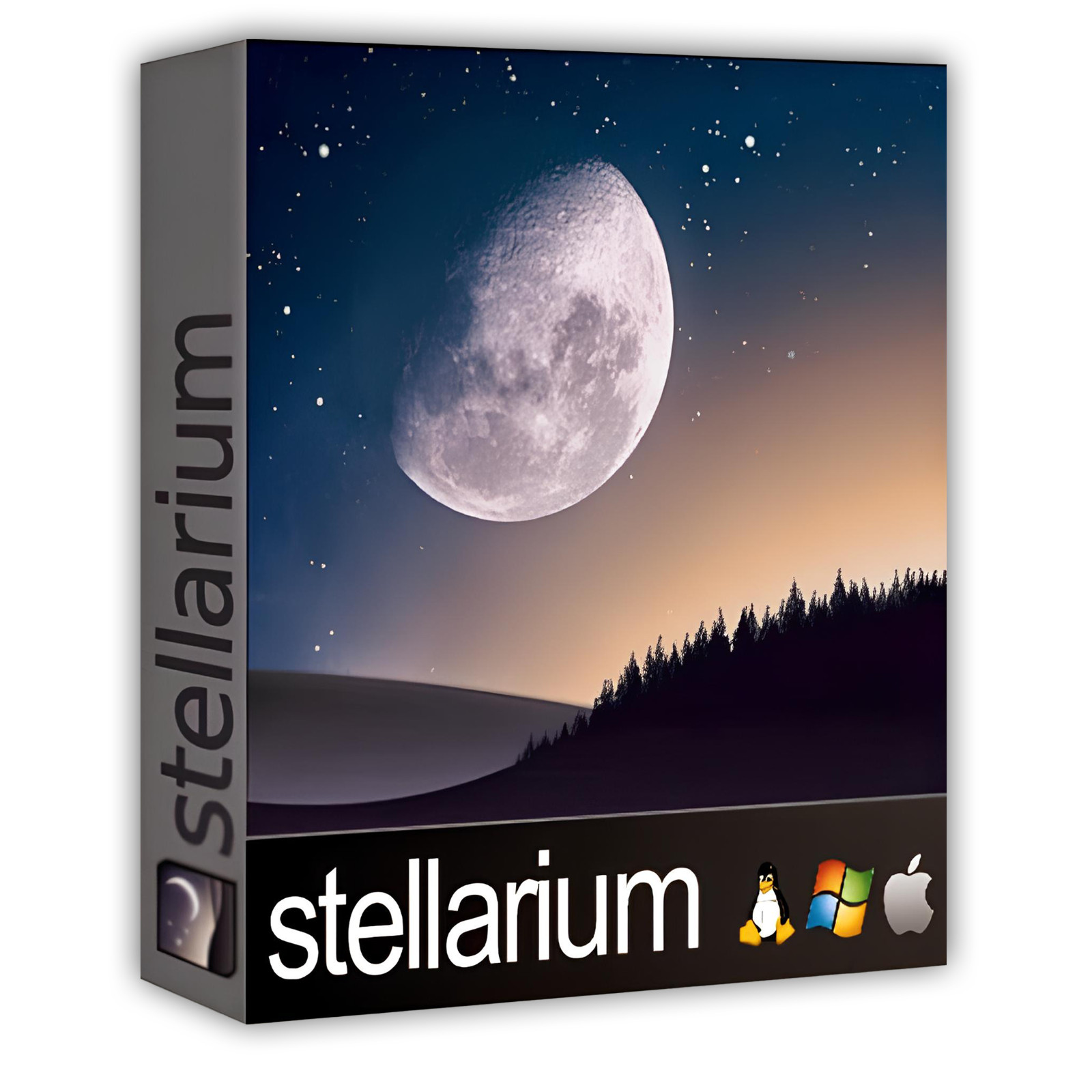
The Stellarium name is used here to refer to Stellarium itself. This pack is an independent compilation and is not endorsed by or affiliated with the Stellarium project. The software box shown in any product images is a display image only and is not included. You receive the media only.
's Verified Rights Owner (VeRO) program targets listings that infringe intellectual property. This listing does not fall into that category because Stellarium's license already authorizes the copying and redistribution being done here. Buyers receive only the rights the original license grants.
Frequently Asked Questions
How is this item delivered?
This is a physical item (USB drive or DVD) that will be shipped to you. Choose your format when you order.
Which package should I install?
On 64-bit Windows 10 or 11, use stellarium-26.3-qt6-win64.exe. On Windows 7, 8 or 8.1, or on Windows 10 or 11 where the plain installer does not start, use stellarium-26.3-qt5-win64.exe, which the Stellarium project labels for Windows 7 and above. On a machine with an Arm processor, use stellarium-26.3-qt6-arm64.exe. On 32-bit Windows, use stellarium-24.4-qt5-win32.exe. The Read Me on the media repeats this list, and tells you how to check which Windows you have. If you are not sure, install the first one.
Does this work on a Mac?
Yes, and both Mac packages are universal images, so either one runs natively whichever processor your Mac has. Use Stellarium-26.3-qt6-macOS.zip on macOS 12 Monterey or newer, and Stellarium-25.2-qt6-macOS.zip on macOS 11 Big Sur. To see which Mac you have, open the Apple menu and choose About This Mac: a Chip line means Apple Silicon, and a Processor line means Intel. The Stellarium project labels the newer package for macOS 11.0 and above on its download page, while the build itself declares macOS 12.0 as its floor, so both images are included and you can try either.
Is the user guide included?
Yes. The Stellarium project's own user guide travels on the media as a PDF, 458 pages, readable on any device with no internet connection. The Windows installer also places the same guide beside the program and adds a Start menu entry that opens it.
Can I see more stars and more deep-sky objects?
Yes. The media carries the extended deep-sky catalog the Stellarium project publishes, which holds over one million objects against the 94,000 in the edition the installer provides, out to magnitude 20. It is copied into a folder inside the Stellarium user directory and the program reads it alongside the catalog it already has. The extended star catalogs, which reach 220 million stars, are fetched from inside the program when you ask for them, because each one runs to several gigabytes.
Does this software need a product key or activation?
No. Stellarium is open source released under the GNU General Public License version 2, so there is no product key, no activation step, no registration, and no account.
Is this a portable program?
On Linux it is. The AppImage runs from the folder with nothing installed and needs no root password. On Windows the program installs and adds a Start menu entry, and it can be taken off again later from Apps and features. On macOS you drag the program into your Applications folder.
Where does Stellarium keep its settings?
In a folder of its own in your user directory, not in the program folder: AppData\Roaming\Stellarium on Windows, Library/Application Support/Stellarium in your home folder on a Mac, and ~/.stellarium on Linux. That is also where the extended catalog and the 3D sceneries go, and the Read Me on the media gives the steps.
Is the program slow to start on my machine?
Stellarium draws its sky through OpenGL, so the graphics driver matters more than the processor. Each Windows installer adds extra Start menu entries that start the program with a different graphics setting, for a machine whose driver struggles with the plain entry. Use the plain Stellarium entry first, and one of those if the window does not open.
Do I need to copy the pack to my computer first?
For DVD orders, copy the pack folder to your computer (for example, your Desktop) first, then run the installer from there. DVDs have much slower read speeds than USB drives, and a DVD install run directly from the disc will be slow.
Important Notes
- This is a PHYSICAL ITEM (USB DRIVE OR DVD) that will be shipped to you. Choose your format when you order.
- Windows, macOS, and Linux are all covered, with a native build supplied for both Mac processor types, plus Windows on Arm and 32-bit Windows.
- Every file is the official release, unmodified, taken from the Stellarium project's own release pages.
- The Windows installers need administrator rights. The macOS and Linux packages need none.
- Stellarium draws its sky with OpenGL. Each Windows installer adds extra Start menu entries that start the program with a different graphics setting, for a machine whose graphics driver struggles with the plain entry.
- Contact us with any questions before or after your purchase.
Thanks for Shopping with DevPurple!
Your premium software collection is here.
© 2026 DevPurple. All rights reserved.