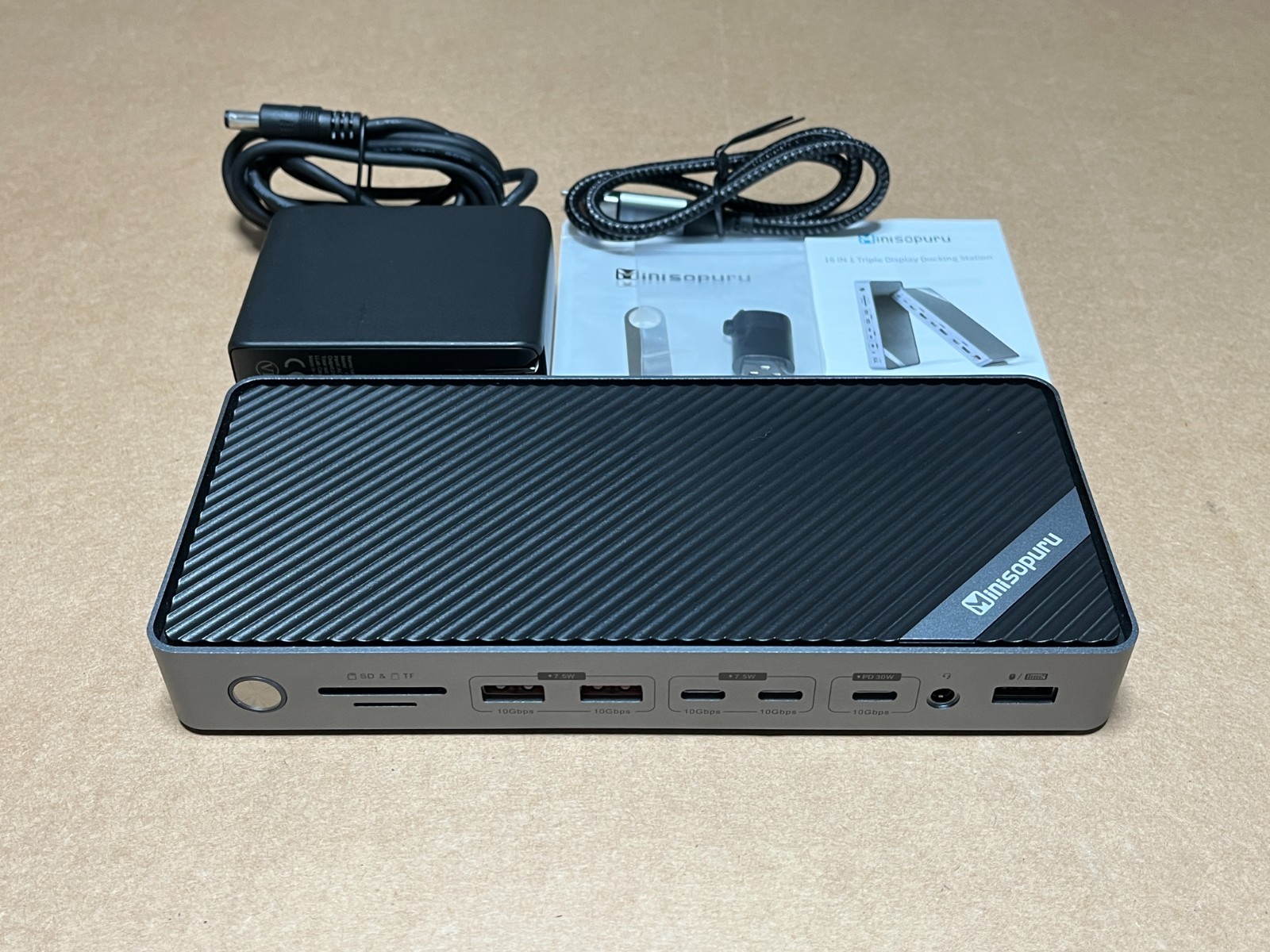
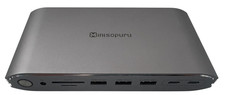
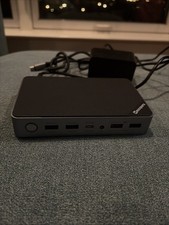
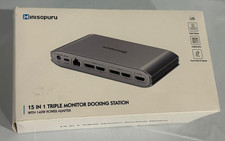
§ One to Sixteen, Limitless Possibilities】:Minisopuru DisplayLink Docking Station just plug in one USB-C host cable toexpand 16 ports:3* 8K/4K HDMI,3*8K/4K DisplayPort, 1*10Gbps & 30W chargingUSB C ports, 4* data & charging USB ports, USB2.0, RJ45, audio, TF/SD, thatprovide triple monitors, connect various peripherals to transfer quickly, andprovide 30W fast charging phones, and iPads simultaneously. Easily solve messycables, create a neat office environment, and improve work efficiency.
§ 【Unlock8K/4K Triple/Dual Different Display】:The USB Cdocking station with 3 HDMI and 3 DisplayPort ports. By installing theDisplayLink driver, breaking the limitations of the MacBook M1/M2/M3 chip,solve display limitations of Thunderbolt 4 dock and easily enjoy variousdisplay combinations:2 x 4K HDMI (DisplayLink Driver), 2 x 4KDisplayPort(DisplayLink Driver), 1 x 8K HDMI/DisplayPort (DP Alt Mode). ★Note: install the DisplayLink driver on your laptop to ensure allthe display ports work.
§ 【Super-speedTransfer and Fast Charging Simultaneously】The triplemonitor docking station comes with a 140W power adapter without an additionalpower adapter, which directly provides up to 85W fast charging for your laptop.The triple display docking station has 5 USB data and charging ports,supporting up to 10Gbps data transfer speed and 30W charging, allowing you toconnect multiple USB devices, such as phones, iPads, hard drives, and printers,No need for frequent unplugging and plugging.
§ 【WidelyCompatibility of DisplayLink Dock】:The laptopdocking station for MacBook Pro/Air(Included M3/M2/M1), is compatible withother Thunderbolt 4/3 and full-featured USB-C laptops, and Windows 10 or later,MacOS, Chrome OS, Ubuntu, and Android. ★DON'Tsupport Linux/Unix. The docking station dual monitor with a USB A converter tosolve the limitations of the USB A laptop.★ Note: Use the USB A converter, the USB C host port cannot chargeUSB A laptops, and ports in DP Alt mode do not work.