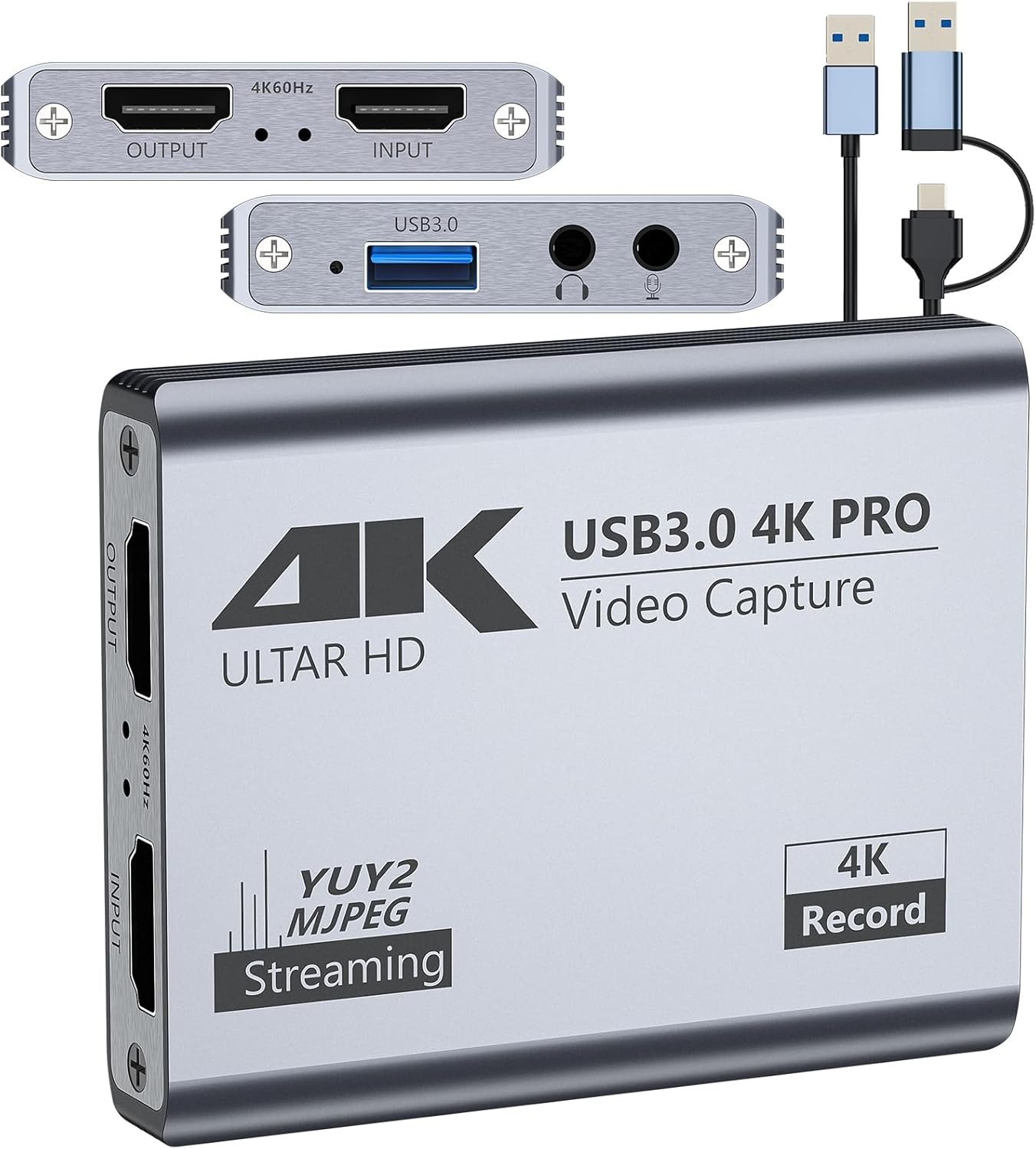
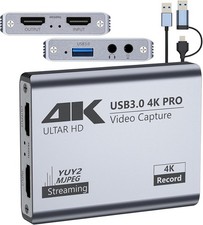
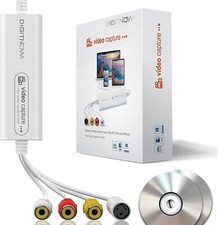
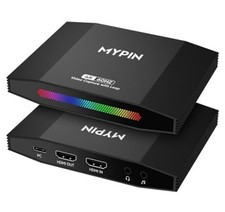
(4K Loop-out with Multi Capture)5 ports, 4K 60Hz HDMI input/loop-out, USB 3.0 output (1080P 60fps/2K 30fps/4K 18fps). High frame rate, YUY2 format. For capture, recording, meetings, and live gaming.
(Wide Compatibility)Works with Facebook, YouTube, Twitch, OBS. OS: Windows, Mac, Linux, Android. Devices: PS5, Xbox, Switch, DSLR. Captures video/audio simultaneously.
(Stable & Low Latency)Aluminum alloy for heat dissipation and stability. No blue screens or lag. Easy high-quality recording and streaming.
(3.5mm Audio I/O)Connect microphone and headphones for real-time commentary. Captures and separates HD video/audio signals.
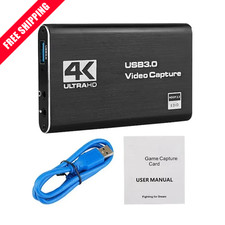
(Package & Support)Includes card, manual, USB 3.0 cable. Note: Restart OBS after audio setup.
Previous page
Next pagePrevious page
Next pagePrevious page
Next pageBefore ConnectingSetting for OBSTechnical ParameterPower SupplyNo Extra Power Supply NeededHDTV Input Resolutions720×480(60p), 720×576(50p), 1280×720p(50p) 1280×720p(60p), 1920×1080(50i), 1920×1080 (60i), 1920×1080(24p), 1920×1080(25p), 1920×1080(30p), 1920×1080(50p), 1920x1080(60p), 3840x2160(30p), 3840x2160(60p)HDTV Output Resolution720×480 (60p), 720x576(50p), 1280×720p(50p) 1280×720p(60p), 1920×1080(50i), 1920×1080(60i), 1920×1080 (24p), 1920×1080 (25p), 1920×1080 (30p), 1920×1080 (50p), 1920×1080(60p), 3840x2160(30p), 3840x2160(60p)USB3.0 Output Resolutions720×480 (60p), 720×576(50p), 1280×720p (50p) 1280×720p(60p), 1920×1080 (50i), 1920xx 1080(60i), 1920×1080 (24p), 1920×1080(25p), 1920×1080(30p), 1920×1080(50p), 1920×1080(60p), 1920×1200(60p), 2048×1152(60p), 2560×1600(30P), 3840×2160(18p)Support Console DevicePlayStation 3/4, Xbox One, Switch, Wii U or pretty much any other consoleComputer Software SupplyOBS Studio(windows,OSX); Windows Media Encoder(Windows); Adobe FlashMedia Live-Encoder(Windows,OS X); RealProducer Plus(Windows); VLC(Windows,OSX,Linux); QuickTime Broadcaster(OSX); QuickTime Player(OSX); Wirecast(Windows,OS X); vMix(Windows); Potplayer(Windows) and etcAbout ConnectionAvoid using USB hubs or extenders; they might not work. Plug directly into your PC, Mac, or laptop; If you have multiple devices connected, select the correct audio input; For DSLR or camera connections, complete camera settings and restart to ensure inputAbout PerformanceA low-end PC configuration can lead to recording lag and decreased performance