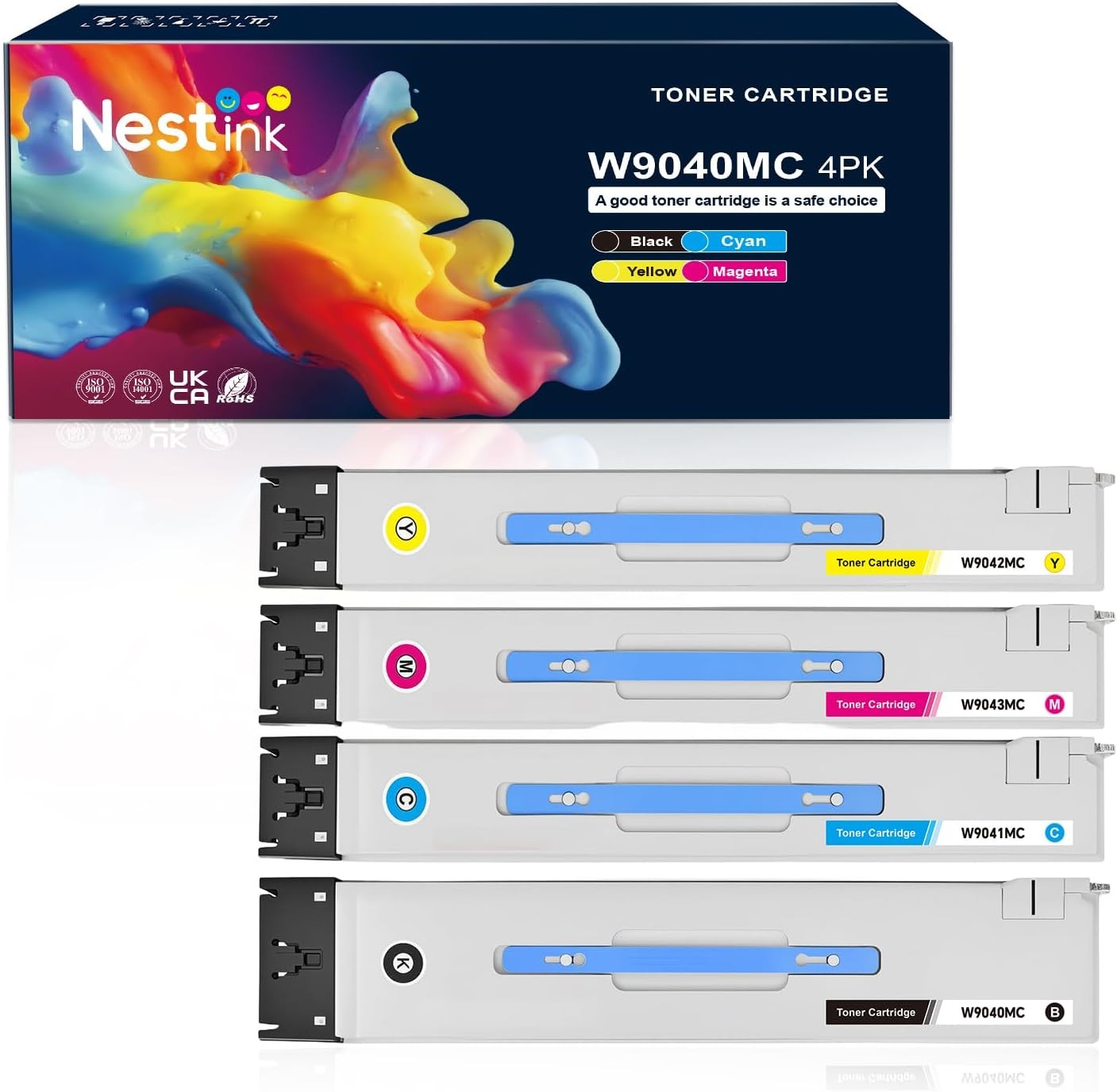
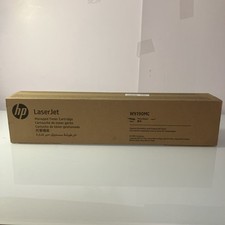
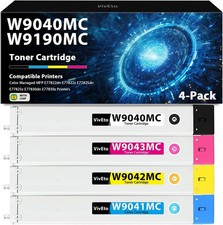
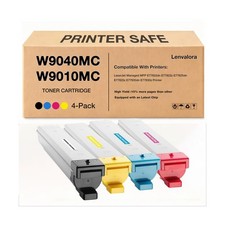
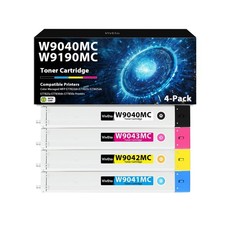
W9040MC W9190MC Toner Cartridges 4-Pack Compatible with HP Managed Color MFP E77822 E77825 E77830 E77822z E77825dn E77825z E77830dn E77830z, Replacement for W9040MC W9041MC W9042MC W9043MC Black Cyan Magenta Yellow High YieldOriginal Price $230.99
Description
The W9040MC W9190MC Toner Cartridge Set is designed as a high-yield replacement for compatible HP Managed Color MFP printers. This convenient 4-pack includes Black, Cyan, Magenta, and Yellow toner cartridges, providing reliable printing for high-volume office environments.
With up to 34,000 pages for Black and 32,000 pages for each Color cartridge at 5% coverage on Letter/A4 paper, this toner set is designed to support long print runs while delivering clear, natural, and consistent print quality.
Key Features
- High Page Yield: Up to 34,000 pages for Black and 32,000 pages per Color cartridge at 5% coverage.
- Complete 4-Pack: Includes Black, Cyan, Magenta, and Yellow toner cartridges.
- Intelligent Chip: Built-in intelligent chips help the cartridges automatically recognize the printer and provide accurate toner information.
- Consistent Printing: Designed to deliver clear, natural, and reliable print results.
- Machine Protection: Designed for compatible printers without damaging the printer when properly installed and used.
- Long-Lasting Performance: High-yield toner is suitable for high-volume office printing.
- Easy Preparation: Shake the toner cartridge horizontally 2–3 times before use to help distribute toner evenly.
Specifications
Product Type: Toner Cartridge Set
Quantity: 4-Pack
Color: Black, Cyan, Magenta, Yellow
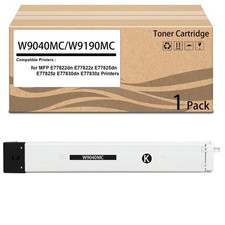
Black Toner: W9040MC / W9190MC
Cyan Toner: W9041MC / W9191MC
Magenta Toner: W9042MC / W9192MC
Yellow Toner: W9043MC / W9193MC
Black Page Yield: Up to 34,000 pages
Color Page Yield: Up to 32,000 pages per cartridge
Coverage: 5% coverage, Letter/A4
Chip: Intelligent Recognition Chip
Compatibility
Compatible with HP Managed Color MFP E77822, E77825, E77830, E77822z, E77825dn, E77825z, E77830dn, and E77830z printers.
Please carefully verify your printer model and toner cartridge number before purchasing to ensure proper compatibility and avoid ordering errors.
Usage Note
Before installation, gently shake the toner cartridge horizontally 2–3 times to distribute the toner evenly. For the best printing results, follow the installation instructions provided with the cartridge.