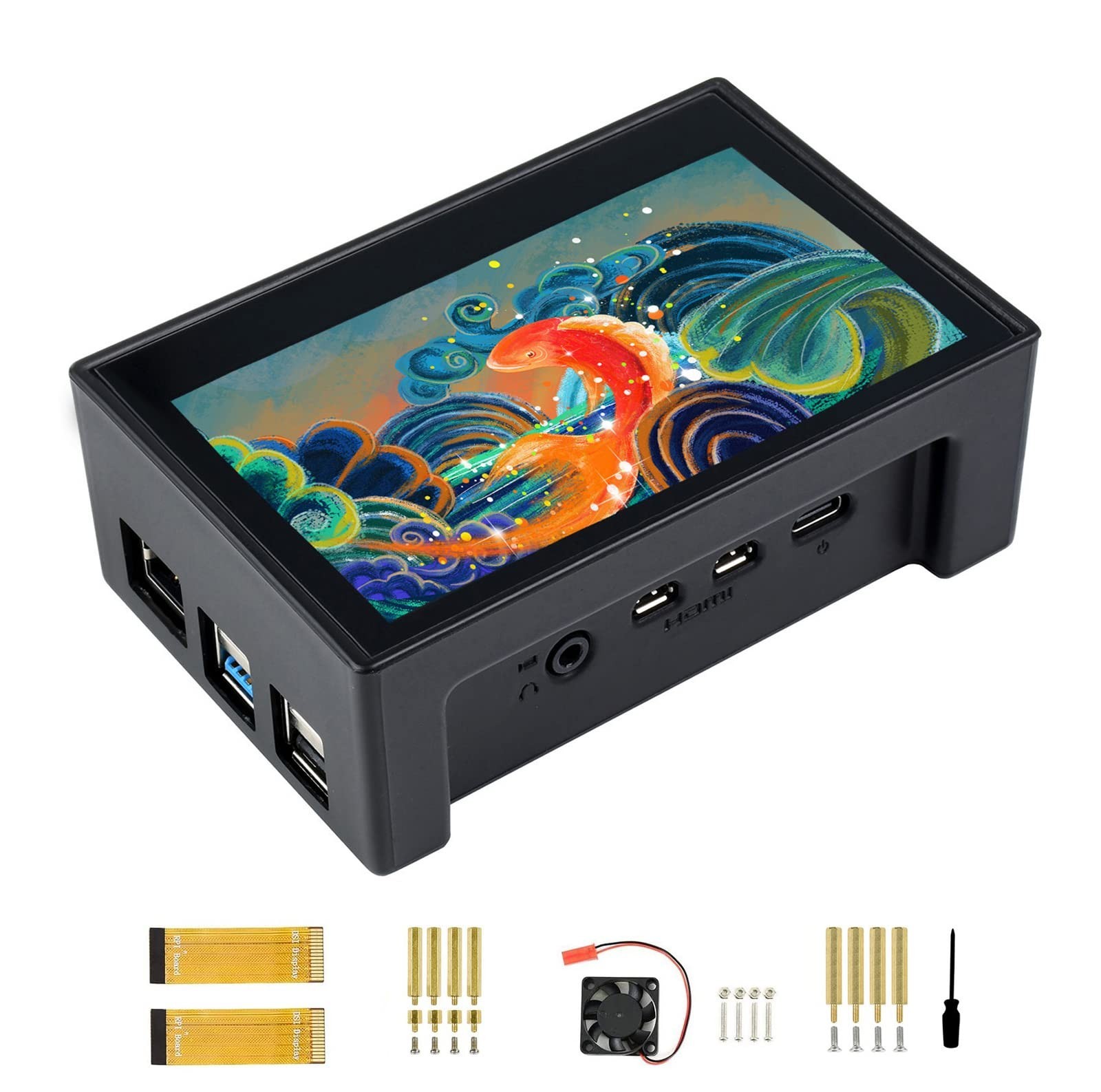
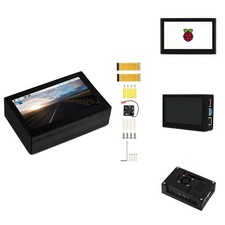
Waveshare 4.3 Inch Touch Screen DSI LCD with Case for Raspberry Pi 4B, 800×480 Resolution Monitor IPS Capacitive Screen Support Raspbian/Ubuntu/Kali/Retropie/WIN10 IoT
Product Details Color: 4.3 inch DSI LCD (with case)
Brand: waveshare
MPN: 4.3pollici DSI LCD (con case)
UPC: 755291678055
EAN: 0755291678055
- Brand: waveshare
- Screen Size: 4.3 inches
- Resolution: 800 x 480
- Aspect Ratio: 1.66:1
- Screen Surface Description: Glossy
- Aspect Ratio: 1.66:1
- Screen Finish: Glossy
- Contrast Ratio: 2000:1
- Refresh Rate: 60 hertz
- Display Type: LCD
- Display Technology: LCD
- Viewing Angle: 170 degrees
- Brightness: 250 nits
- Pixel Pitch: 0.14
- Picture Quality Enhancement Technology: FreeSync
- Screen Size: 4.3 inches
- Item Weight: 0.28 kg
- Resolution: 800 x 480
- Display Resolution Maximum: 800x480
- Native Resolution: 800 x 480
- Connectivity Technology: DSI
- Hardware Connectivity: DSSI
- Adaptive Sync: FreeSync
- Additional Features: Touchscreen
- Specific Uses For Product: Business
- Color: 4.3 inch DSI LCD (with case)
- Mounting Type: Panel Mount
- Compatible Devices: Raspberry Pi 4B
- Shape: Rectangular
- Brand: waveshare
- Model Number: 4.3pollici DSI LCD (con case)
- Model Name: 4.3inch DSI LCD (with case)
- UPC: 755291678055
- Manufacturer: Waveshare
- Unit Count: 1 Count
- Number of Component Outputs: 1
- Total USB 2.0 Ports: 2
- 4.3 inch capacitive touch display for Raspberry Pi 4B, IPS screen with protection case, 800 x 480 hardware resolution, wide angle, toughened glass panel
- MIPI DSI interface, refresh rate up to 60Hz
- Supports Raspbian, 5-point touch, driver free
- Supports Ubuntu / Kali / WIN10 IoT, single point touch, driver free
- Supports Retropie, driver free
Introduction 4.3 inch capacitive touch display for Raspberry Pi 4B, withprotection case, 800 x 480, IPS wide angle, MIPI DSI interface. Features 1)4.3 inch IPS screen. 800 x 480 hardware resolution, toughened glass panel,with protection case. 2) Capacitive touch panel, support 5-point touch 3) Pi4B Mounts 4) DSI interface, refresh rate up to 60Hz 5) Supports Raspbian,5-point touch, driver free 6) Supports Ubuntu / Kali / WIN10 IoT, single pointtouch, driver free. 7) Supports Retropie, driver free Software setting 1)Download image (Raspbian, Ubuntu, Kali, or WIN 10 IOT) from the Raspberry Piwebsite. 2) Download the compressedfile to the PC, and unzip it to get the.img file. 3) Connect the TF card tothe PC, use SDFormatter.exe software to format the TF card. 4) Open theWin32DiskImager.exe software, select the system image downloaded in step 2,and click 'Write' to write the system image. 5) After the image has finishedwriting, save and quit the TF card safely. 6) Power on the Raspberry Pi andwait for a few seconds until the LCD displays normally. And the touch functioncan also work after the system starts. Development Resources Package Content 4.3 inchDSI LCD x1 Black Case Kit x1 Cooling Fan x1 Screws pack x1 1 x screwdriver.