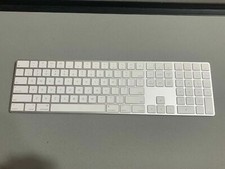
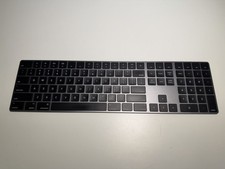
Wireless Bluetooth Numeric Keypad - 26 Keys Portable Rechargeable Numpad for PC For Sale
When you click on links to various merchants on this site and make a purchase, this can result in this site earning a commission. Affiliate programs and affiliations include, but are not limited to, the eBay Partner Network.
Wireless Bluetooth Numeric Keypad - 26 Keys Portable Rechargeable Numpad for PC
Price: US $35.99
Wireless Bluetooth Numeric Keypad
Enhance your productivity with this versatile and efficient Bluetooth number pad, designed for seamless compatibility and user-friendly features.
Key Features:
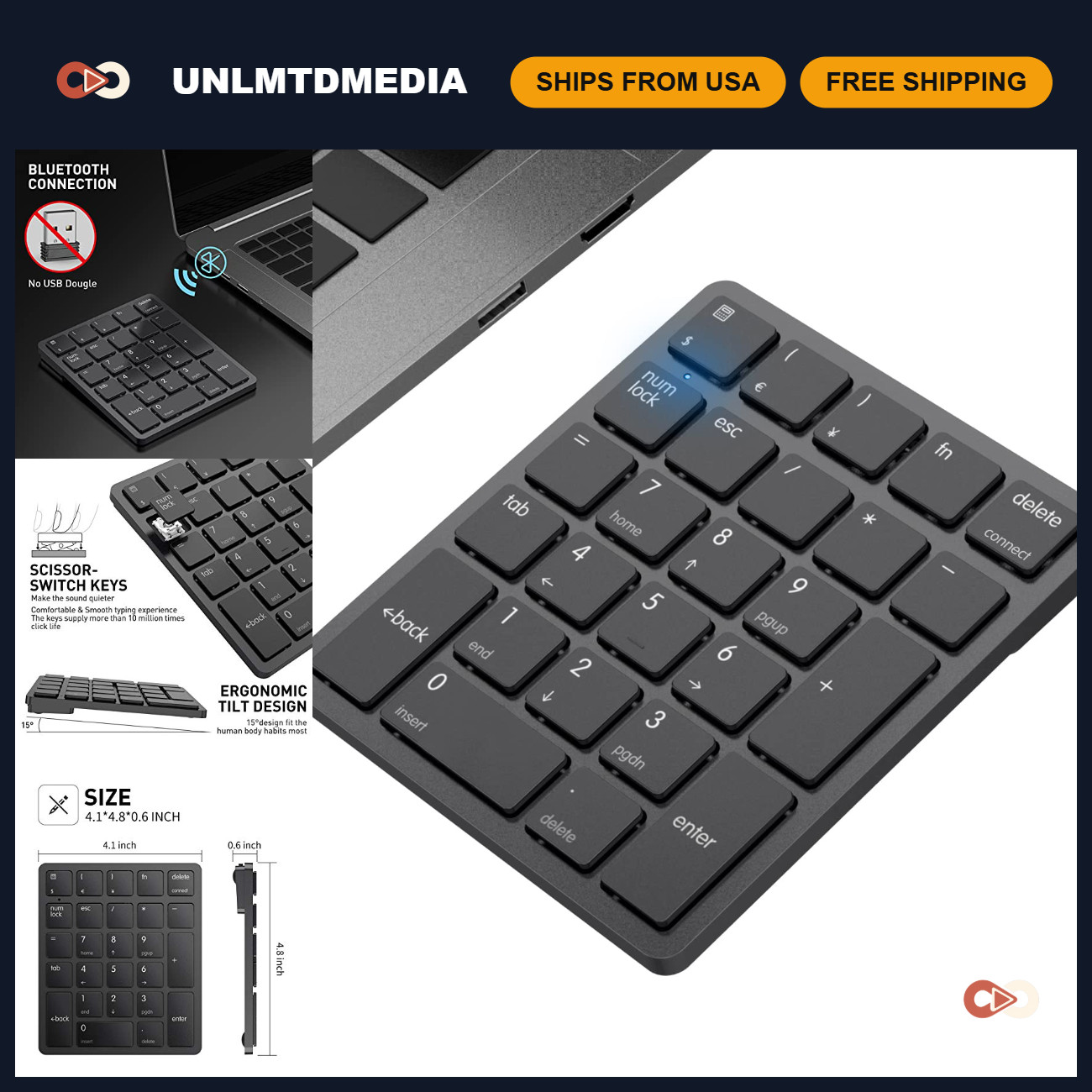
Widely Compatible: Works effortlessly with PCs, laptops, and desktops running Windows systems. (Note: Not compatible with Mac OS)
Multi-function 26-key Keypad: Includes NumLock, ESC, Delete, and a shortcut key for quick access to the calculator. Unique functionality allows for combination of 3 currency symbols using Fn+composite keys.
Rechargeable Convenience: Equipped with a rechargeable lithium battery to eliminate the hassle of constant battery replacements. Utilizes advanced Bluetooth 3.0 technology for stable connections and fast data transmission up to 33FT.
Comfortable Typing Experience: Features quiet scissor-switch keys that provide a smooth typing experience with quick response and excellent tactile response. The 15° tilt design enhances comfort for prolonged use, ideal for spreadsheet work, accounting tasks, and financial operations.
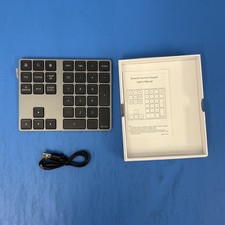
Long Battery Life: Large capacity lithium battery lasts 1-2 months on a full charge (charging via included USB-A to USB-C cable). Automatically enters sleep mode after 1 hour of inactivity; simply press any key to wake it up.
Warm Tips:
For optimal charging, use a computer USB port as the rated charging voltage is 5V. Avoid using other chargers or non-computer USB ports.
Easy Bluetooth Pairing in 3 Simple Steps:
Ensure the number pad is charged and powered on.
Press and hold the "Bluetooth Pairing Button" for 3 seconds until the indicator light flashes.
Select "Wireless Numeric KeyPad" from your device's Bluetooth list to connect.