Wolverine F2D Stand Alone 35mm Film to 5MP Digital Converter Kit - New Open Box For Sale
When you click on links to various merchants on this site and make a purchase, this can result in this site earning a commission. Affiliate programs and affiliations include, but are not limited to, the eBay Partner Network.
Wolverine F2D Stand Alone 35mm Film to 5MP Digital Converter Kit - New Open Box
Price: US $29.99
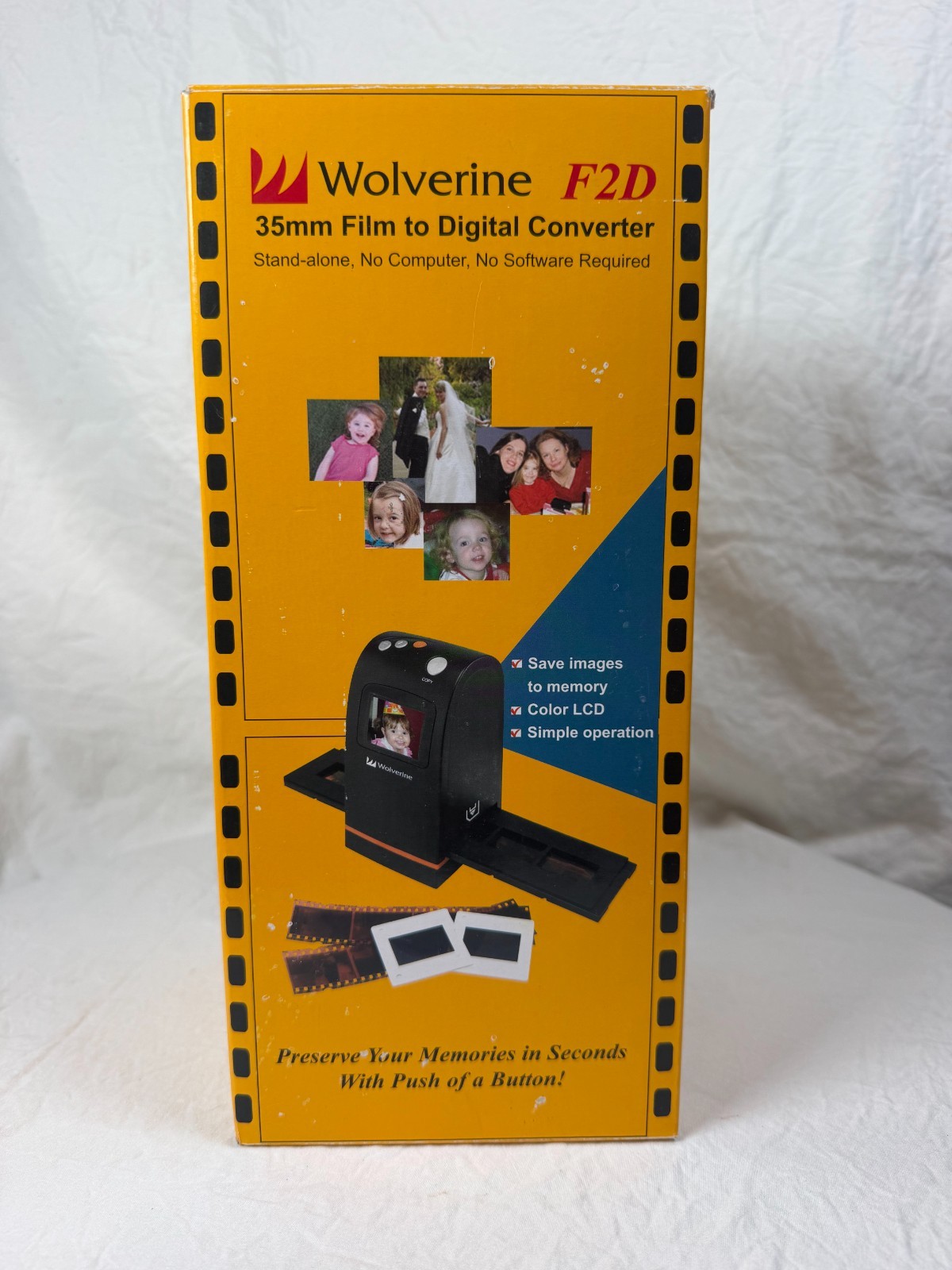
Up for sale is an open-box Wolverine F2D 35mm Film to Digital Converter kit in its original box. This easy-to-use scanner turns your old 35mm negatives, slides, and black-and-white film into 5-megapixel digital images in seconds. It's perfect for preserving family photos and memories, and a must-have for anyone with boxes of old film or slides.
Its best feature is true stand-alone operation: no computer, no drivers, and no software needed. Insert your film or slides, view them on the built-in color LCD screen, push a button, and the image saves to internal memory or an optional SD card. You can view your scans on your TV or upload them to your computer.
Features & Specifications
Brand: Wolverine
Model: F2D
Color: Red
Resolution: 5 megapixels
Compatible with: 35mm negatives, mounted slides, and B&W film
Display: 2.4" color LCD to view and edit images
Storage: Internal memory or optional SD card (not included)
Output: TV-out and USB
Power: USB cable (included); any USB wall adapter or computer USB port works. The AC adapter is not included.
Speed: About 5 seconds per scan
What's Included
Wolverine F2D film to digital converter (red)
Negative film tray
Slide film tray (still in its original plastic bag)
USB cable
Cleaning brush (still sealed in plastic)
Original user manual (Version 6.00)
Original box with inner packaging
Condition
Open box: the unit is clean with no visible signs of wear. Several accessories are still in their original plastic bags. The AC adapter is not included.
Manual: a faint circular mark on the front cover
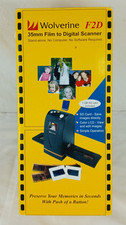
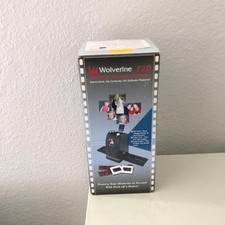
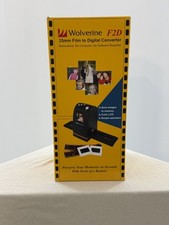
Box: the outer box shows shelf wear, scuffs, and some tears on the top flaps; please see photos