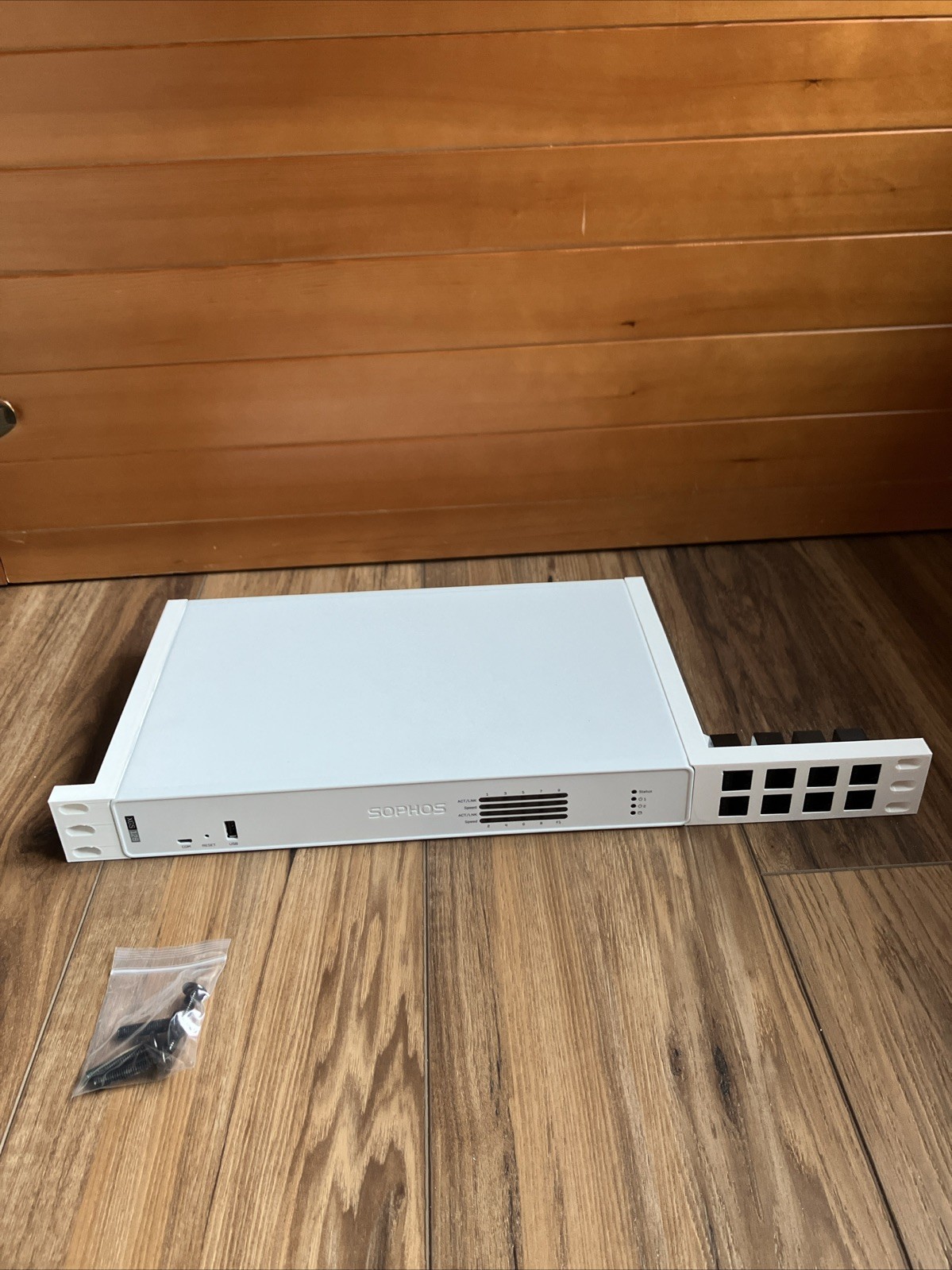
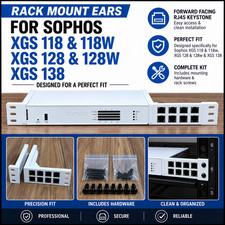
SOPHOS DEVICE NOT INCLUDED.
This ear mount kit is additively manufactured.
Includes extended hardware for fastening to the side of the Sophos and lengthened rack screws for installation.
Also includes 8 CAT6 keystone couplers.The keystone is a tight fit, and so the rack ears must be installed in the proper order:
1. Remove rackmount screws (three from each side) from the sides of the XGS128.2. Install rack ears with the provided screws. Install Keystone to the right side of the Sophos.3. Snap in the CAT6 couplers, moving from furthest right (away from the firewall) to left.
From there you can either route your RJ45 cables, or install the firewall to your 19" rack.