Xubuntu 26.04 Bootable USB Drive – MASTERDVDUSB Xubuntu 26.04 Bootable USB Drive – 64‑bit Linux OS Installer Prepared and verified by MASTERDVDUSB • Same‑Day Shipping from California Same‑Day Shipping High‑Quality Metal USB SHA256 Verified Intel iMac & MacBook Compatible* Product overview
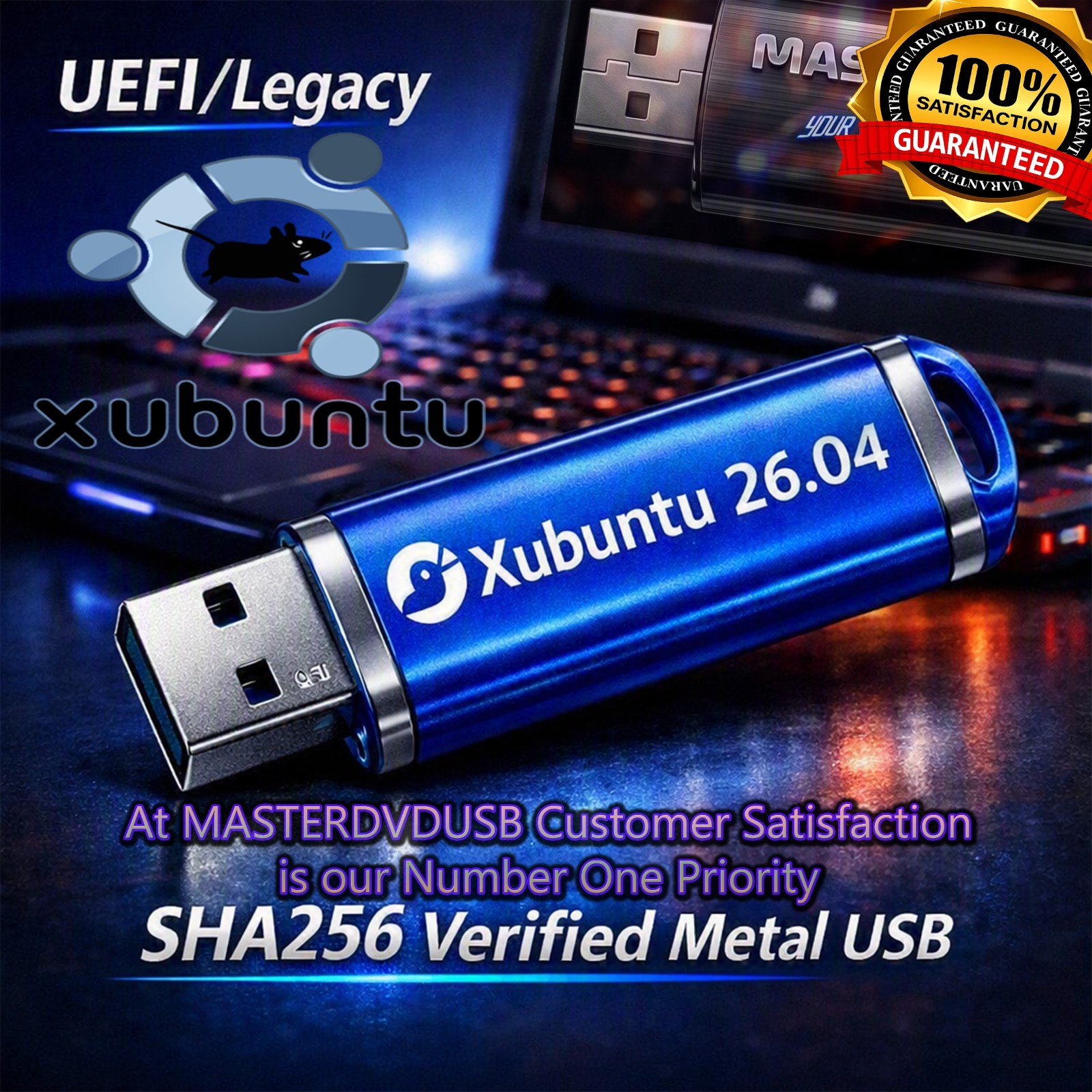
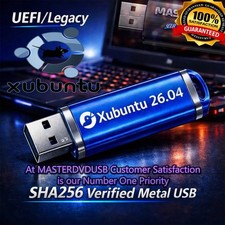
This listing is for a Xubuntu 26.04 Bootable USB Drive, professionally prepared on a high‑quality metal flash drive in a random color. It contains the full 64‑bit Xubuntu 26.04 operating system installer, ready to boot and install on most modern PCs and many Intel‑based iMacs and MacBooks*.
Every USB we sell is individually written, checked, and SHA256 verified to ensure the integrity of the installation media. We do not use cheap, throwaway drives—this is a durable metal USB flash drive designed for repeated use.
About Xubuntu 26.04 and its history
Xubuntu is an official Ubuntu flavor that uses the lightweight XFCE desktop environment. It was created for users who want the stability and power of Ubuntu, but with a faster, more responsive interface that runs well on both older and newer hardware.
Over the years, Xubuntu has become a favorite among enthusiasts, students, and professionals who need a reliable Linux system without unnecessary bloat. The 26.04 release continues this tradition, offering long‑term support, updated software packages, improved hardware compatibility, and a polished XFCE desktop that feels modern while staying efficient.
Xubuntu’s history is rooted in the broader Ubuntu ecosystem, benefiting from regular security updates, a massive software repository, and a strong global community. It is ideal for everyday computing, web browsing, office work, development, and light multimedia tasks, while remaining lean enough to run smoothly on systems that struggle with heavier desktop environments.
System requirements & compatibility Note: This USB is intended for 64‑bit systems and works on most Intel‑based iMacs and MacBooks that support booting from USB and running a 64‑bit Linux distribution.
- CPU:
64‑bit Intel or AMD processor (Intel‑based iMacs and MacBooks supported in most cases). - RAM:
Minimum 2 GB (4 GB or more recommended for best performance). - Storage:
At least 20 GB of free disk space for installation. - Boot capability:
System must support booting from USB (may require changing boot options or using Startup Manager on Macs). - Graphics:
Most integrated Intel and common discrete GPUs supported out of the box.
*Compatibility with Intel iMacs and MacBooks can vary by model and firmware. Some systems may require additional steps (such as adjusting boot security settings or using legacy boot options). We are happy to answer questions about your specific model.
What you will receive
- One bootable Xubuntu 26.04 USB drive:
High‑quality metal flash drive, random color, professionally prepared. - Pre‑loaded Xubuntu 26.04 (64‑bit):
Ready to boot and install—no ISO burning or command‑line work required. - Individually tested media:
Each USB is written, verified, and test‑booted before shipping. - Basic usage instructions:
Tips for booting from USB on PCs and Intel Macs.
Quality, testing & SHA256 verification
We take reliability seriously. Every Xubuntu 26.04 USB drive is created using a clean, verified ISO image. After writing the installer, we perform a SHA256 checksum verification to confirm that the data on your USB matches the official release. This helps prevent corrupted installs and ensures you are getting the operating system exactly as intended.
In addition, we test‑boot every USB before it leaves our workspace. If a drive does not boot or fails verification, it is pulled and replaced. Our goal is that when you plug this USB into your system, it simply works.
Shipping information
We ship same day from California on most orders placed before our daily cutoff time. Your USB will be securely packaged to protect it during transit. Because we are located in California, many West Coast buyers receive their items especially quickly, but we ship nationwide.
Why buy from MASTERDVDUSB
- Professional preparation:
We specialize in bootable media and take care to follow best practices for Linux installers. - Honest, detailed listings:
We clearly describe compatibility, requirements, and limitations so you know what you are buying. - High‑quality hardware:
We use durable metal USB flash drives, not the cheapest plastic options we can find. - SHA256‑verified media:
Every USB is checksum‑verified and test‑booted before shipping. - Same‑day shipping from California:
Fast handling times to get your installer to you quickly. - Customer satisfaction is our number one priority:
If you have questions, need help booting, or run into issues, we are always here to support you.
We stand behind our work. If you are unsure whether Xubuntu 26.04 is right for your system, or you need guidance on using Linux on an Intel iMac or MacBook, send us a message—we are happy to help before and after your purchase.
Important notes
- Not an official license:
Xubuntu is free and open‑source software. You are paying for the service of preparing, testing, and shipping the bootable USB drive. - Model‑specific behavior:
Some Macs may require additional steps or may have limitations when running Linux. We can offer general guidance, but behavior can vary by model and firmware version. - Data backup recommended:
Always back up your important files before installing any operating system.
Xubuntu 26.04 bootable USB drive, Xubuntu 26.04 installer, Xubuntu Linux USB, XFCE desktop environment, lightweight Ubuntu flavor, fast Linux operating system, Linux for older computers, Linux for Intel iMac, Linux for Intel MacBook, Xubuntu for Mac, Xubuntu for PC, 64‑bit Xubuntu, Xubuntu LTS release, Ubuntu‑based distribution, open‑source operating system, secure Linux OS, privacy‑focused computing, alternative to Windows, alternative to macOS, dual‑boot Linux, live USB Linux, try Linux without installing, bootable USB for troubleshooting, bootable USB for recovery, bootable USB for learning Linux, Linux for students, Linux for developers, Linux for home users, XFCE desktop customization, lightweight desktop, responsive user interface, low resource usage, efficient Linux desktop, Xubuntu performance, Xubuntu stability, Xubuntu community support, Xubuntu software center, apt package manager, Debian‑based packages, terminal tools, programming on Linux, Python on Xubuntu, web development on Xubuntu, office suite on Xubuntu, LibreOffice on Linux, Firefox on Linux, Chromium on Linux, media playback on Linux, VLC on Xubuntu, music player on Linux, photo viewer on Linux, file manager on XFCE, Thunar file manager, simple desktop layout, panel customization, workspace switching, virtual desktops, keyboard shortcuts, productivity on Linux, secure browsing on Linux, regular security updates, long‑term support release, LTS kernel, hardware compatibility, Intel graphics support, AMD graphics support, Wi‑Fi support, Bluetooth support, printer support, external drive support, USB 3.0 support, USB 2.0 support, SSD installation, HDD installation, encrypted home directory, full disk encryption options, user account setup, multi‑user system, guest sessions, remote access tools, SSH on Xubuntu, remote administration, server tools, local development environment, Docker on Linux, containers on Xubuntu, virtualization on Linux, VirtualBox on Xubuntu, KVM on Linux, testing environments, coding environments, scripting tools, Bash shell, Zsh shell, terminal emulators, XFCE terminal, customization themes, icon packs, wallpapers, appearance settings, power management, battery optimization on laptops, sleep and suspend settings, brightness controls, sound controls, audio output selection, microphone input, webcam support, online meetings on Linux, video calls on Linux, chat clients on Linux, email clients on Linux, Thunderbird on Xubuntu, calendar tools, task management tools, note‑taking apps, backup utilities, rsync backups, Timeshift snapshots, system restore points, package updates, software upgrades, release upgrades, migrating from Windows to Linux, migrating from macOS to Linux, learning curve for Linux, beginner‑friendly Linux distribution, Xubuntu for beginners, Xubuntu for intermediate users, Xubuntu for advanced users, customizing panels, app launchers, menu organization, startup applications, session management, login screen customization, LightDM greeter, lock screen options, security best practices, firewall tools, ufw firewall, network configuration, wired Ethernet, wireless networking, VPN clients, privacy tools, ad‑blocking, script‑blocking, password managers, KeePassXC on Linux, Bitwarden on Linux, cloud storage clients, Nextcloud on Linux, Dropbox on Linux, Google Drive access, OneDrive access via web, remote file access, SMB shares, NFS shares, local network browsing, home server integration, NAS integration, media server integration, Plex on Linux, Jellyfin on Linux, Emby on Linux, streaming from Linux, casting to devices, DLNA support, game emulation on Linux, retro gaming on Xubuntu, Steam on Linux, Proton compatibility, indie games on Linux, educational software on Linux, coding education tools, robotics tools, electronics tools, Arduino IDE on Linux, microcontroller programming, maker projects, hobbyist computing, tinkering with Linux, learning command line, shell scripting, automation tasks, cron jobs, scheduled backups, system monitoring tools, resource usage graphs, CPU usage, RAM usage, disk usage, network usage, temperature monitoring, fan control tools, laptop optimization, desktop optimization, multi‑monitor setups, external display support, projector support, presentation tools, slideshow tools, PDF readers, document viewers, e‑book readers, image editing tools, GIMP on Linux, Inkscape on Linux, Krita on Linux, audio editing tools, Audacity on Linux, video editing tools, Kdenlive on Linux, OpenShot on Linux, Shotcut on Linux, creative workflows on Linux, professional workflows on Linux, remote work on Linux, home office on Linux, secure remote desktop, VNC tools, RDP clients, SSH tunneling, port forwarding, network diagnostics, ping tools, traceroute tools, system logs, log viewers, troubleshooting tools, rescue environment, live environment, testing hardware, checking drives, partitioning tools, GParted on Linux, disk layout planning, dual‑boot partitioning, EFI systems, BIOS systems, legacy boot, UEFI boot, secure boot considerations, boot manager configuration, GRUB bootloader, boot menu customization, multi‑OS setups, experimenting with different Linux distros, comparing Xubuntu to Ubuntu, Kubuntu, Lubuntu, Linux Mint, Debian, Fedora, openSUSE, Manjaro, Arch‑based systems, choosing the right Linux distribution, reasons to pick Xubuntu, performance vs features, balance of speed and usability, long‑term reliability, community documentation, online tutorials, forums, Q&A sites, support resources, and more—this Xubuntu 26.04 bootable USB drive from MASTERDVDUSB gives you a ready‑to‑use path into the Linux world with a professionally prepared, SHA256‑verified, high‑quality metal flash drive shipped same day from California. MASTERDVDUSB • Customer satisfaction is our number one priority • Questions welcome before and after purchase.