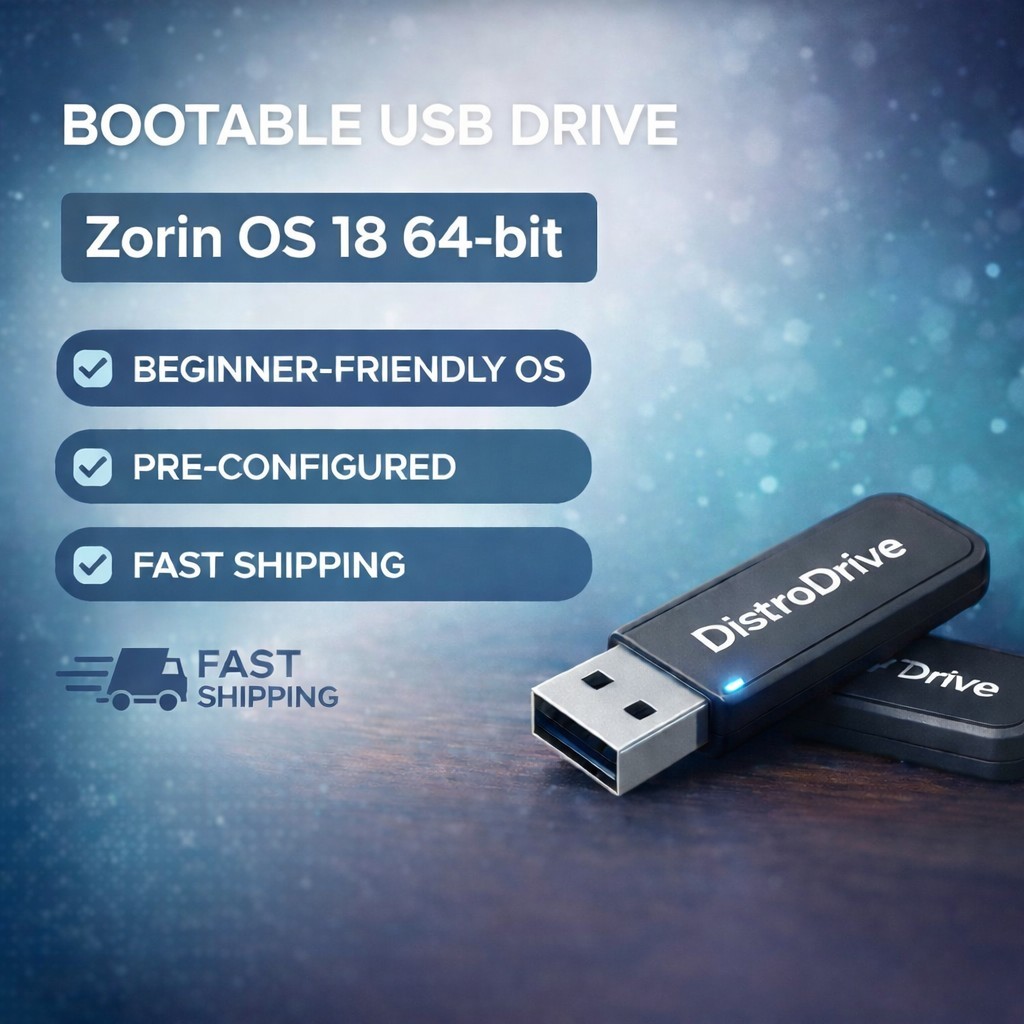
Zorin OS 18 Bootable USB - 64-Bit Linux Installation & Live DriveTake control of your computer with Zorin OS 18, the powerful, fast, and secure operating system designed to make your computer better. Whether you are looking to revive an older laptop or want a privacy-focused alternative to Windows or macOS, this bootable USB is the perfect solution.What’s Included?
• 1x High-Quality USB Drive: Professionally prepared and tested with the Zorin OS 18 (64-bit) installer.
• Plug-and-Play Ready: No need to spend hours downloading large files or configuring ISO burning software.
• Live Mode: Test the OS directly from the USB without touching your hard drive, or use it to perform a full installation.
• Step-by-Step Instructions: Basic setup guide included to help you boot and install.Key Features of Zorin OS 18
• Windows-Like Interface: Familiar and easy to use for beginners.
• Speed & Performance: Lightweight enough to make old PCs feel new again.
• Privacy First: No built-in tracking or data collection.
• Massive App Library: Includes LibreOffice (compatible with Microsoft Office) and access to thousands of apps via the Software Store.
How to Use (BIOS/UEFI Access)
To use this drive, you must tell your computer to boot from the USB instead of your internal hard drive.
1. Insert the USB while the computer is completely off.
2. Power on the device and immediately start tapping the Boot Menu Key (Common keys: F12, F10, F8, or ESC).
3. If your computer doesn't have a Boot Menu Key: Enter the BIOS/UEFI Setup (Common keys: F2 or DEL).
4. Inside the BIOS: Look for a tab labeled "Boot." Use your arrow keys to move the USB Drive/Removable Devices to the top of the priority list.
5. Save and Exit: Press F10 to save your changes and restart. The Zorin OS logo should now appear.
System Requirements
• CPU: 1 GHz Dual Core (64-bit) Intel/AMD processor or better.
• RAM: 2 GB or more.
• Storage: 15 GB free space (for installation).
• Display: 1024 x 768 resolution or higher.
✅ Open Source / GNU Licensing (Important)
• Service Disclosure: You are paying for my professional business service: USB hardware, media preparation, testing, packing, and technical support.
• Free Software: The Zorin OS software itself is open-source and provided for free by its creators under the GNU General Public License (GPL). You are not being charged for the software.
• Source Code: In accordance with the GPL, the source code for this software is available upon request or can be downloaded directly from the official Zorin OS website.
• Compatibility: This product contains the operating system on physical media for your convenience. It does not include a computer or hardware. Users are responsible for ensuring their hardware is compatible with Linux.