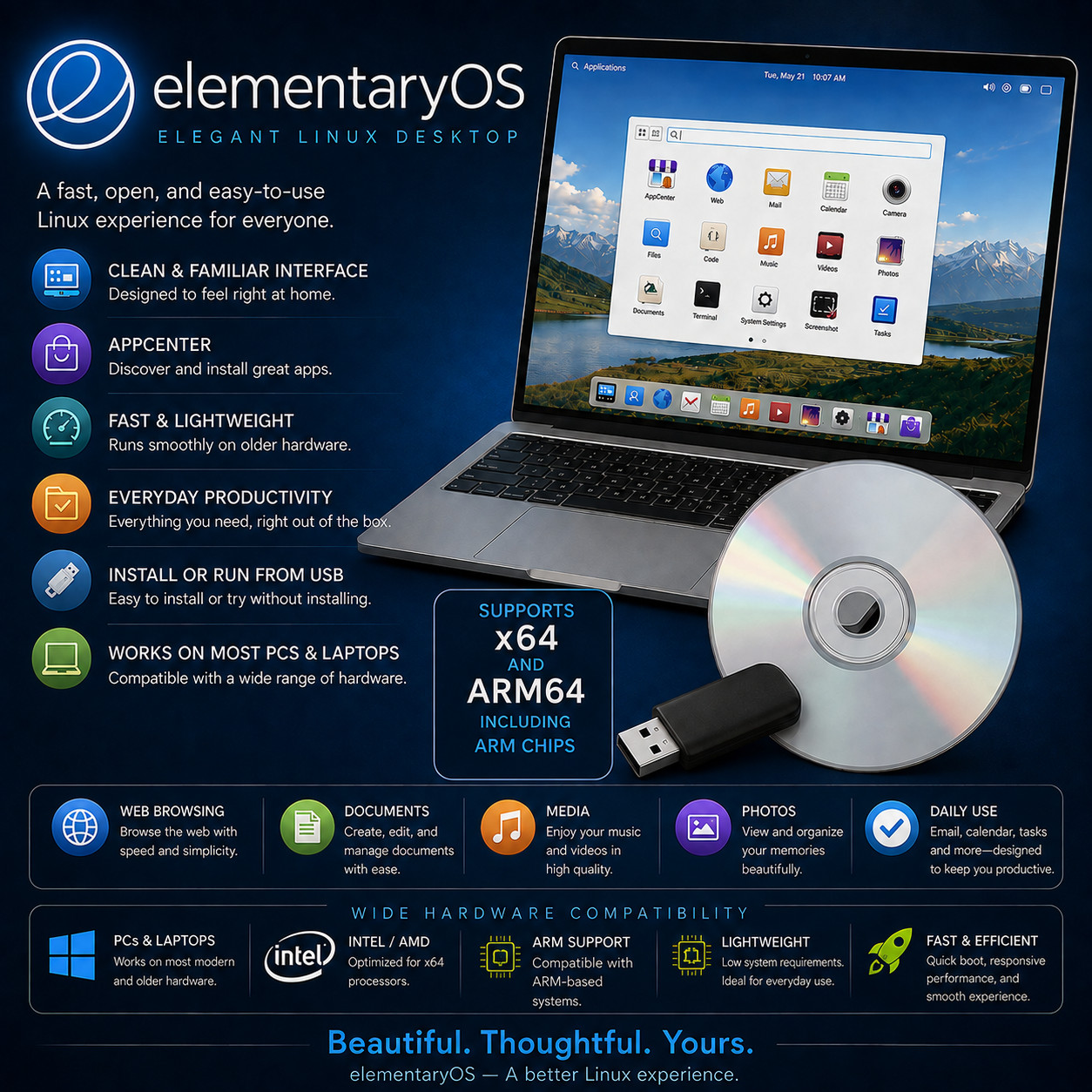
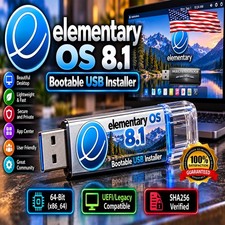
Elegant Linux Desktop elementaryOS BOOT · TRY · INSTALL · KEEP A carefully designed desktop that gets out of your way and lets the computer feel calm again. Live Try & Full Installer x64 & ARM64 Builds Long-Term-Support Base Curated App Store Choose your media at checkout · USB flash drive or DVD — same build, same guide, your call. Try It Without Changing Anything Boot the media and the whole desktop runs from it — browse the web, open the apps, see how your hardware behaves. Nothing on your hard drive is touched until you decide to install. Take the media out and your computer starts up exactly as it did before.
elementary OS is a desktop operating system built around a simple idea: the computer should be pleasant to use and should not get in your way. The desktop is clean and consistent, the apps that come with it cover everyday needs without a pile of preinstalled clutter, and the whole system is quick even on hardware that has been in service for years. This prepared USB lets you boot it on practically any modern PC or laptop to try it first, then install it permanently if you like what you see — either alongside the system you already have, or in place of it.
Why This Edition Stands Out 💾 Plug-in-and-boot ready media Written, tested and verified before shipping. No ISO downloading, no disc burning, no flashing software to learn — plug it in or drop it in, restart, and pick it from the boot menu. 🔍 Try it before you commit The live session runs the complete desktop straight from the media. Check your wifi, sound, graphics and printer work on your actual machine before a single file on your disk changes. 🧩 Both x64 and ARM64 builds The standard 64-bit Intel and AMD build for normal PCs and laptops, plus the newer ARM64 build for UEFI-booting ARM devices — both prepared on the media. 🛟 Install alongside, or replace The installer can set up a dual-boot next to the operating system already on the machine, or take the whole disk. You choose, and it tells you plainly which you're doing. 📚 Step-by-step PDF setup guide A screenshot-driven "Read Me First" guide ships on the media — boot-menu keys for major laptop brands, the live session, and the install walked through screen by screen. 🚀 Always the latest stable release The media is rebuilt as new stable versions ship — you receive the current stable build at order time, not a years-old archive. What the desktop gives you 🖥️ A clean, consistent desktop A panel across the top for the clock, indicators and notifications, and a dock along the bottom for the apps you use most. Applications are found from a single searchable menu. Everything follows the same design language, so a button in one app behaves the way it does in the next — which is exactly what makes a system feel learnable rather than fiddly. 🛍️ AppCenter — software without the hunting A built-in app store where every listed application has been reviewed and curated for a native, privacy-respecting and secure experience. Browse by category, install with one click, and get updates for everything through the same place. No hunting around the internet for installers, and no bundled extras riding along with them. 🗂️ The apps you need, already there A considered set of applications is installed from the start: a fast, battery-friendly web browser, mail with conversation-based threading, a photo library with editing, a music player with playlists, a video player that remembers where you stopped, calendar, tasks, files, camera, calculator, a code editor and a terminal. What isn't there is a screenful of preinstalled clutter to remove first. 🪟 Multitasking that actually helps Multitasking View lays out every open window and workspace at once, so you can keep one workspace for work and another for everything else and swipe between them. Picture-in-Picture pins a small floating view of a video, a game or a long-running process while you get on with something else in front of it. 🔕 Focus when you want it Do Not Disturb stops notifications outright for as long as you want them stopped — during a film, a presentation, or an hour of concentration. Night Light warms the screen as the evening comes in, and a system-wide dark style is a single switch away rather than a per-app hunt. 🔒 Privacy taken seriously by default No advertising identifiers, and no account to sign into before you can use your own computer. Applications ask permission before reaching your location, camera or microphone, and system settings let you review and revoke what you've granted. The browser is built to limit tracking as you go. Plus more inside 🧬 Long-term-support foundations Built on a long-term-support base with an up-to-date hardware enablement stack, so recent processors, graphics, webcams, wifi adapters and gamepads are recognised without hunting for drivers. 🐢 Kind to older machines A dual-core 64-bit processor and 4 GB of memory is the recommended starting point — well within reach of laptops that have been sitting in a drawer feeling slow for years. 🔍 Fractional display scaling For the many laptops and tablets whose screens sit between standard and high-density, the interface can be scaled to a size that actually fits rather than only doubling. ♿ Accessibility built in Screen reader, magnification, high-contrast and text-size controls, sticky and slow keys, and display filters for different kinds of colour vision — all in system settings, not bolted on afterwards. ⌨️ Keyboard shortcuts everywhere A built-in shortcut overview shows what's available and lets you rebind it. Window tiling, workspace switching and app launching are all a key combination away once they're in your fingers. 📦 A huge software catalogue behind it Beyond the curated store, the underlying long-term-support base gives access to one of the largest software repositories in the Linux world — office suites, photo editors, development tools and more. 🌍 Multi-language ready The desktop is translated into a wide range of languages by a large volunteer community — pick yours during setup and the interface follows. 🔑 No product key, no activation Nothing to type in, nothing to phone home to, no account required before the desktop will let you work. Install it on as many of your machines as you want. Who it's for 🌱 First-time Linux users Nothing here assumes you want to live in a terminal. The desktop is pointed and clicked, and the live session means you can look before you leap. 💻 Ageing laptops A machine that has become painfully slow is often perfectly good hardware carrying a tired install. A modest footprint and quick boot give it another few useful years. 🎓 Students & writers Browser, mail, calendar, tasks and a desktop that stays out of your way, with a full office suite and reference tools a click away in the app store. 🔐 Privacy-minded users No advertising identifiers, no mandatory account, and clear permission controls over camera, microphone and location for the apps you install. What you receive in the mail
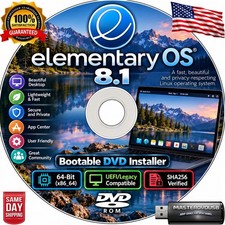
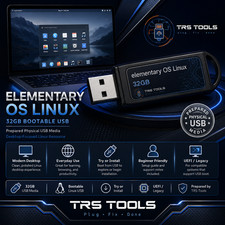
1 × USB flash drive or DVD (your choice at checkout) preloaded with the current stable elementary OS — bootable as a live session and as a full installer - Both architecture builds — the 64-bit Intel / AMD (x64) build for standard PCs and laptops, and the ARM64 build for UEFI-booting ARM devices
- Step-by-step setup guide with screenshots — open the "Read Me First" PDF on the media
- Quick reference card — boot-menu keys for major laptop brands and a one-page tour of the desktop
Compatibility Requirement Supported Architecture 64-bit Intel / AMD (x86-64), plus an ARM64 build for ARM devices that boot with UEFI Processor A recent dual-core 64-bit processor is recommended — practically any PC or laptop of the last decade or so Memory 4 GB of system memory recommended Storage A solid state drive with at least 32 GB of available space is recommended for a full installation. Nothing is written to your disk if you only run the live session. Display 1024 × 768 or higher; fractional scaling available for denser laptop screens Boot mode UEFI. Secure Boot may need to be turned off in your firmware settings — the included guide shows where. Internet Recommended during installation so updates and language support can be fetched, and needed afterwards for the app store Drive USB port (USB option) or a DVD drive (DVD option). The image is DVD-sized, so a CD drive is not sufficient for the disc version. Input Built-in or wired keyboard and mouse / touchpad How it works (3 steps) 1 Plug in & boot Insert the USB or DVD, restart, and pick it from the boot menu. The included PDF lists the boot-menu key for the major laptop brands. 2 Try the live desktop The full desktop runs from the media. Test your wifi, sound, graphics and touchpad on your own machine — nothing on your hard drive changes. 3 Install it if you like it Run the installer from the live desktop — alongside your current system or in its place — and you're set up in about twenty minutes. Owned, not rented No product key. No activation. No account to create before your own computer will let you work, and no advertising identifier following you around it. Install it on as many machines as you like, keep using it for as long as the hardware lasts, and take the updates the project publishes at no cost for as long as you want them. Frequently asked questions 💿 USB or DVD — which should I pick? The USB is the better choice for most people: it boots faster, works on the many laptops that no longer have an optical drive, and every modern machine can start from it. Pick the DVD if you are reviving an older desktop whose firmware is happier booting from a disc. Note that the image is DVD-sized — a plain CD drive will not read it. 💾 What's on the media? The current stable elementary OS, bootable both as a live session you can try and as a full installer, in both the 64-bit Intel / AMD build and the ARM64 build — plus a step-by-step PDF setup guide and a one-page quick-reference card. 🛟 Will this erase the system already on my computer? Not unless you tell it to. Booting the USB and using the live desktop changes nothing on your hard drive at all. If you go on to install, the installer asks whether to set up alongside your existing system or to take the whole disk — and says clearly which one you've chosen. Back your important files up first regardless; that advice holds for installing any operating system. 🍎 Will it run on an Apple Silicon Mac? The ARM64 build is made for ARM devices that boot with UEFI firmware, and the project names M-series Apple Silicon among them. In practice that route needs UEFI-capable firmware or a virtualisation layer on the Mac rather than a straight boot from the USB, so it suits someone comfortable setting that up. On an ordinary Intel or AMD PC or laptop, the x64 build boots straight from the drive with no such groundwork. Please message us before buying if the Mac route is your main reason for ordering. 💻 Will it work on my older laptop? Very likely, if it's a 64-bit machine with around 4 GB of memory. The surest answer is to boot the live session on that exact laptop and see for yourself — which is precisely what the try-before-installing step is for. 📄 Can I still work with documents people send me? Yes. A full office suite that opens and saves the common document, spreadsheet and presentation formats is available from the app store in a couple of clicks, and web-based document tools work in the browser as normal. 🔌 Do I need an internet connection? Not to boot the live session. A connection is recommended during installation so updates and extra language support can be fetched as it goes, and you'll want one afterwards to install further apps from the store. 💻 Can I use it on more than one computer? Yes — boot it and install it on as many machines as you own. There are no activation limits of any kind. 🔑 Does it need a product key, activation, or account? No. There is no product key, no activation, and no account registration required to install or use the desktop. 🔁 Do future updates cost anything? No. The project publishes updates at no cost — security patches and new versions alike — for as long as you want to keep the system current. 📦 We ship as soon as paid Boot it. Try it. Keep it. A calm, capable desktop — and your old laptop back on its feet. Have a question? Please do not hesitate to message us before purchasing.
This listing is for professionally prepared physical media. Your USB or DVD arrives preloaded with the operating system, setup guide, and quick-reference card, ready to use. You are paying for the prepared media and the sourcing, organisation, packaging, and shipping that goes into it, not for software licenses.
Condition: brand new prepared USB drive or DVD. Professionally assembled, tested, and verified before shipping.
Important notes: this is a prepared physical USB or DVD device, your choice of media at checkout. Includes software released under its applicable licenses, prepared and organised for ease of installation. No product keys or paid software licenses are included or required to use the software. For use on systems you own or are authorized to service. Installing an operating system can overwrite existing data — please back up anything important before you begin. The purchase price reflects the cost of the prepared media, the sourcing and organisation of the contents, packaging, and shipping, not a license to the underlying software. Only items shown or described are included.