When you click on links to various merchants on this site and make a purchase, this can result in this site earning a commission. Affiliate programs and affiliations include, but are not limited to, the eBay Partner Network.
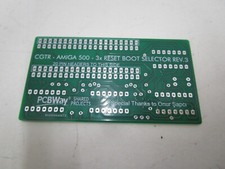
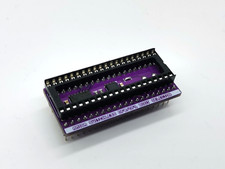
Amiga BOOT Selector for A500 or A2000
Price: UA $9.50
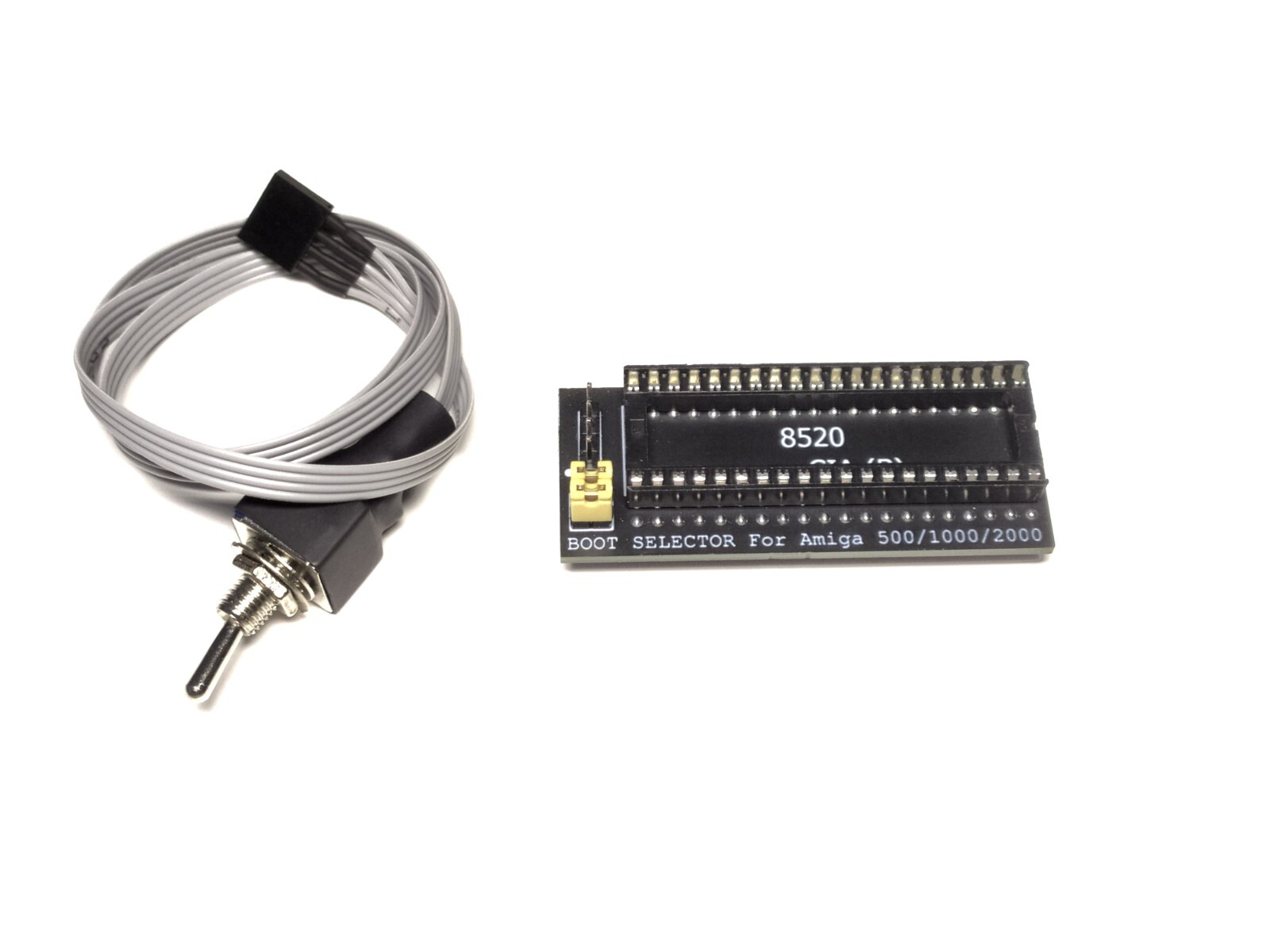
Amiga A500 or A2000 BOOT Selector A simple and reliable boot selector,flat contacts are used that do not damage the Amiga panel This BOOT Selector converts the DF0 and DF1 (optional DF2 , DF3) signals and allows you to boot from a secondary drive. It works with GOTEK /HxC floppy drive emulators and the original Amiga floppy drives.Installation
For the Amiga 500, remove the Even CIA (B) chip (look for 8520A) from the motherboard. For the Amiga 2000 (Rev. 4, German version), the boot selector is installed in the U11 (8250) socket.For the Amiga 2000 (Rev. 6), the boot selector is installed in the U301 (8250) socket.
Insert a boot selector into the socket you have just removed CIA chip from.
Install Even CIA into the socket of the boot selector ,remember to check boot selector and CIA chip pin 1 orientation while installing.
Set both jumpers to the vertical position to use the external drive (Gotek or floppy drive) as the primary one, or set both jumpers horizontally to make the internal floppy drive the primary one as before.
You can use the external switch included in the package, connect it to the connector on the boot selector board, and remove both jumpers, they are not needed in this case.