Nearly 100% satisfied customers!
Very fast national & international postage!
responseOur itemsOur offerCables & Connectors
PC / Laptop / Tablet Accessories
Console Accessories
Mobile Phone Accessories
Car Accessories
Memory Cards & Pen Drives
Digital Scales
Gadgets & Batteries
Thermometers & Clocks
Power Tools & Hand Tools
Sport & Health Accessories
Toys & Games
Vintage Computing Accessories
ShippingEvery package is securely wrapped with bubbles, peanuts, foams, paper, cardboard to insure the safe arrival of your new product. We understand the certainty of receiving a product the way you purchased it, that is why we have a strong, experienced packaging team to work with your every need.All parcels are shipped within 24 hours from the moment we receive the payment. We deliver worldwide.ReturnsIf you are not satisfied with this product, you can return the item within 14 days.Switchless Boot Selector Amiga 500 DF0/DF1 Signal SEL0 from SEL1
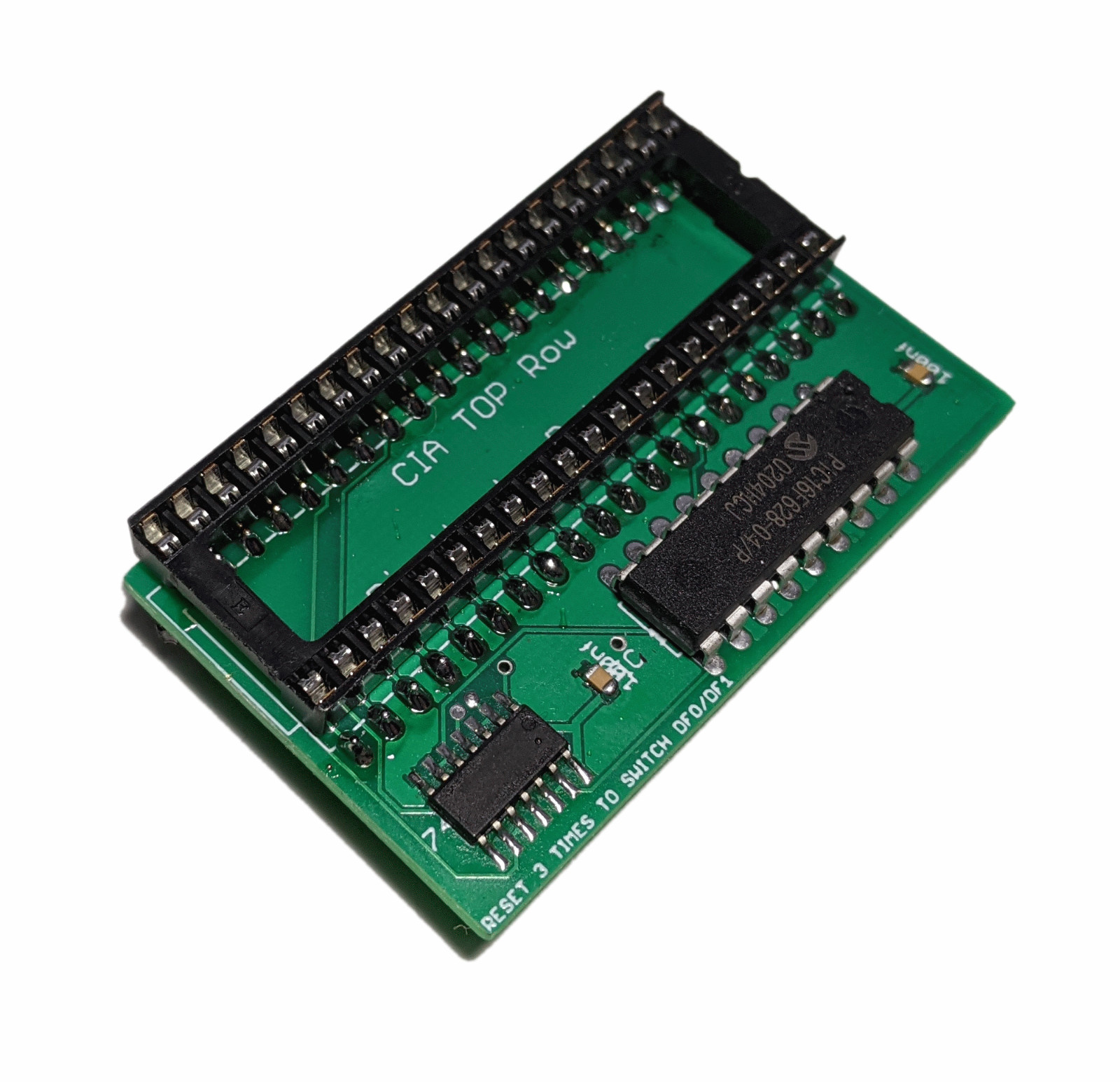
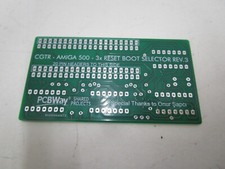
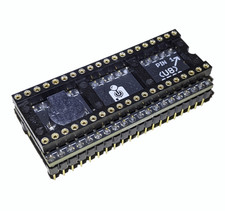
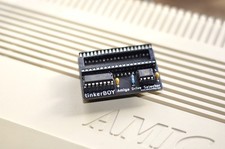
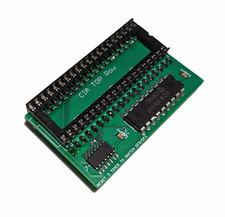
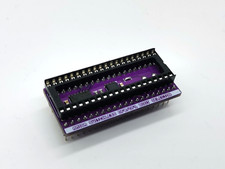
Amiga 500 Switchless Boot Selector.
This device can change the boot priority from your internal floppy drive to an external drive such as an external floppy disk or a Gotek drive. Both drives connected to the system will continue to work as normal when the internal drive is selected as the boot (DF0) device. When the Amiga powers on, the internal drive is the default boot device as usual. To select the external disk as the boot disk, simply press the reset keys 3 times (CTRL + Amiga + Amiga) or alternatively you can press and hold the reset keys for 4 seconds. After switching the boot order, the device 'locks' to that boot order for 30 seconds before the boot order can be switched again while the machine is powered on. The boot order selected will remain as long as the Amiga is powered on or until the boot order is changed again using the 3x reset.
Please note when the external drive is selected as the boot disk, the internal drive will be disabled. This is normal for Amiga boot selectors and not unique to this boot selector.
This board has been tested and is working with Amiga 500 kickstart 1.2, 1.3 and 3.1.
Installation:
1.) Power off your Amiga.
2.) Remove the chip from the socket labelled "Even CIA" right next to where the floppy cable connects to the motherboard.
3.) Put the boot selector expansion into the "Even CIA" module socket where you removed the chip in step 2
4.) Put the chip you removed in step 2 into the socket on the boot selector module.
PCB color: green