Product Details
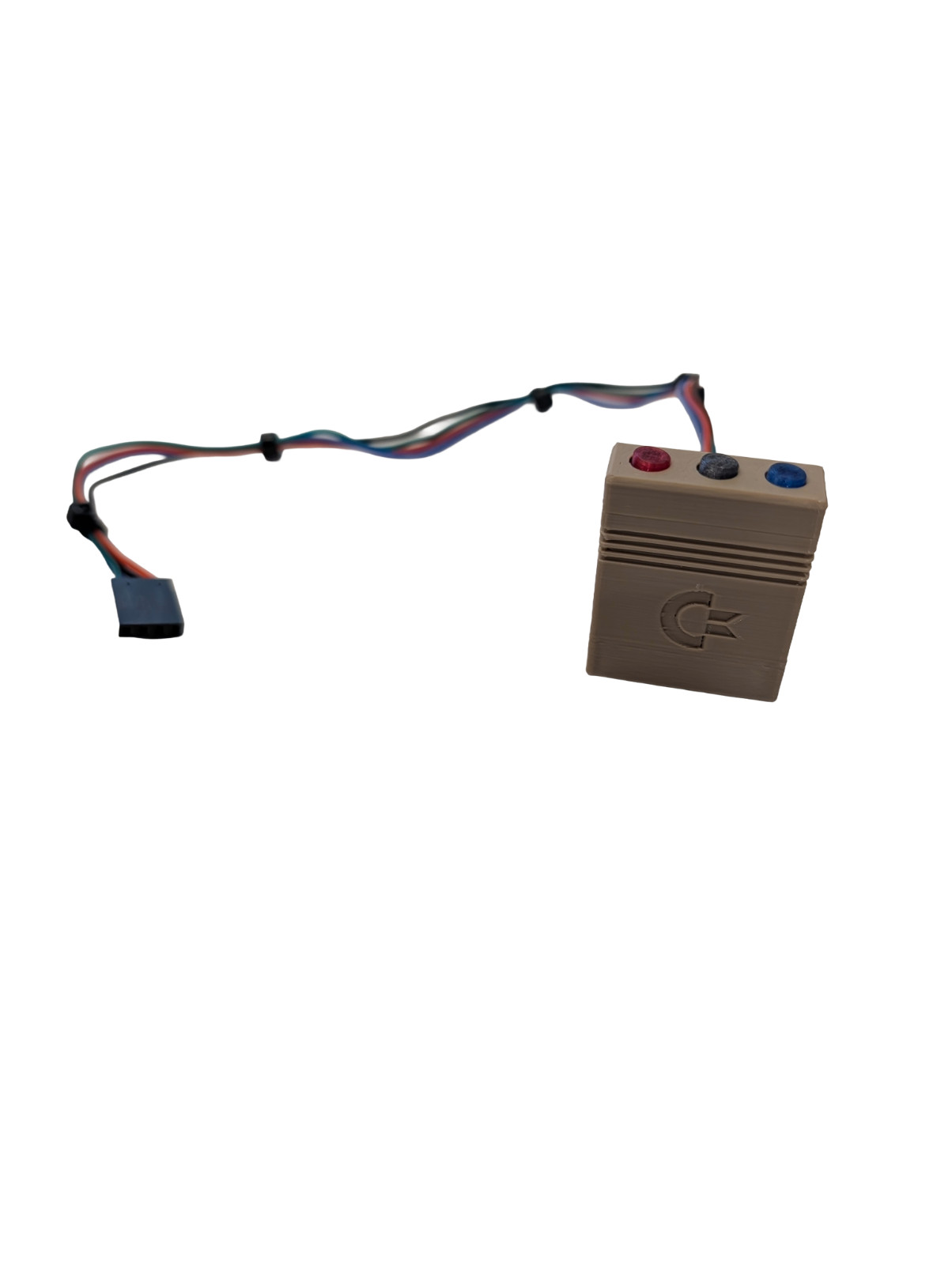
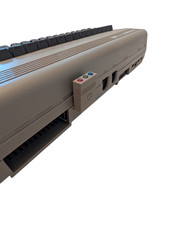
Add dedicated tactile utility buttons to the back ofyourCommodore 64Ultimateand make your system easier and more enjoyable to use. Nomore remembering keyboard presses or multi‑press sequences on the power switch— this module gives you instant, satisfying access to Menu, Reset, and Specialfunctions with real micro‑switch buttons you can see and feel. The Specialbutton supports cartridge images that originally included a physical button,including classic “freezer” cartridges such as Super Snapshot and ActionReplay.
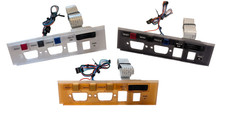
Unlike other designs, these buttons arefullyvisible from the front/top of your C64 Ultimate while you’re using it,making them easy to spot at a glance. Each button iscolor‑codedforquick recognition, so you always hit the right function without hesitation.
And best of all, it’ssuper easy to install—no soldering, no case‑modding, just a clean drop‑in upgrade that worksseamlessly with the Ultimate.
Please note that this fits the "breadbin"style caseonlyand hasnotbeen tested onthe newer 64C/slimline/wedge style case.
Key Features
- Add tactile buttons on the back of your C64U rather than using the multi-function rocker/power switch
- Saves wear and tear on the C64U rocker switch
- Colored buttons to easily remember each function - Black (Menu), Red (Reset), and Blue (Specialty)[1]
- FDM Printed with high quality plastic[2]
- Easy DIY connectivity to the C64U (instructions at ntech.net)
- The "specialty" button is used by cartridge CRT image files where the physical cartridge had a button (i.e. "Freeze" cartridges such as Action Replay or Super Snapshot).
- Translucent parts aren’t fully transparent because FDM printing creates fine layer lines that diffuse light, resulting in a soft, semi‑see‑through appearance rather than true optical clarity.