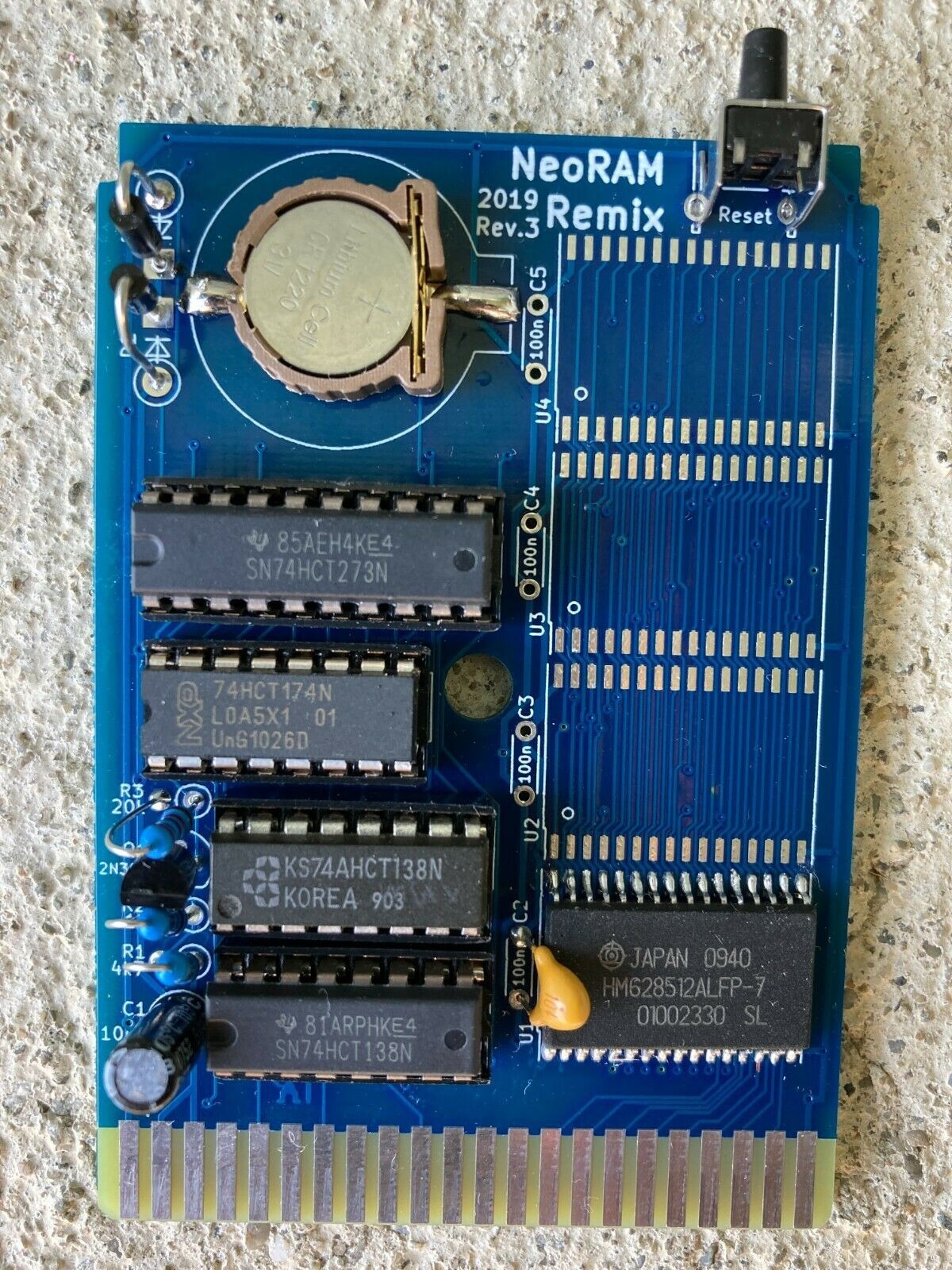
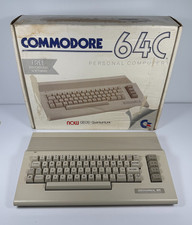
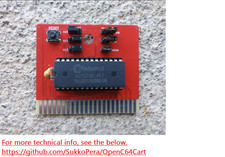
Listed is a brand new C64 512KB of RAM expansion (expandable to 2MB!!!!) that is compatible with the GEORam used with the GEOS operating system. You you can use to have this 512KB SRAM as RAM DISK!!!! YOU WILL HAVE TO HAVE TO BUY YOUR OWN CR2032 3V COIN CELL BATTERY.
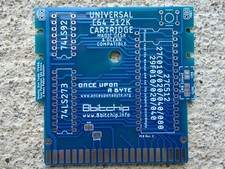
If you want to add more ram, then you will need to configure the jumpers via soldering, per the below info.The solder jumpers SJ3 and SJ4 on the backside of the PCB have to be changed to reflect the memory information:
- FOR FUN ONLY AND I AM NOT RESPONSIBLE FOR THIS: There is info that tells you how to make the NeoRAM board to become a RAM disk drive and will retain information with the help of the battery. See the last photo on how to get the RAM disk driver for the C64. Make sure to read the README file of the NeoRAM disk all the disk commands that you can use. Simply load the RAM disk program. Type "RUN" at the C64's screen prompt and follow the instructions to start the RAM disk initialize by typing the command LOAD "<-", 2 where "<-" is the LEFT arrow key located at the upper LEFT corner of the C64's keyboard. It is NOT the left cursor key. was written with hardcoded memory size for 2MB board. So, you see the numbers of blocks free much bigger!!! It might misbehave. The photos show how you save programs (hello.bas) into the RAM disk an example!
WHAT DO YOU GET?
You get the assembled board of 512KB of SRAM. You can add THREE more 512KB SRAM chips to make the board have a total of 2MB of SRAM. Make sure you buy GOOD/AUTHENTIC SRAM chips of the SAME MANUFACTURER and SPEED, ETC. There are a lot of fake chips on the net, etc., unfortunately!
TERMS
- NO RETURNS/REFUND
- NO TECHNICAL SUPPORT PROVIDED
IMPORTANT STANDARD DISCLAIMER:
I AM NOT RESPONSIBLE FOR YOUR PROJECT IN ANYWAY, THAT IS, ANY KIND OF DAMAGES TO YOUR MACHINE(S)/COMPUTER(S), INCLUDING BUT NOT LIMITED OF TO PHYSICAL, MENTAL, EMOTIONAL, PROPERTY-WISE, OR FINANCIALLY. NOR AM I RESPONSIBLE FOR ANY TECHNICAL SUPPORT.