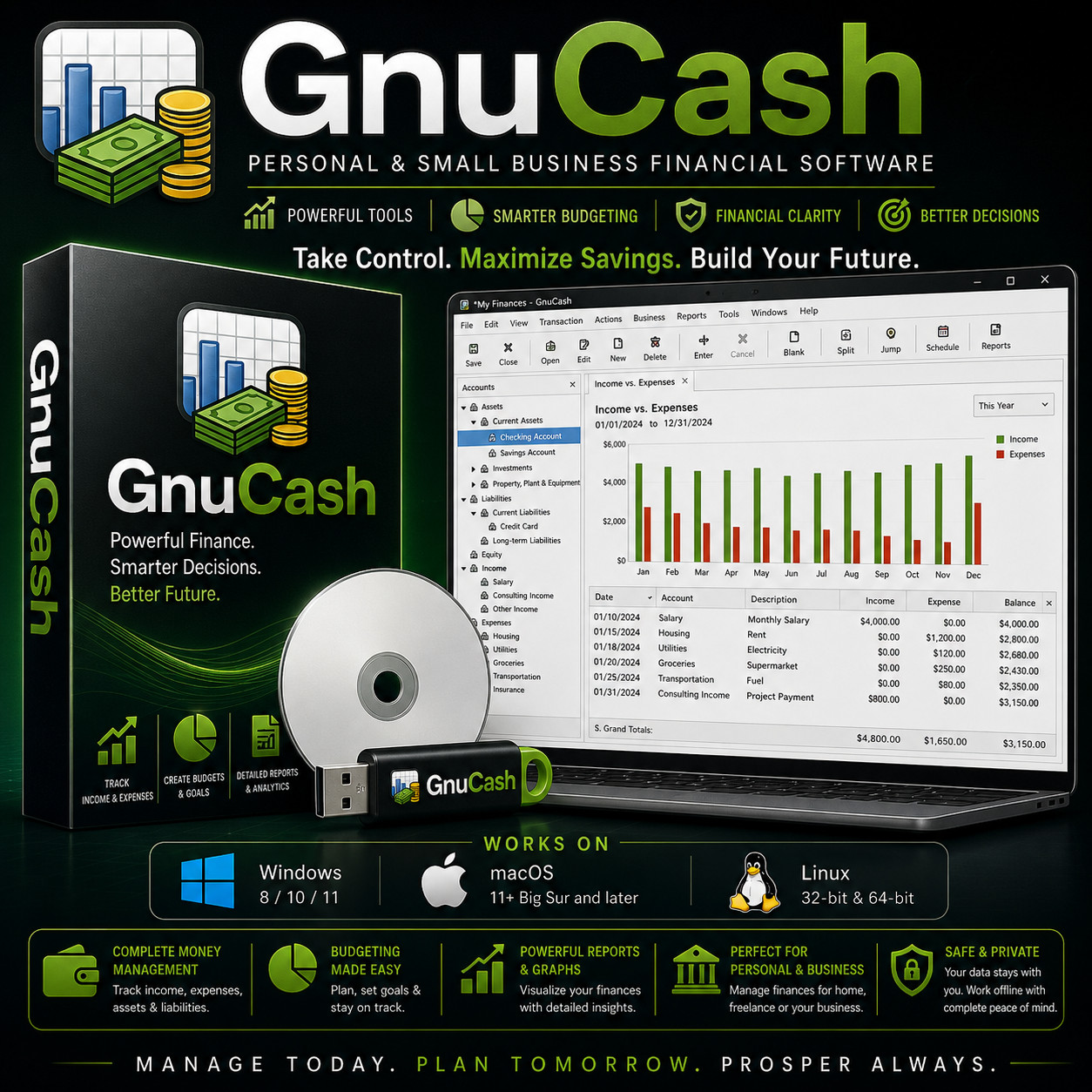
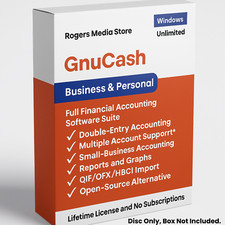
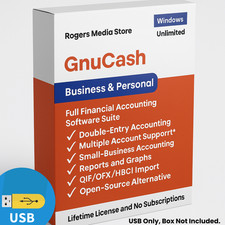
Personal & Small Business Financial Software GnuCash Take Control. Maximize Savings. Build Your Future. The professional desktop money manager that runs entirely on your own computer. No Subscription No Bank Login Windows · Mac · Linux Choose Your Media — Buyer's Choice Select USB flash drive for modern laptops with no optical drive, or CD-ROM for traditional desktops. Same software, same manuals — your call at checkout.
GnuCash is the trusted accounting program used by households, freelancers, and small businesses worldwide. Track every dollar, balance every account, and produce real Profit & Loss reports — all without monthly fees, account linking, or your data ever leaving your computer.
Why buyers pick this listing Feature This listing Typical competitor USB or CD — buyer's choice at checkout Yes CD only Works on Windows, macOS and Linux Yes Often Windows-only Always the latest release — newest features included Yes Often older builds Step-by-step printed-style install guide on the media Yes Sometimes Full GnuCash User Manual (PDF) included on the media Yes Sometimes Install on unlimited computers — no activation Yes Yes Everything you can do with GnuCash 💼 Complete money management Track income, expenses, assets and liabilities across every account in one organized place. 🎯 Budgeting made easy Plan monthly and annual budgets, set savings goals, and watch your progress month over month. 📊 Powerful reports & graphs Profit & Loss, Balance Sheet, Cash Flow, Tax Schedule, account trees, and dozens more — ready to print or hand to your accountant. 🏛️ Perfect for personal & business Same program works for the kitchen-table budget and the small-business books — double-entry accounting, invoicing, vendor & customer records. 🔒 Safe & private Your data stays with you. No cloud, no telemetry, no bank-account linking required. Works fully offline. 🌐 Multi-currency & investments Track accounts in different currencies, monitor stocks, bonds and mutual funds, and let GnuCash do the conversions for you. Who it's for 🏠 Households Replace Quicken or Mint. Track every household account, plan budgets, and own your financial records forever. 💼 Freelancers Send invoices, track deductible expenses, and produce reports your tax preparer can actually use. 🏢 Small business Customers, vendors, bills, sales tax, P&L and Balance Sheet — without paying QuickBooks every month. What you receive in the mail
1 × USB flash drive or CD-ROM (your choice at checkout) preloaded with the latest GnuCash installers for Windows, macOS, and Linux - Step-by-step install guide with screenshots — just open the "Read Me First" PDF on the media
- Full GnuCash User Manual (PDF) on the media
Compatibility Operating system Supported versions Windows Windows 8, 10, and 11 (32-bit and 64-bit) macOS macOS 11 Big Sur or later (Intel and Apple Silicon — M1, M2, M3, M4) Linux Most modern distributions — 32-bit and 64-bit Drive USB port (USB option) or CD-ROM drive (CD option) How it works (3 steps) 1 Plug in your media Insert the USB or CD into any Windows, Mac or Linux machine. 2 Run the installer for your OS Pick Windows, macOS, or Linux — the step-by-step PDF walks you through it with screenshots. 3 Open GnuCash and start tracking Create your first account, add transactions, and watch your reports come to life. Your financial data stays private GnuCash does not connect to your bank. Nothing uploads. Nothing syncs to the cloud. Your books live as a file on your own computer — exactly where they belong. Enter transactions manually or import the CSV/OFX statements you download from your bank yourself. Frequently asked questions 💿 USB or CD — which should I pick? If your computer has no optical drive (most laptops since 2018), pick the USB. If you have a desktop with a CD/DVD drive, either works — the contents are identical. 💻 Can I install it on more than one computer? Yes — install on as many computers as you like. There are no activation limits. 🔑 Does it need a product key, activation, or account? No. There is no product key, no activation, and no registration of any kind. 🏦 Does it connect to my bank? No. GnuCash never asks for your bank login. You enter transactions manually or import CSV/OFX files that you download from your bank yourself. Your credentials are never shared with any third party. 🔁 Do future updates cost anything? No. GnuCash updates are released at no cost by the GnuCash project — you can keep using and updating it indefinitely. 📦 We ship as soon as paid Manage Today. Plan Tomorrow. Prosper Always. Have a question? Please do not hesitate to message us before purchasing.