TRS Tools | Plug • Fix • Done Multiboot Linux USB with 26 Distros Prepared Physical Media for Exploration, Live Booting, and Technical Use Prepared 64GB USB 3.2 Physical Media | Organized multiboot access | Packaged and shipped to you A Portable Linux Collection on One Prepared USB
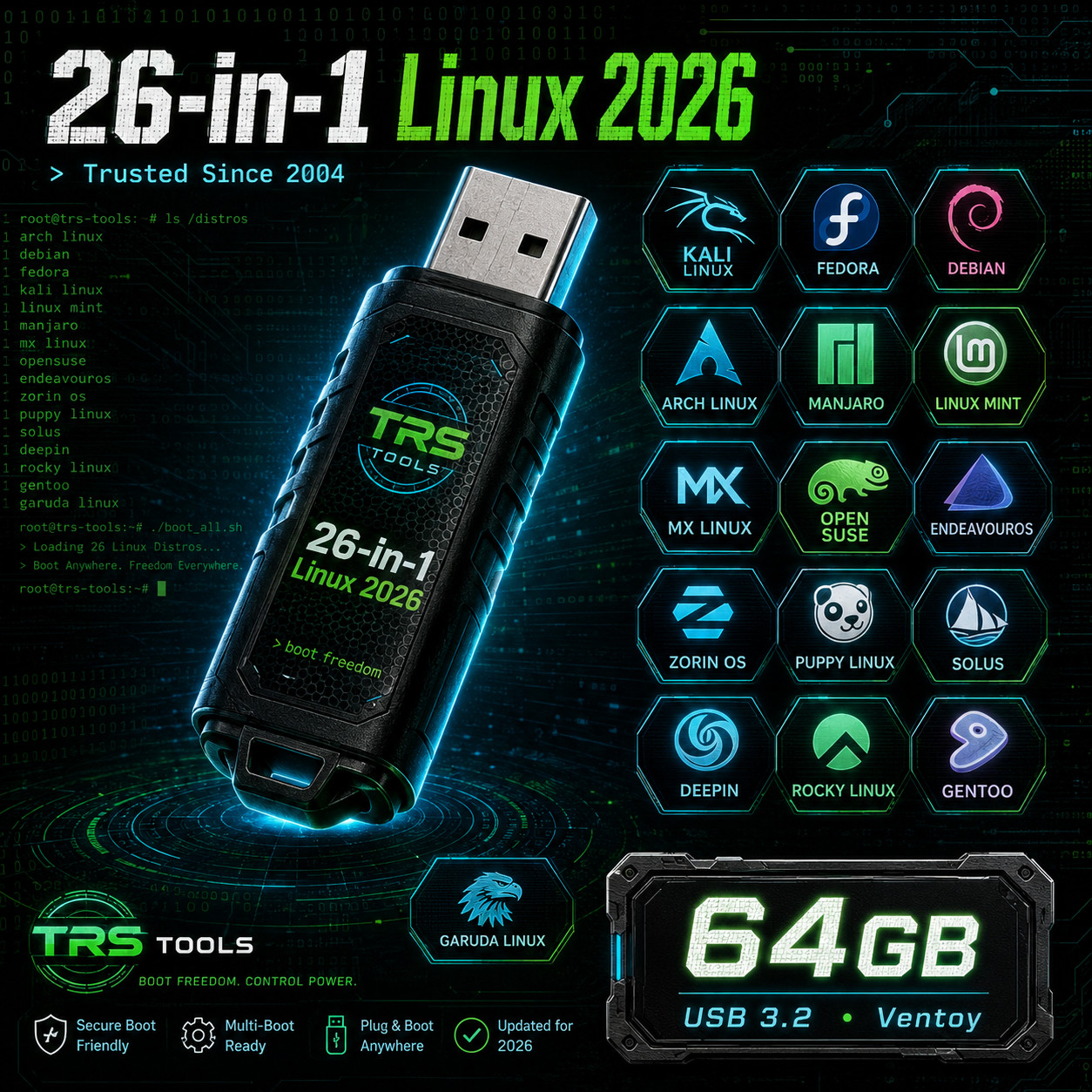
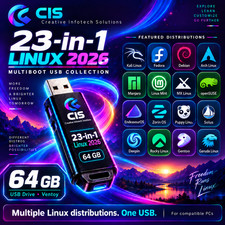
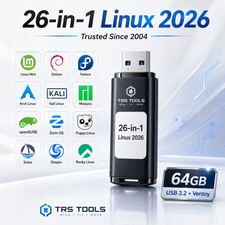
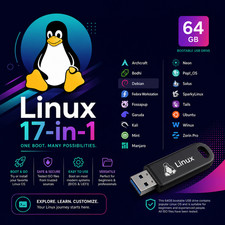
This listing features a prepared 64GB USB 3.2 drive with 26 Linux operating systems arranged in one multiboot setup. It is designed for users who want a convenient physical USB option for exploring modern Linux environments, running live sessions, comparing distributions, and keeping a practical technical tool ready to use.
This is not a digital delivery. Your prepared media is packaged and shipped as a physical item.
Why Buyers Like This Setup Many Linux Options
One prepared USB gives you access to a wide range of Linux-based environments.
Prepared Physical Media
The USB drive is prepared, checked, packaged, and shipped by TRS Tools.
Organized Boot Access
Structured for easier selection between different Linux systems.
Hands-On Learning
Useful for education, comparison, practice, and technical exploration.
What You Receive Physical Media 1 prepared 64GB USB 3.2 multiboot drive Prepared Contents 26 prepared Linux systems arranged in one multiboot setup Guidance Quick start guidance for basic USB boot use Preparation Prepared and checked before shipment Included Operating Systems by Use Type Beginner and Desktop Friendly
Linux Mint, Zorin OS, Lubuntu, Pop!_OS, Linux Lite
Flexible and Lightweight
MX Linux, Puppy Linux, Tiny Core Linux, antiX Linux, Peppermint OS, Haiku, Void Linux
Advanced and Feature-Rich
Arch Linux, EndeavourOS, Garuda Linux, Fedora Workstation, Manjaro, NixOS, Nobara, Rocky Linux, Proxmox VE
Privacy and Security Focused
Kali Linux, Tails OS
Additional Distinctive Options
KDE Neon, CachyOS
Recommended Uses Learning Linux through hands-on use Trying multiple systems from one USB device Running live sessions on compatible computers Testing hardware compatibility Comparing Linux desktop environments Keeping a portable Linux collection available Prepared by a Real IT Professional
Backed by 30+ years of hands-on IT experience and over 20 years of selling history with a near-perfect response record.
Prepared by a real IT professional with decades of experience working with computers, software, troubleshooting, and physical media preparation.
TRS Tools focuses on clear presentation, useful prepared media, practical organization, careful packaging, and buyer-focused service.
Physical Media Preparation Value
This is not a mass-produced generic collection. The USB media is prepared, organized, checked, and packaged by TRS Tools as a physical item for buyers who prefer a ready-to-boot media option.
The value of this item is the prepared physical media, organized file structure, clean presentation, handling, packaging, and shipping service provided by TRS Tools.
Basic Use Steps
- Insert the prepared USB into a compatible computer.
- Restart or power on the computer.
- Open the computer’s boot menu.
- Select the USB device.
- Choose the Linux system you want to start.
Compatibility Notes
This prepared USB is intended for compatible computers that support booting from USB media. Compatibility and performance can vary depending on computer model, firmware settings, Secure Boot settings, processor architecture, graphics hardware, memory, and the selected Linux system.
- USB boot support is required.
- Some computers may require boot-menu or firmware setting changes.
- Each included Linux system may have different hardware requirements.
- Internet access may be helpful for updates, documentation, tutorials, or driver information.
- Please verify compatibility with your computer before purchase.
Important Listing Note
This listing is for physical media only. No digital delivery is included or offered.
USB media is included. Product images, packaging mockups, or case-style graphics are for visual presentation only unless specifically stated otherwise.
No retail box, license key, activation code, commercial software license, or official software license is included.
Returns & Buyer Confidence
TRS Tools aims to provide clear listings, careful physical media preparation, secure packaging, and helpful buyer communication. Please review the compatibility notes before purchase and message through with any questions about what is included or how the prepared media is intended to be used.
Frequently Asked Questions What do I receive?
You receive one prepared 64GB USB 3.2 multiboot drive with 26 prepared Linux systems and quick start guidance.
Is this a digital delivery?
No. This is not a digital delivery. Your prepared media is packaged and shipped as a physical item.
Is this software legal?
Yes. Multiboot Linux USB with 26 Distros includes software released under applicable license terms, such as the GNU GPL or similar open-source license terms when applicable. This listing is for the prepared physical media, organization, handling, packaging, and shipping service provided by TRS Tools. The included software remains subject to its original license terms.
Does this include a retail box?
No retail box is included unless specifically stated. Product images and packaging-style graphics are for visual presentation only.
Does this include a license key or activation code?
No. No license key, activation code, commercial license, or retail software license is included.
Will this work on every computer?
No universal compatibility is guaranteed. It is intended for compatible computers that support USB booting. Hardware, firmware, Secure Boot settings, memory, graphics support, and the selected Linux system can affect behavior.
Is TRS Tools affiliated with the included Linux projects?
No. TRS Tools is not affiliated with, sponsored by, or endorsed by the third-party software developers or projects unless specifically stated otherwise.
Do you still have questions before or after purchase?
Please feel free to message us through . TRS Tools is happy to help with questions about the listing, what is included, compatibility, or the prepared physical media before or after your purchase.
Description of Our Service
TRS Tools provides a physical media preparation service for buyers who prefer a clean, organized, shipped USB item. This service includes preparing the USB media, arranging the multiboot setup, checking the media before shipment, clean presentation, handling, packaging, and shipping.
License and Disclaimer Information
The included software is released under applicable license terms. This listing is for physical media preparation, organization, handling, packaging, and shipping. The software remains subject to its original license terms.
TRS Tools does not claim ownership of the included third-party software. TRS Tools is not affiliated with, sponsored by, or endorsed by the third-party software developers or projects unless specifically stated otherwise.
USB media is included and shipped as a physical item. No retail box, software license, license key, activation code, or commercial software license is included.
TRS Tools | plug • fix • done
Prepared physical USB media • Linux multiboot organization • Buyer-focused service