TRS Tools
9-in-1 Linux Multi-Boot USB Kit
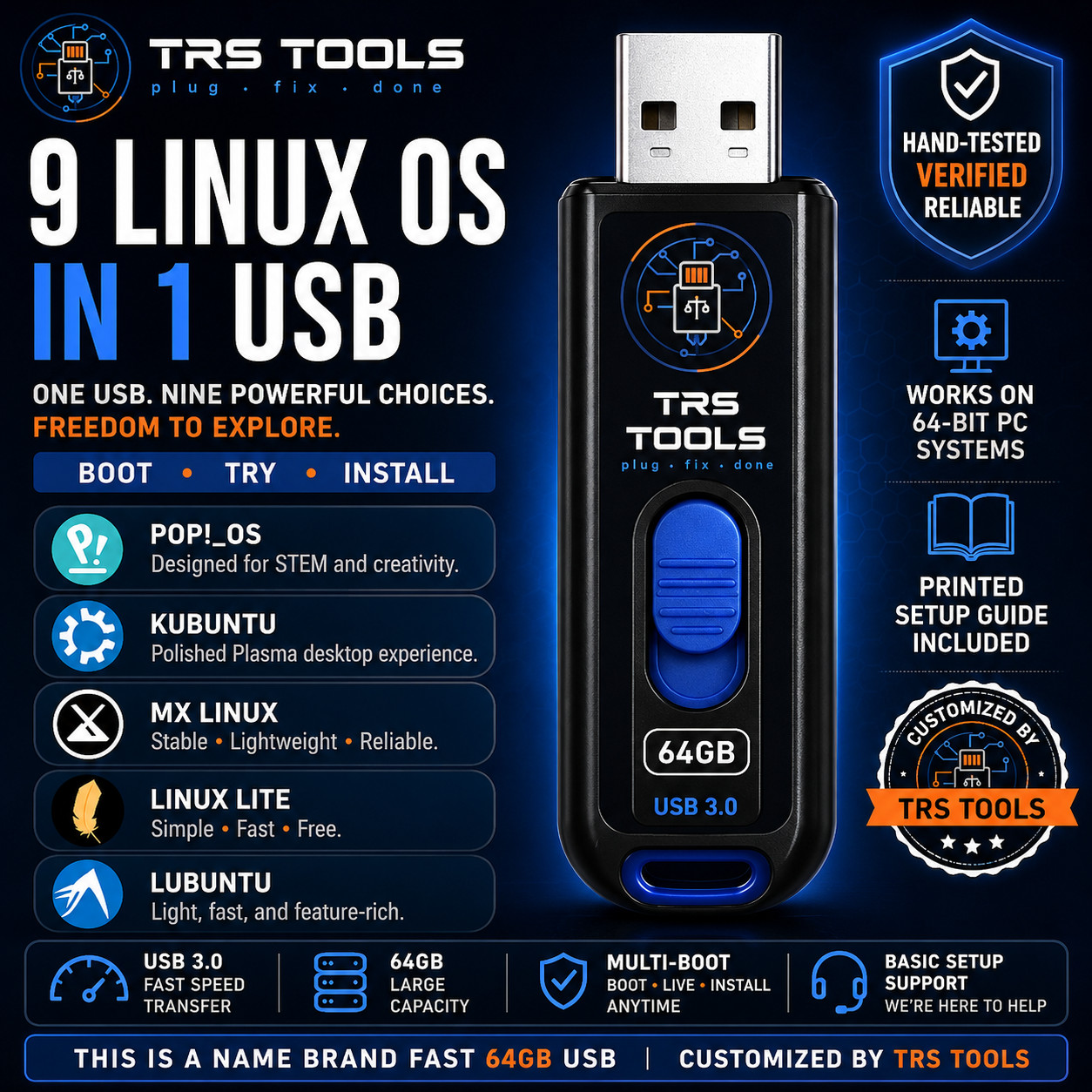
This independently produced TRS Tools kit lets you start a compatible computer from the USB, explore available live environments, and launch an installation when supported by the selected operating system.
A practical choice for: Linux beginners, students, home users, gamers, computer enthusiasts, technicians, home labs, software testing, and users considering an alternative desktop operating system.
Nine Included Linux Operating Systems
Linux Mint Cinnamon
A polished, beginner-friendly Linux distribution with a familiar desktop layout, straightforward navigation, and an approachable learning curve. It is well suited for home computing, office work, web browsing, and users transitioning from Windows.
Zorin OS Core
A modern desktop distribution designed around ease of use and a familiar visual experience. It is a practical choice for everyday users who want a polished interface and a comfortable transition from Windows.
Fedora Workstation
A modern Linux distribution featuring current open-source technologies, a clean desktop, and strong developer tools. It is a good option for users who prefer newer software and a regularly updated platform.
Pop!_OS
A productivity-focused Linux desktop with streamlined window management and tools suited for creators, developers, students, and general desktop users. It is also popular with users interested in compatible graphics hardware and gaming setups.
Kubuntu
An Ubuntu-based distribution featuring the customizable KDE Plasma desktop. It combines broad software availability with a polished interface and is suitable for everyday computing, office tasks, multimedia, and personalization.
MX Linux
A lightweight and stable Linux distribution designed to run efficiently on a wide range of compatible computers, including some older systems. It includes practical maintenance tools and is valued for speed and simplicity.
Bazzite
A gaming-focused Linux operating system designed for compatible desktop and handheld gaming hardware. It provides a console-inspired experience and includes features intended for gaming, media, and controller-friendly use.
Linux Lite
A lightweight, beginner-friendly distribution created to provide a familiar desktop experience while using fewer system resources. It is a useful option for basic home computing and compatible older PCs.
Lubuntu
A lightweight Ubuntu-based distribution using the LXQt desktop. It is designed for efficiency and can be a practical choice for compatible lower-resource computers, basic productivity, browsing, and everyday use.
What You Receive
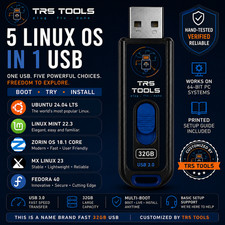
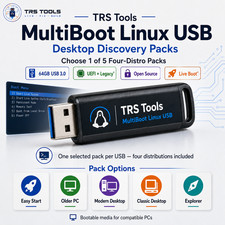
✓ One speedy name-brand 64GB USB 3.2 flash drive ✓ Nine selectable Linux installation images ✓ TRS Tools multi-boot selection menu ✓ TRS Tools branded drive label ✓ Protective storage packaging ✓ Original printed quick-start guide ✓ Boot-menu reference card ✓ Verification and preparation record ✓ Basic message-based startup assistance Product-image notice: USB images may be shown for demonstration purposes. The actual USB brand, casing, style, or color may vary according to availability while maintaining the advertised storage capacity and interface specification.
Individually Prepared by TRS Tools
Every drive is individually prepared in our workspace. Before shipping, we complete the following preparation and testing process:
✓ Obtain installation images from official project sources ✓ Verify available checksums or digital signatures ✓ Configure the multi-boot selection menu ✓ Confirm that all nine operating-system selections appear correctly ✓ Perform a test boot on compatible 64-bit PC hardware ✓ Inspect the USB media for read errors ✓ Apply TRS Tools branding and identification ✓ Print and package our original setup documentation
Testing confirms operation on our test equipment. It does not guarantee compatibility with every computer, component, firmware configuration, or peripheral.
What Does “Live Mode” Mean?
Many Linux distributions allow you to start a temporary desktop directly from the USB before installing the operating system. This can help you explore the desktop interface and check basic hardware compatibility.
Performance in live mode may be slower than performance after installation. Available features, persistence, drivers, Wi-Fi support, Secure Boot behavior, graphics support, and installation options vary by operating system and computer.
Computer Compatibility
Designed for Many PCs With: ✓ A 64-bit Intel or AMD processor ✓ A working USB-A port ✓ BIOS or UEFI USB-boot support ✓ Access to the computer's startup boot menu ✓ Sufficient memory and internal storage for the selected system Not Advertised for: ✗ Apple Silicon Macs ✗ ARM-only computers ✗ Raspberry Pi devices ✗ Tablets or mobile phones ✗ Locked Chromebooks ✗ Game consoles ✗ Computers that cannot boot from external USB media Important: Some computers may require changes to the startup boot order, Secure Boot setting, UEFI configuration, or external-media permissions. The buyer is responsible for confirming that the intended computer supports external USB startup.
What the Purchase Price Covers
The included Linux community editions are available independently from their respective developers. The purchase price covers the physical name-brand USB drive and the preparation services performed by TRS Tools.
✓ Physical USB flash media ✓ Media sourcing ✓ Multi-boot configuration ✓ Integrity verification ✓ Functional testing ✓ Original printed documentation ✓ Branding and protective packaging ✓ Order preparation and basic startup assistance
You are not purchasing ownership of Linux or any included operating system, trademark, or software project.
Basic Startup Support
Support Covers: ✓ Finding common boot-menu keys ✓ Selecting the USB from the startup menu ✓ Understanding the TRS Tools selection screen ✓ Starting an available live environment ✓ General physical-media troubleshooting Support Does Not Include: ✗ Remote access to the buyer's computer ✗ Data recovery services ✗ BIOS or firmware repair ✗ Password removal or account access ✗ Hardware repair or driver development ✗ Guaranteed installation or hardware compatibility
Important Buyer Information
Installing an operating system can erase or overwrite information stored on an internal drive. Back up all important files before beginning an installation.
The buyer should review the documentation supplied by the selected Linux project and confirm hardware compatibility before making permanent system changes.
This product is intended for use on computers owned by the buyer or on systems the buyer has authorization to operate. Software availability, versions, features, and project support policies may change over time.
Independent Seller and Trademark Notice
TRS Tools is an independent seller and is not affiliated with, sponsored by, certified by, or endorsed by Linux Mint, Zorin Group, the Fedora Project, Red Hat, System76, Canonical, the MX Linux project, Universal Blue, the Linux Lite project, the Lubuntu project, or their contributors.
Linux Mint, Zorin OS, Fedora, Pop!_OS, Kubuntu, MX Linux, Bazzite, Linux Lite, Lubuntu, Linux, and all related names, logos, and trademarks belong to their respective owners. Names are used only to accurately identify the compatible community software included on the prepared physical media.
TRS Tools
Professionally Prepared Physical Media, Original Instructions, and Practical Startup Assistance