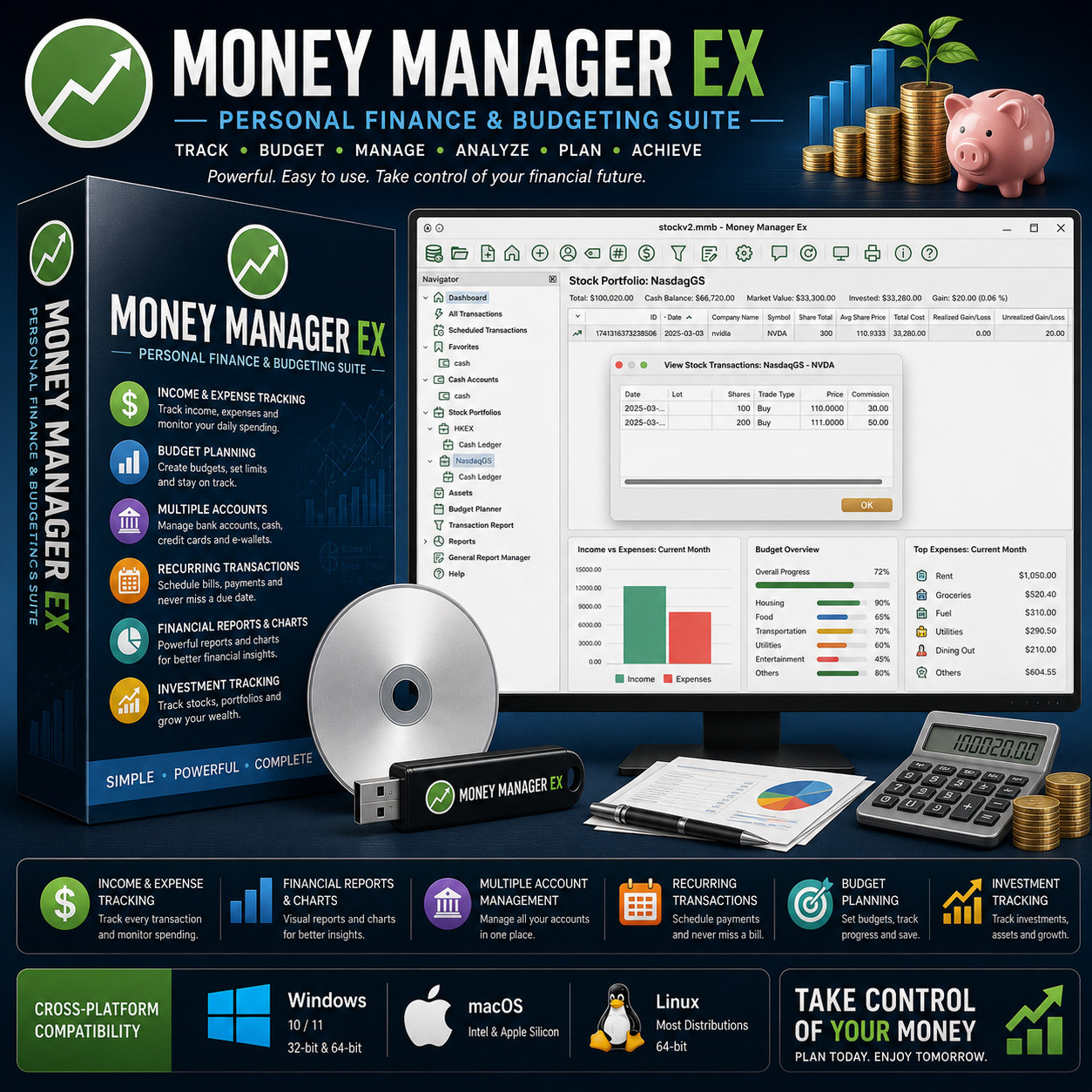
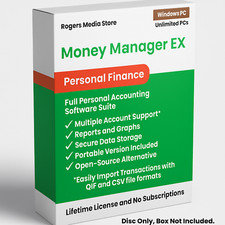
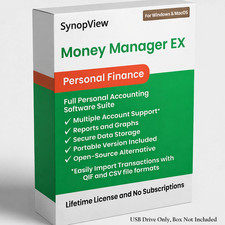
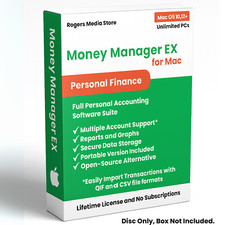
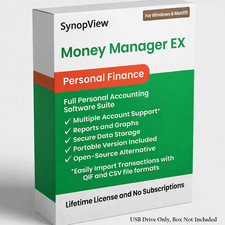
Personal Finance & Budgeting Suite MONEY MANAGER EX TRACK · BUDGET · MANAGE · ANALYZE · PLAN · ACHIEVE Powerful. Easy to use. Take control of your financial future. No Subscription No Bank Login Multi-Currency Windows · Mac · Linux Choose Your Media — Buyer's Choice Select USB flash drive for modern laptops with no optical drive, or CD-ROM for traditional desktops. Same software, same manual — your call at checkout.
Money Manager EX is the desktop personal finance suite that puts you back in charge of your money. Track every dollar across every account — checking, savings, credit cards, cash, e-wallets, investments — set monthly and annual budgets, schedule recurring bills, follow your stock portfolio, and produce real reports your accountant could actually read. Already a Quicken or Mint user? Money Manager EX imports your QIF and CSV files directly, so you can switch in an afternoon instead of starting over from scratch.
Money Manager EX vs the alternatives Feature Money Manager EX Quicken Classic Mint (now shut down) Other sellers One-time payment — owned forever Yes $35.88+/yr Discontinued Maybe No bank login required — your data stays private Yes Wants login Required Maybe USB or CD — buyer's choice at checkout Yes Download only — One format Native Windows, macOS and Linux Yes Win & Mac only Web only Windows only QIF import — bring your Quicken data straight over Yes Yes (native) Limited Maybe Investment / stock portfolio tracking Yes Premium tier Basic Maybe Bring Your Own Cloud sync (Dropbox, Drive, OneDrive) Yes Their cloud only Their cloud only Maybe Install on unlimited computers — no activation Yes Limited seats — Maybe Everything inside the suite 💵 Income & expense tracking Log every transaction across every account with payees, categories, statuses, and notes. Powerful search and filtering — by payee, category, amount, date range, account, or any combination. Attach the receipt PDF, the invoice JPG, or the contract DOCX directly to the transaction. 🎯 Budget planning Set monthly and annual budgets by category. The dashboard shows actual vs. planned spend in real time — Housing 90% of budget, Food 65%, Transportation 70%. Drill into any category to see exactly where the money went. Adjust mid-month, roll forward, or copy budgets year over year. 🏦 Multiple accounts & currencies Checking, savings, credit cards, cash, e-wallets, term deposits — every account in one place. Each account can use its own currency, and Money Manager EX handles the cross-rate conversions so your net worth always rolls up to a single number. 🔁 Recurring transactions Schedule rent, utilities, salary, subscriptions, loan payments — anything that repeats. Money Manager EX enters them automatically on their due date so the dashboard always reflects reality. Get a reminder before the bill posts so nothing surprises you. 📊 Financial reports & charts Income vs. expenses, budget overview, top expenses, cash-flow forecasts, net-worth over time, category breakdowns. Built-in standard reports plus a General Report Manager with custom SQL queries, LUA scripts, and HTML/JavaScript front-ends for power users who want their own dashboards. 📈 Investment tracking Track stocks, ETFs, mutual funds, and bonds across as many portfolios as you like — NasdaqGS, NYSE, HKEX, LSE, anywhere. Watch realized and unrealized gains, average cost, market value, and commission rolling up to your total net worth. Fixed assets supported too, with optional annual appreciation/depreciation rates. Plus more inside 📉 Cash-flow forecast See your upcoming income and expenses charted forward — scheduled bills, recurring salary, planned purchases — so you know exactly when an account will dip and can plan around it. ☁️ Bring your own cloud Store your database file in Dropbox, Google Drive, OneDrive, iCloud Drive — anywhere you already trust. Sync across devices without surrendering your financial data to a third party. 📥 QIF & CSV import / export Moving from Quicken? Import your QIF straight in. Coming from a spreadsheet? CSV works. Going somewhere else later? Export your full history to QIF, CSV, or HTML at any time. Your data is yours. 📎 Attach receipts & documents Attach any file — PDF, JPG, DOCX, anything — to a transaction, account, or asset. Tax-time receipts, warranty PDFs, and signed contracts live alongside the records they belong to. 🛠️ Custom SQL & Lua reports Write your own reports with raw SQL queries against the database, Lua functions for calculations, and HTML + JS for the front-end. Power-user heaven without leaving the app. 🌐 30+ language translations English, German, French, Spanish, Italian, Portuguese, Polish, Russian, Chinese, Japanese, Arabic, Hebrew, and many more. Use Money Manager EX in the language you actually think in. 🪄 Setup wizard First-launch wizard walks you through creating accounts, currencies, and your initial categories — be capturing transactions inside ten minutes. 🏷️ Payees, categories & tags Build your own structured taxonomy — payees for who, categories for why, tags for additional grouping (vacation, side gig, kid's college, etc.). Slice your finances any way you need. Who it's for 🏠 Households Track joint and personal accounts, plan monthly budgets, schedule recurring bills, and own your household finance records forever — no monthly fee, no bank-account linking. 🔄 Quicken switchers Done with the yearly Quicken renewal? Export your data to QIF, import it here, and walk away owning the program. Years of history come with you intact. 👋 Mint refugees Intuit shut Mint down — but your financial life didn't stop. Money Manager EX gives you the dashboard, the categories, and the budget tracking, all on your own machine. 📈 Investors Track stock portfolios on any exchange, fixed assets, and net-worth over time — see your full financial picture, not just the brokerage statement. What you receive in the mail
1 × USB flash drive or CD-ROM (your choice at checkout) preloaded with native Money Manager EX installers for: - Windows — 32-bit and 64-bit .exe installers (Windows 10 and 11)
- macOS — native Intel .dmg and native Apple Silicon arm64 .dmg
- Linux — universal .AppImage plus distribution packages
- Step-by-step install guide with screenshots — open the "Read Me First" PDF on the media
- Full Money Manager EX User Manual (PDF) on the media
Compatibility Operating system Supported versions Windows Windows 10 and 11 — both 32-bit and 64-bit native installers macOS native Intel .dmg and native Apple Silicon arm64 .dmg (M1 / M2 / M3 / M4) Linux Most major 64-bit distributions System 1 GHz CPU, 1 GB RAM, 200 MB disk space — runs comfortably on older hardware Drive USB port (USB option) or CD-ROM drive (CD option) How it works (3 steps) 1 Plug in your media Insert the USB or CD into any Windows, Mac or Linux machine. 2 Run the installer for your OS Pick Windows, macOS, or Linux — the step-by-step PDF walks you through it with screenshots. The wizard launches on first run. 3 Add your accounts & start tracking Create accounts, set your first budget, and add your first transactions — or import your Quicken QIF and you're caught up instantly. Owned, not rented — your money, your machine No subscription. No bank-account linking. No cloud account. No annual renewal letter from Intuit. Your transactions live as a file on your computer, where you put it. Walk away from the cloud, keep your full history forever, and never receive another "your trial is ending" email. Frequently asked questions 💿 USB or CD — which should I pick? If your computer has no optical drive (most laptops since 2018), pick the USB. If you have a desktop with a CD/DVD drive, either works — the contents are identical. 🔄 Can I import my Quicken data? Yes. In Quicken, export your accounts to QIF (Quicken Interchange Format). Money Manager EX reads QIF natively — accounts, transactions, categories, payees and amounts all come over. Most users are caught up in a single sitting. 👋 I used to use Mint — does this replace it? It replaces the core of what Mint did: dashboard, budgets, categories, expense tracking, net-worth view. Your data lives on your machine instead of in Intuit's cloud, so nobody can pull the plug on you again. Keep your records current by importing the CSV statements your bank lets you download — you stay in control of every byte of your financial history. ☁️ Can I sync my data between devices? Yes — through a "bring your own cloud" approach. Store the Money Manager EX database file in your Dropbox, Google Drive, OneDrive, or iCloud folder. Every device that opens the file is reading the same source — you control where the data lives. 💻 Can I install it on more than one computer? Yes — install on as many computers as you like. Unlimited installs. 🔑 Does it need a product key, activation, or account? No. There is no product key, no activation, and no registration of any kind. 🔁 Do future updates cost anything? No. Money Manager EX updates are released at no cost by the project — you can keep using and updating it indefinitely. 📦 We ship as soon as paid Take Control of Your Money. Plan Today. Enjoy Tomorrow. Have a question? Please do not hesitate to message us before purchasing.