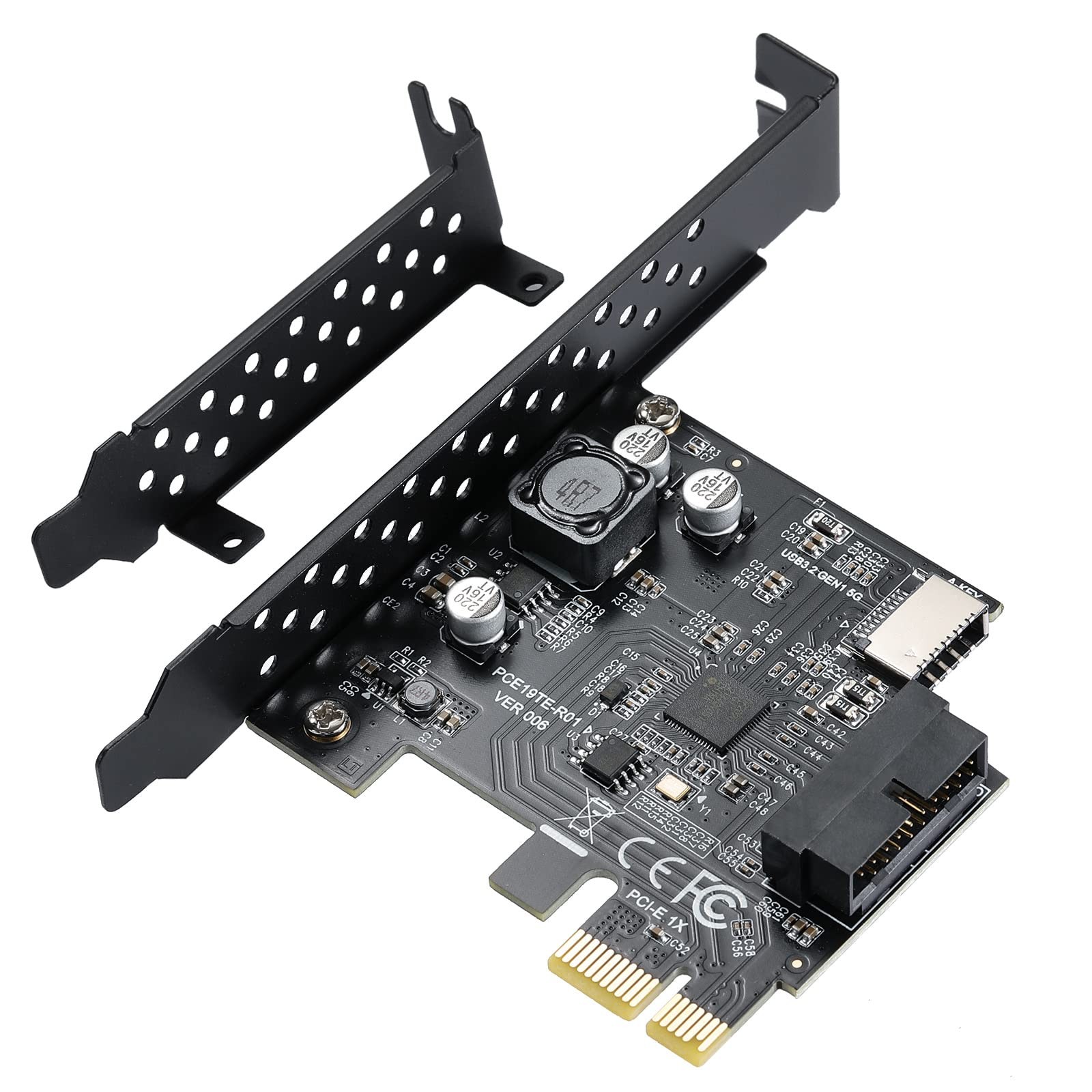
The riser card is the perfect solution for using USB 3.2 Gen1 connectors with Type C or Type A
The adapter is a converter to convert the available PCIE 1x of a motherboard to a USB 3.2 Gen1 header;It fits any USB 3.0 header
Product Interface: USB 3.2 Gen1 TYPE E A key
PUSB 3 socket 0 to 19Pin
Product Chip: Renesas D720201
Bandwidth: Up to 5 Gbps
Support System: XP, WIN7, WIN8, VISTA, WIN10, WIN11, 32BIT, 64BIT, LINUX
Suitable for: Fit for standard size computer case and small size computer case
Operating System Product Features:
This product can convert your computer's PCIE high speed data transfer interface to TYPE C 3.2 gen1 TYPE E 5 Gbps and an integrated USB 3.0 port
PCIE slot available
Does not support PCI slots
NOTE: Do not install this PCIE card when the computer is turned on
Package Contents:
1 x USB 3.2 gen1 TYPE E expansion card
1 x Low profile bracket
PCIE to USB Expansion Card: This adapter is a converter that provides 2 external ports to connect additional USB devices to the computer system, and can convert the PCI E 1x connector available on the motherboard to USB 3.2 Gen1 connector; It works with any USB 3.0 interface
Speed USB 3.2 Gen 1: Equipped with renesas D720201 main chip, data transfer rate up to 5 Gbps, allowing you to quickly access files and transfer HD movies, photos, music, and more
Wide Compatibility: Supports XP, WIN7, WIN8, VISTA, WIN10, WIN11 32 BIT, 64 BIT, LINUX; Supports PCI Express 1x, 4x, 8x, 16x slots; Windows Vista, XP, 7 systems require driver installation from CD ROM
NOTE: Actual transfer speed may be limited by the connected device; The riser card is the perfect solution for using USB 3.2 Gen1 connectors with Type-C or Type-A
Easy to Install: First, turn off the computer power; Then remove the cover from the computer case; Third, find the corresponding PCI E card slot; Insert the card into an empty PCI Express slot and connect the SATA power cable; Finally tighten the screws