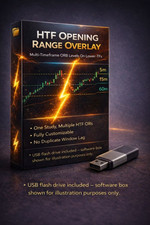
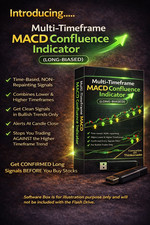
USPS Ground Advantage or First Class FREE SHIPPING in the Continental U.S. only.
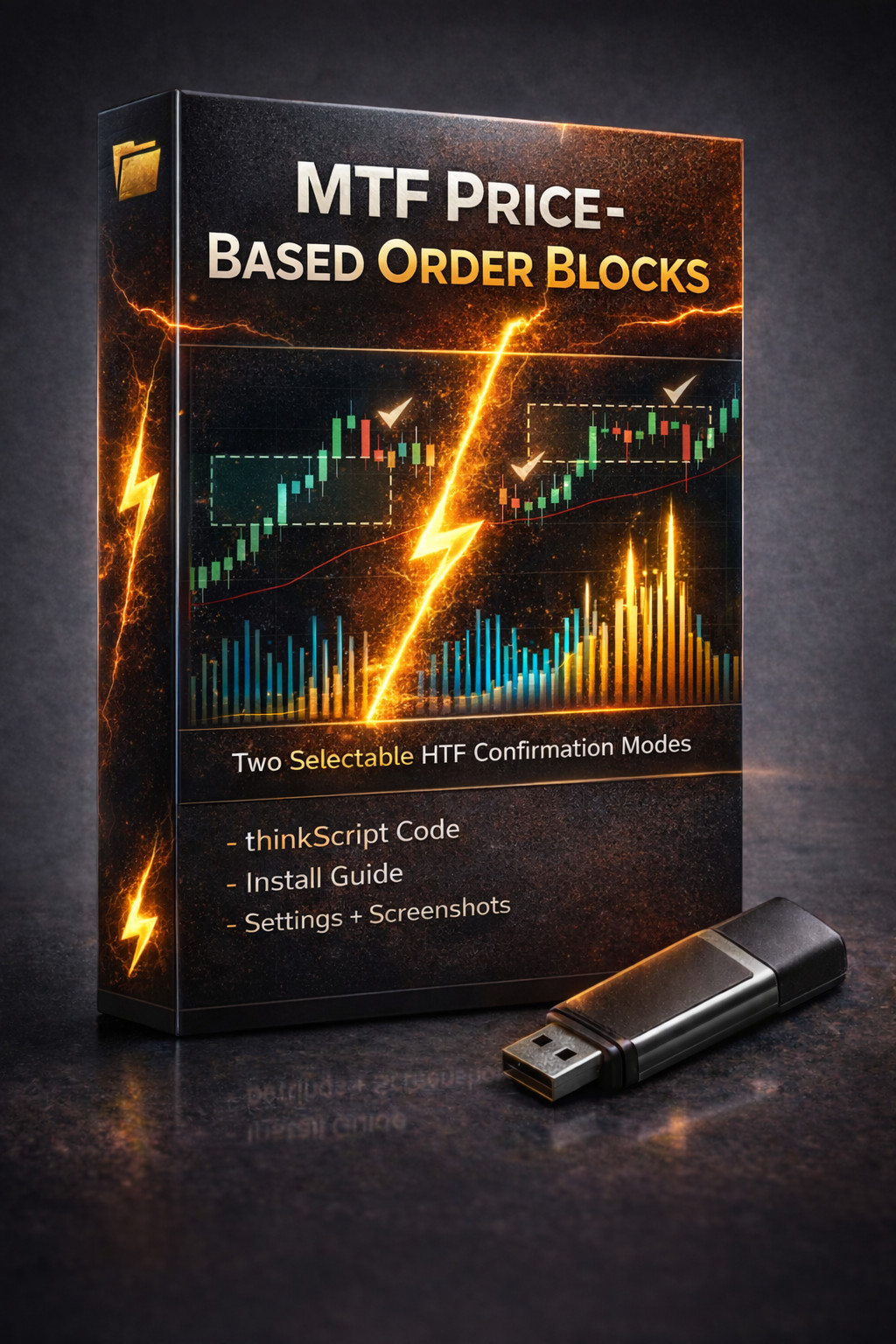
Introducing our New Multi-timeframe PRICE-BASED Order Block Custom Technical Indicator Designed for thinkorswim
🧠 The concept
An Order Block (price-action based) is the last opposing candle before a strong move that breaks market structure. Traders watch these areas because price often revisits them—where they can act like demand (support) or supply (resistance).
🔹 This study uses price structure and candle behavior — not institutional order flow or offer/ask tape data.
This indicator plots those zones automatically so you’re not guessing.
The ADVANTAGE you'll have with this study, is that you'll have the option to choose between two types Higher Timeframe Confirmation: Live HTF candle confirmation or Closed HTF candle confirmation.
Live Candle HTF Confirmation -Best for traders who want early awareness and get a jump-start on where order block zones may form
HTF Order Block zones can appear in the midst of the HTF candle forming
Lets you see where a zone may develop before the candle even closes
Can provide a jump-start on a move or early context
🔎 Note:
But because the HTF candle is still forming, the zone may adjust or completely disappear depending on how that candle ultimately closes.
Closed Candle HTF Confirmation -Best for traders who want stability and certainty of where the order block zones are located
HTF Order Block zones appear only after the HTF candle fully closes. The zone appears based on the last completed HTF candle
Once it appears, zones are permanent and will not change
Ideal for traders who prefer clean, confirmed structure
🔎 Trade-off:
Zones are calculated from the last fully closed HTF candle, so they can only appear after that HTF candle completes. This creates a natural “1-HTF Candle confirmation” effect: you get stable, final zones, but you won’t see potential zones forming mid-candle like you would in Live mode.
🔍 The Logic (How It Works — Confirmed Structure)
This study uses a confirmed market-structure approach to reduce noise and random zones:
Detects confirmed swing highs/lows using Pivot Strength
Waits for a Break of Structure (BOS)
After the BOS, it selects the Order Block candle:
The zone is drawn from that candle’s High → Low range
Zones remain until invalidation:
✅ Objective rules. Clean zones. Less guessing.
🎯 Why multi-timeframe Order Blocks help day traders
HTF zones = the map, LTF zones = precision
Confluence matters: when HTF + LTF zones overlap, reactions can be stronger
Cleaner decision-making: you can quickly see where buyers may defend vs where sellers may reject
✅ What this indicator does
This study automatically maps price-action–based Order Block zones from:
Your current chart timeframe (LTF), and
A selectable Higher Timeframe (HTF) overlay (default: 5-minute)
So you get the best of both worlds:
🎯 What you’ll see on the chart
LTF zones (current chart timeframe):
HTF overlay zones (higher timeframe):
✅ HTF zones are intentionally lighter + thicker so you can instantly tell them apart from LTF zones at a glance.
Timeframe & HTF Notes
Designed for time-based charts.
The HTF overlay uses true HTF candles (not estimated from your current chart bars).
If your chart TF and HTF don’t align (ex: 3m + 4m), HTF zones may print/update on the next chart bar due to candle close timing—this is a display timing effect, not a level error.
Best experience: 1m–5m charts with 5m/15m/30m HTF overlays.
Reminder on Signal Behavior:
Live HTF mode: HTF zones can update during the actively forming HTF candle and may adjust/disappear until that HTF candle closes.
Closed HTF mode: HTF zones are based on the last fully closed HTF candle, so they won’t change mid-candle.
Best practice: Treat BOS/zones as confirmed at candle close, especially on fast (READ BEFORE BUYING)***********************
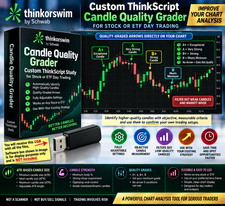
- You will be receiving aUSB-A flash drive with this purchase. USB-A flash drive works inUSB 3.0 and USB 2.0ports (backward compatible). If your computer only hasUSB-Cports, you may need a USB-C to USB-A adapter (not included).
You must already have anactive thinkorswim® account(Schwab / TD Ameritrade). Platform access isnotincluded.
This indicator is for thethinkorswim desktop platform only(not mobile, not other brokers/platforms).
Buyers should already bereasonably familiar with thinkorswim, including how to:
For best results:
- There isno single “magicsetting”that works perfectly on every ticker and timeframe.
TRADING IS RISKY, SO ALWAYS use proper & safe risk management.Trade with a defined risk level (stop loss or max dollar risk). Never risk money you cannot afford to lose.
Important DisclaimerLike any technical indicator, this can and will produce false signals, losing trades, and whipsaws.
There are no guarantees of profit, accuracy, or performance. Past performance is not indicative of future results.
This product is provided for educational and informational purposes only and does not constitute financial, investment, or trading advice.
You are solely responsible for your own trading decisions, parameter choices, position sizing, and risk management. Trading involves substantial risk and can result in loss of capital.
thinkorswim® and any broker names mentioned are trademarks of their respective owners. This product is not affiliated with, endorsed by, or sponsored by Schwab, TD Ameritrade, or any broker.
This indicator is provided for educational and informational purposes only. It is not financial advice. The seller/creator cannot and does not accept any responsibility for trading losses or damages of any kind that may result from its use. You are fully responsible for your own trades and risk.You are solely responsible for your own trading decisions, position sizing, and risk management. It is strongly recommended that you always trade with a clearly defined risk level (such as a stop loss or maximum loss per trade). The seller/creator cannot be held responsible for any trading losses or damages that may occur from the use of this indicator.