🔥 SAVE BIG ON LINUX MEGA PACKS 🔥
🛒 VISIT MY store LINK HERE 🛒
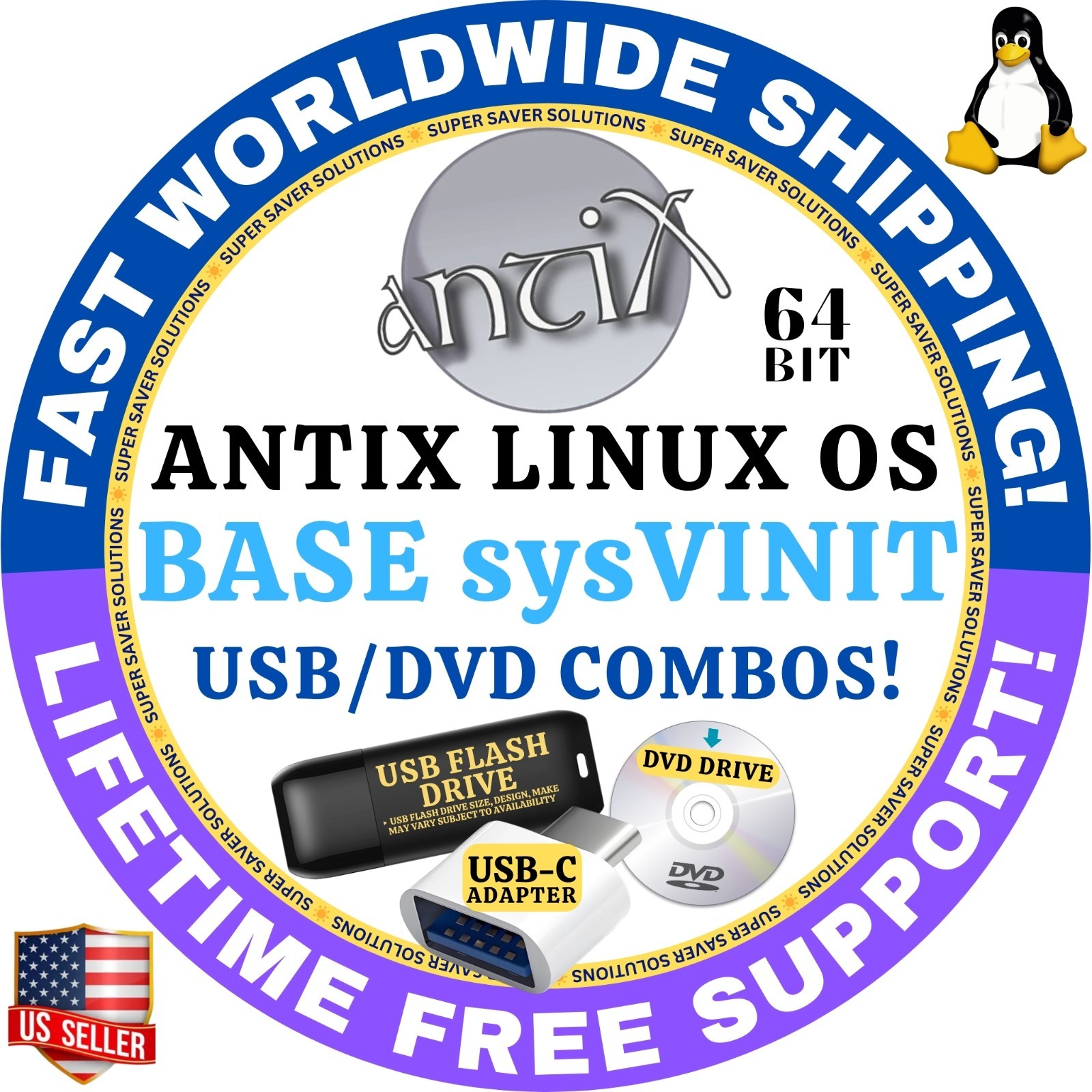
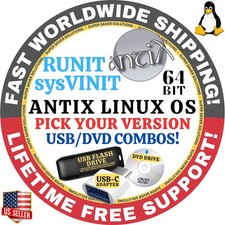
🚚 Ships Worldwide in Tamper Proof PackagingantiX Linux Installer USB PENDRIVE / DVDLightweight, Fast, and Perfect for Older PCs!
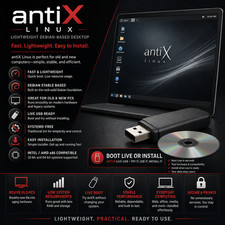
antiX is easy to install systemd-free and elogind-free linux live CD distribution based on Debian Stable for Intel-AMD x86 compatible systems. antiX offers users the “antiX Magic” in an environment suitable for old and new computers. So don’t throw away that old computer yet!antiX also has two possible init systems:sysVinit(default option) orrunit.If you don't know or care about init systems, choose the sysVinit version.Each of these architectures and init system comes in 4 possible "flavours"
antiX-full(c1.8GB) – 4 windows managers – IceWM (default), fluxbox, jwm and herbstluftwm plus full libreoffice suite.
Suitable for most users.Lots of applications pre-installed and has the best hardware support.
antiX-base(c1.2GB) – 4 windows managers – IceWM (default), fluxbox, jwm and herbstluftwm.
Suitable for those who want to customise what to install.
antiX-core(c520MB) – no gui environment, but should support most wireless.
Suitable for confident/comfortable users who want to build up from a minimal install.
antiX-net(c220MB)- no X. Just enough to get you connected (wired) and ready to build. (NOTE – to connect to the Internet, you might need to type as root user ifup eth0 or ifup eth1). Suitable for Advanced users.
✅ WHO SHOULD BUY THIS KIT?
This installer kit is ideal for anyone looking for reliable installation media for antiX Linux. It is perfect if you are searching for any of the following:
• antiX Linux bootable USB or bootable DVD
• antiX Linux installer USB or installer DVD
• antiX Linux USB/DVD installer kit
• antiX Linux install USB drive or install DVD disc
• antiX Linux live USB or live DVD installer
• antiX Linux lightweight OS installer (USB or DVD)
• antiX Linux low-resource Linux USB installer
• antiX Linux for old PCs or low-spec computers
• antiX Linux fast boot Linux USB installer
• antiX Linux operating system installation media
This kit is perfect for users who want a fast, lightweight, and efficient Linux system, especially for older laptops or desktops, system recovery, testing Linux without installation, or setting up a clean and responsive computing environment.
‼️ FREE SHIPPING takes up to 7-12 business days to deliver & comes with no tracking. This is how I pass on these unbelievable discounts to you for my time & service.
✅NEED IT FASTER? SELECT FASTER SHIPPING OPTIONS WITH TRACKING AT THE CHECKOUT.
☑️ HOW TO BOOT LINUX OS FROM USB OR DVD?
✅STEPS FOR WINDOWS PC & CHROMEBOOKS
1. Turn-off your computer
2. Insert the USB/DVD into any available USB port/DVD drive.
3. Switch on your computer
4. Press the key that allows your computer to boot to an alternate device (ESC on many HPs, F12 on many Dells, F8 on many custom builds, yours may vary, see your computer's documentation)
5. At the Book-up screen, select Boot from USB Interface or Boot from DVD option, press enter.
6. Wait for OS to load, then follow on-screen links for initiate OS.
7. Wait for system to boot into Linux OS. Done! Enjoy!
✅STEP FOR APPLE MACS DEVICES
1. Turn-off your computer
2. Insert the USB into any available USB port
3. Switch on your computer
4. Press the Option keyon your keyboard to go the boot menu
5. Select EFI Book
6. Follow on-screen links for initiate OS.
7. Wait for system to boot into Linux OS. Done! Enjoy!