DevPurple - Ultimate Money Manager Ex Pack DEVPURPLE
Premium Software Collections
ULTIMATE MONEY MANAGER EX PACK
Money Manager Ex for Windows, macOS and Linux, with two Windows releases, 32 bit and 64 bit editions, the official portable archives, and every Mac disk image from macOS 10.10 onward.
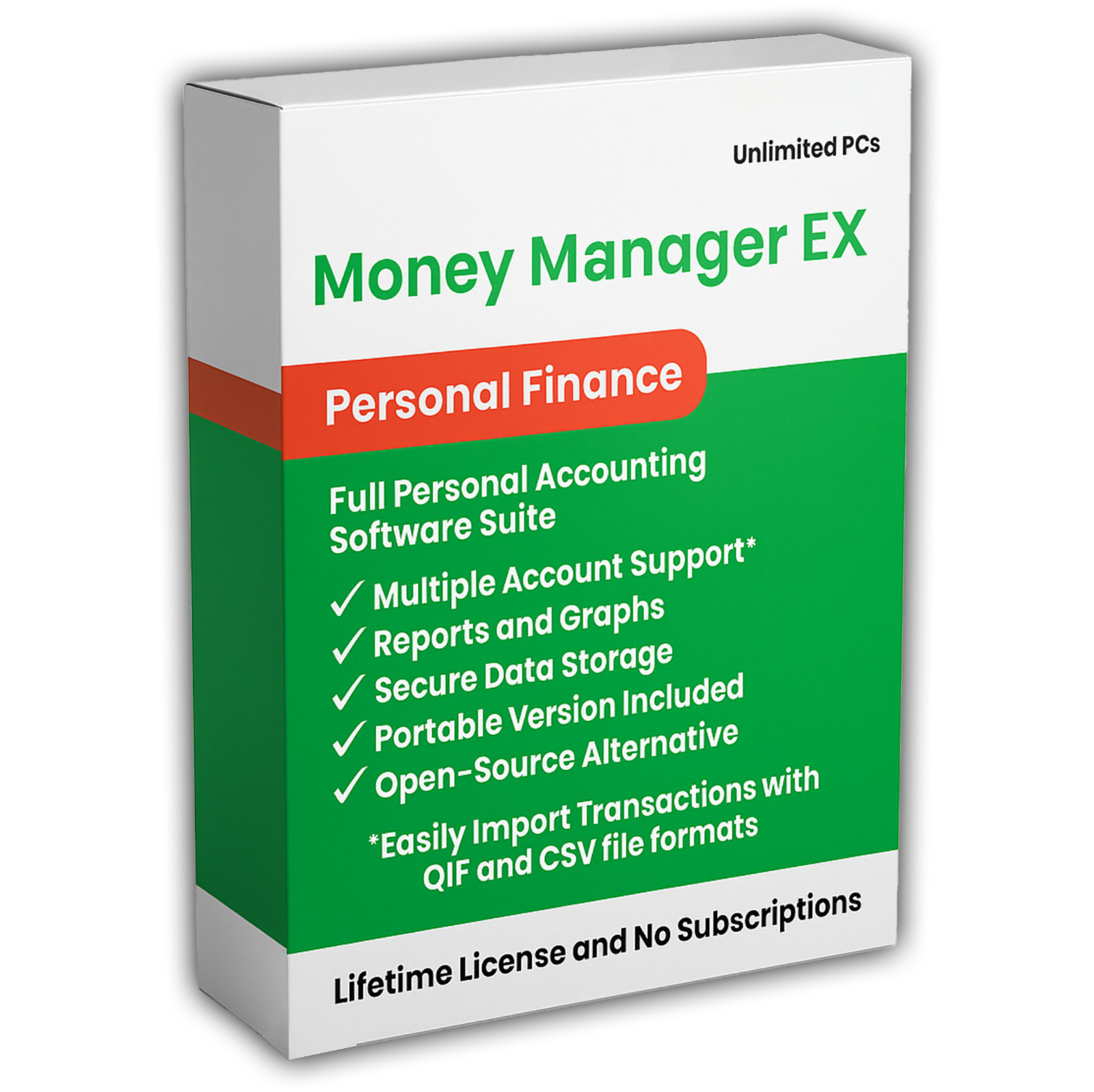
Money Manager Ex is a open source money management program. It keeps your accounts, your budget, your scheduled bills and your investments in one database file that stays on your own computer. This pack carries the current release, version 1.9.4, as a 64 bit installer, a 32 bit installer, and the official portable archive for each. It also carries version 1.9.3 in the same four builds, because the project's own release notes name 1.9.3 as the release to use if the date range filter issue in 1.9.4 causes trouble. Both lines are complete releases.
The important technical fact is where the data lives. Money Manager Ex keeps everything in a single database file in a folder you choose. It does not connect to your bank, it does not create an account anywhere, and it does not upload anything. You enter transactions yourself, or you import the QIF or CSV file that your bank already lets you download. From there the program produces registers for every account, monthly and yearly budgets, scheduled transactions, asset values, investment holdings, and reports with charts. Backing the whole thing up means copying one file.
Setup is a standard Windows installer, or an archive you unzip and run with nothing installed. The first launch shows the project's license agreement, then the database wizard, and you are entering accounts a minute later. No accounting background is needed for that.
Everything The Project Publishes, In One Place
- Windows 10 and 11: the current release, Money Manager Ex 1.9.4, as a 64 bit installer, a 32 bit installer, and a portable archive for each edition.
- Windows 7, 8 and 8.1: the project's compatibility page lists Windows 7, 8, 8.1, 10 and 11 as supported, and the same 32 bit and 64 bit builds serve them.
- The previous release: Money Manager Ex 1.9.3 in the same four Windows builds, included because the project names it in the 1.9.4 notes.
- Mac: one Universal disk image for macOS 11 and newer that carries native code for both Intel and Apple Silicon, the 1.9.0 image for macOS 10.12 through 10.15, and the 1.6.1 image for macOS 10.10 and 10.11.
- Linux: Ubuntu packages for 22.04 and 24.04 from the current release, Ubuntu packages for 18.04 and 20.04, RPM packages for Fedora, openSUSE Tumbleweed, CentOS Stream and SUSE Leap, and the Flatpak published by the project on Flathub.
- The source code: the tagged source archive for the current release, which is the route the project supports on any other Linux.
Where Your Money Data Lives
- One file, on your computer: the database is a single file in a folder you choose, and copying that file is the whole backup.
- No bank connection: transactions are entered by hand or imported from a QIF or CSV file that your bank exports.
- No account and no sign-in: the program works offline, and nothing is sent anywhere.
- Import and export: QIF and CSV import, and QIF, CSV and HTML export.
- Encryption: the project lists AES encryption for the database, unifying to AES256.
- Your own cloud if you want one: the project supports keeping the database on a cloud provider that you choose.
- Attachments: receipts, invoices and contracts can be attached to a transaction, an account or an asset, so the paperwork sits with the entry.
What You Can Do With It
- Track every account: bank accounts, credit cards, loans, cash and investments side by side, each account with its own currency.
- Build a budget: set a monthly or yearly figure per category, then compare it against what was actually spent.
- Schedule the regular bills: rent, insurance and subscriptions are entered on their own dates instead of being remembered.
- Watch the investments: shares and funds sit beside the day to day accounts, so the whole picture is in one place.
- Include the big things: a car or a house is held as an asset and counts within your net worth.
- Run reports: built-in reports and charts for any date range or account, plus custom reports written with SQL, Lua and HTML.
- Find anything: search, filter and sort transactions on every field, and mark them with statuses as they clear.
- Work in your own language: more than thirty translations, with built-in help pages in fourteen of them.
System Requirements
- Windows: 7, 8, 8.1, 10 or 11, in 32 bit or 64 bit editions, as listed on the project's compatibility page.
- Mac: the Universal image for macOS 11 Big Sur and newer, the 1.9.0 image for macOS 10.12 through 10.15, and the 1.6.1 image for macOS 10.10 and 10.11.
- Linux: the distributions named above, the Flatpak, or a build from the included source.
- Disk space: about 59 MB installed for the 64 bit Windows build and about 55 MB for the 32 bit build, measured while this pack was made.
- Processor and memory: the project publishes its operating system compatibility and does not publish minimum processor or memory figures on its current pages, so none are quoted here. It is a database front end rather than a graphics application.
- Administrator rights: needed to run the Windows installer, and not needed for the portable archives.
- No internet connection is needed to install or to use the program.
What's Included
- One Physical Media: Your choice of a Premium USB Drive or DVD, pre-loaded with the complete pack
- Windows 1.9.4, the current release: 64 bit installer, 32 bit installer, 64 bit portable archive, and 32 bit portable archive
- Windows 1.9.3, the previous release: the same four builds, and the fallback the project's own notes point to
- Mac, three disk images: 1.9.4 Universal for macOS 11 and newer, 1.9.0 for macOS 10.12 through 10.15, and 1.6.1 for macOS 10.10 and 10.11
- Linux, eight packages: Ubuntu 22.04 and 24.04 from the current release, Ubuntu 18.04 and 20.04, Fedora, openSUSE Tumbleweed, CentOS Stream and SUSE Leap
- The source code: the tagged source archive for the current release
- Setup Notes: a Read Me that names every file and the system it serves, and explains the two releases
Shipping & Delivery
- Fast Processing: Orders typically ship within 1-2 business days
- Tracked Shipping: Delivery confirmation included on all orders
- Secure Packaging: Your disc or drive arrives protected and ready to use
- Worldwide Shipping Available: Check listing for rates and estimated delivery times
Satisfaction Guarantee
If there is an issue with your order, contact us and we will make it right (including replacements for defective media).
Why Buy From Dev Purple? Three Systems Covered
Windows, macOS and Linux, with the correct build supplied for each, including native code for both Mac processor types.
Both Windows Releases, Not One
The current release and the previous release are both on the media, in 32 bit and 64 bit, because the project names the previous one as the fallback for the date range filter issue in 1.9.4.
Portable Copies Included
Alongside the installers, the official portable archives run from a folder or a USB drive with nothing installed and no administrator rights.
Genuine Releases
Every installer, disk image, package and source archive here is the official release published by the Money Manager Ex project, taken from the project's own download pages.
No Subscription
Money Manager Ex is open source under the GNU General Public License version 2, with no monthly fee, no product key, and no expiry. The source code is included as well.
Fair Pricing For A Complete Set
One purchase, no subscription, and no expiry date.
Compliance
This listing complies with 's software policy. This is a lawful compilation of redistributable software. No paid, commercial, or copyrighted software is included. Every program fits one of these categories:
- open source: Money Manager Ex is released under the GNU General Public License, version 2, which is stated on the project's own licence page and in its source repository. That licence explicitly grants anyone the right to copy, distribute, and redistribute the software in any medium, provided the licence terms are preserved. The project also publishes the source code for every release, and that source code is included on the media.
- Genuine releases, unmodified: Every file on the media is the official release as published by the Money Manager Ex project, unchanged. Nothing has been patched, cracked, or rebuilt.
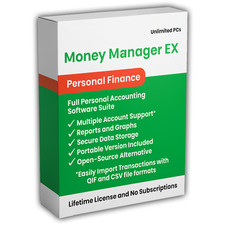
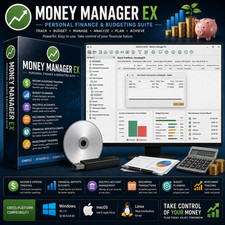
The Money Manager Ex name is used here to refer to Money Manager Ex itself. This pack is an independent compilation and is not endorsed by or affiliated with the Money Manager Ex project. The software box shown in any product images is a display image only and is not included. You receive the media only.
's Verified Rights Owner (VeRO) program targets listings that infringe intellectual property. This listing does not fall into that category because the licence the project chose already authorizes the copying and redistribution being done here. Buyers receive only the rights the original licence grants.
Frequently Asked Questions
How is this item delivered?
This is a physical item (USB drive or DVD) that will be shipped to you. Choose your format when you order.
Which file should I run on Windows?
Start with mmex-1.9.4-win64.exe on a 64 bit PC, or mmex-1.9.4-win32.exe on a 32 bit PC. If you prefer not to install anything, unzip mmex-1.9.4-win64-portable.zip instead and run it from the folder. If the date range filter balance issue in 1.9.4 causes trouble for you, the same four files exist for 1.9.3, and the project's own notes name that release as the fallback.
Does this work on a Mac?
Yes. The 1.9.4 disk image is a Universal build with native code for both Apple Silicon and Intel, and it needs macOS 11 Big Sur or newer. For older Macs the media also carries the 1.9.0 image for macOS 10.12 through 10.15 and the 1.6.1 image for macOS 10.10 and 10.11. To check which processor your Mac has, open the Apple menu, choose About This Mac, and look at the line marked Chip or Processor. Open the disk image, drag Money Manager Ex into your Applications folder, and the first launch is a right-click and Open.
Is a manual included?
The project publishes its manual online and links it from the program's own Help menu, and it does not publish a PDF or EPUB edition, so no manual file is on the media. What the program does carry is built-in help pages in fourteen languages, and the Read Me on the media covers setup and names every file.
Does this software connect to my bank accounts or upload my data?
No. Money Manager Ex works offline and keeps everything in a database file on your own computer. You enter transactions yourself or import a QIF or CSV file exported from your bank. Nothing is uploaded and no account is created.
Can I import data from other software?
Yes. The program imports QIF and CSV files, which covers the export formats that most banks and Quicken-style programs offer, and it exports QIF, CSV and HTML.
Where is my database kept, and how do I back it up?
In one file, in the folder you choose when you create it. Copying that file is a complete backup. The project's 1.9.0 notes explain that the database is updated when a newer series opens it and that it cannot then be opened by earlier versions, and they advise taking a copy first, so keep a copy before you move between series.
Does this software need a product key or activation?
No. Money Manager Ex is released under the GNU General Public License version 2, so there is no product key, no activation step, no registration, and no account. It can be used on as many computers as you like.
Is this a portable program?
Both are here. The installers are standard Windows setup programs that place Money Manager Ex in your Programs list and register an uninstaller. The official portable archives run from any folder, including a USB drive, with nothing installed and no administrator rights.
The software is open source, so what am I paying for?
The media, the assembly and testing of the collection, the written setup notes, the packaging, and the delivery. The programs themselves are open source software, and the licence under which they are published is the reason they can be collected and passed on at all.
Do I need to copy the pack to my computer first?
For DVD orders, copy the pack folder to your computer (for example, your Desktop) first, then run the installer from there. DVDs have much slower read speeds than USB drives, and a DVD install run directly from the disc will be slow.
Important Notes
- This is a PHYSICAL ITEM (USB DRIVE OR DVD) that will be shipped to you. Choose your format when you order.
- Windows, macOS, and Linux are all covered, with native code supplied for both Mac processor types.
- Every file is the official release, unmodified, taken from the Money Manager Ex project's own download pages.
- Two Windows releases are included. Version 1.9.4 is the current one, and version 1.9.3 is the fallback the project's own notes name for the date range filter balance issue.
- No PDF manual is published by the project. The manual is online and linked from the program's Help menu, and the program carries built-in help in fourteen languages.
- Contact us with any questions before or after your purchase.
Thanks for Shopping with DevPurple!
Your premium software collection is here.
© 2026 DevPurple. All rights reserved.